bsuryaputra Reviews
47 reviews across 47 games

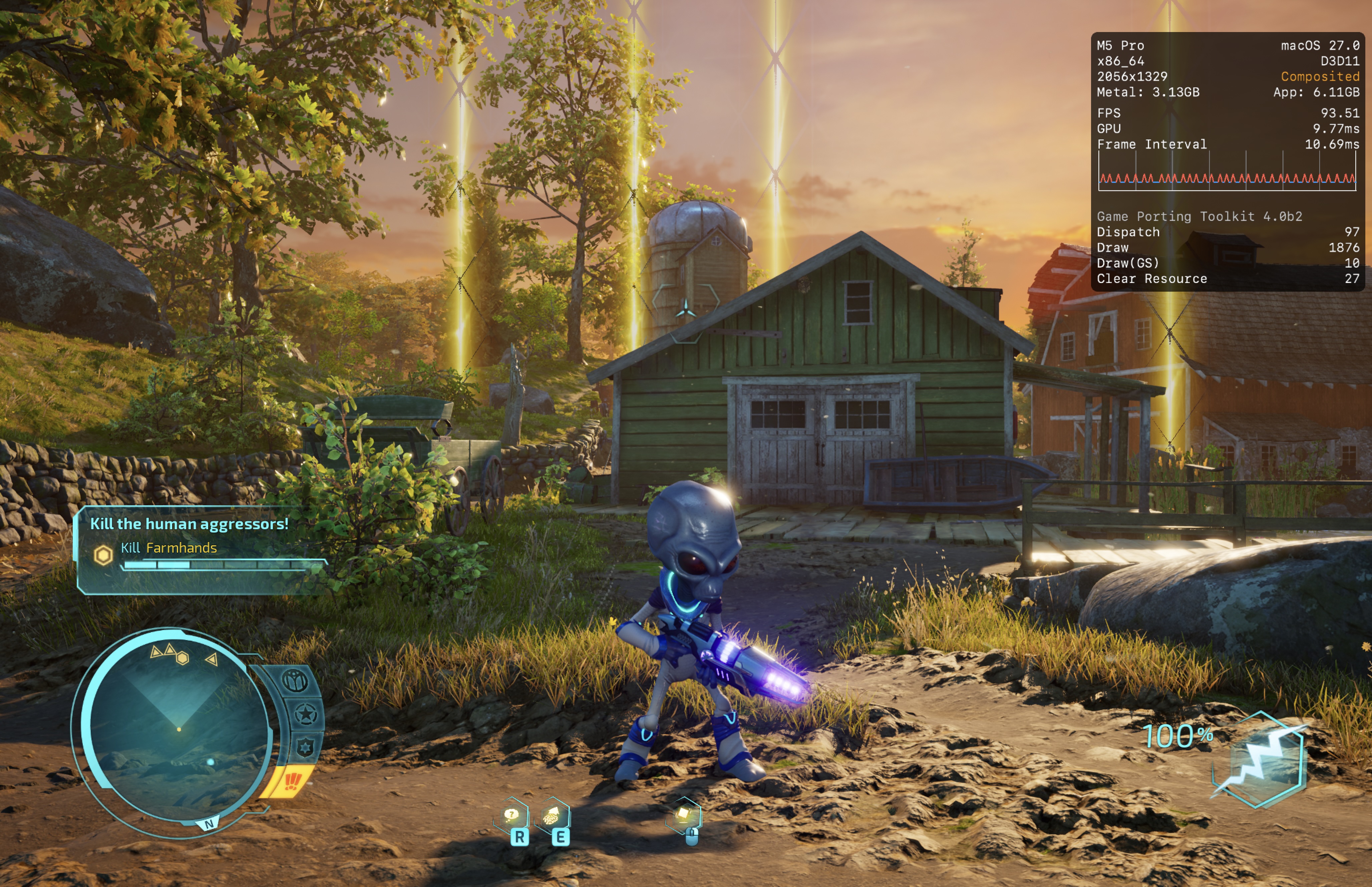
Destroy All Humans!


CrossOver
vCrossover Preview 20261006

- Graphics:
- ULTRA
- FPS:
- 60
- Resolution:
- 2056 X 1329
- Machine:
- MacBook Pro
- Chip:
- M5 PRO
- Cores:
- 18 CPU, 20 GPU
- RAM:
- 48 GB
Review Note:
Seems to run without much issues. Also runs well under DXMT

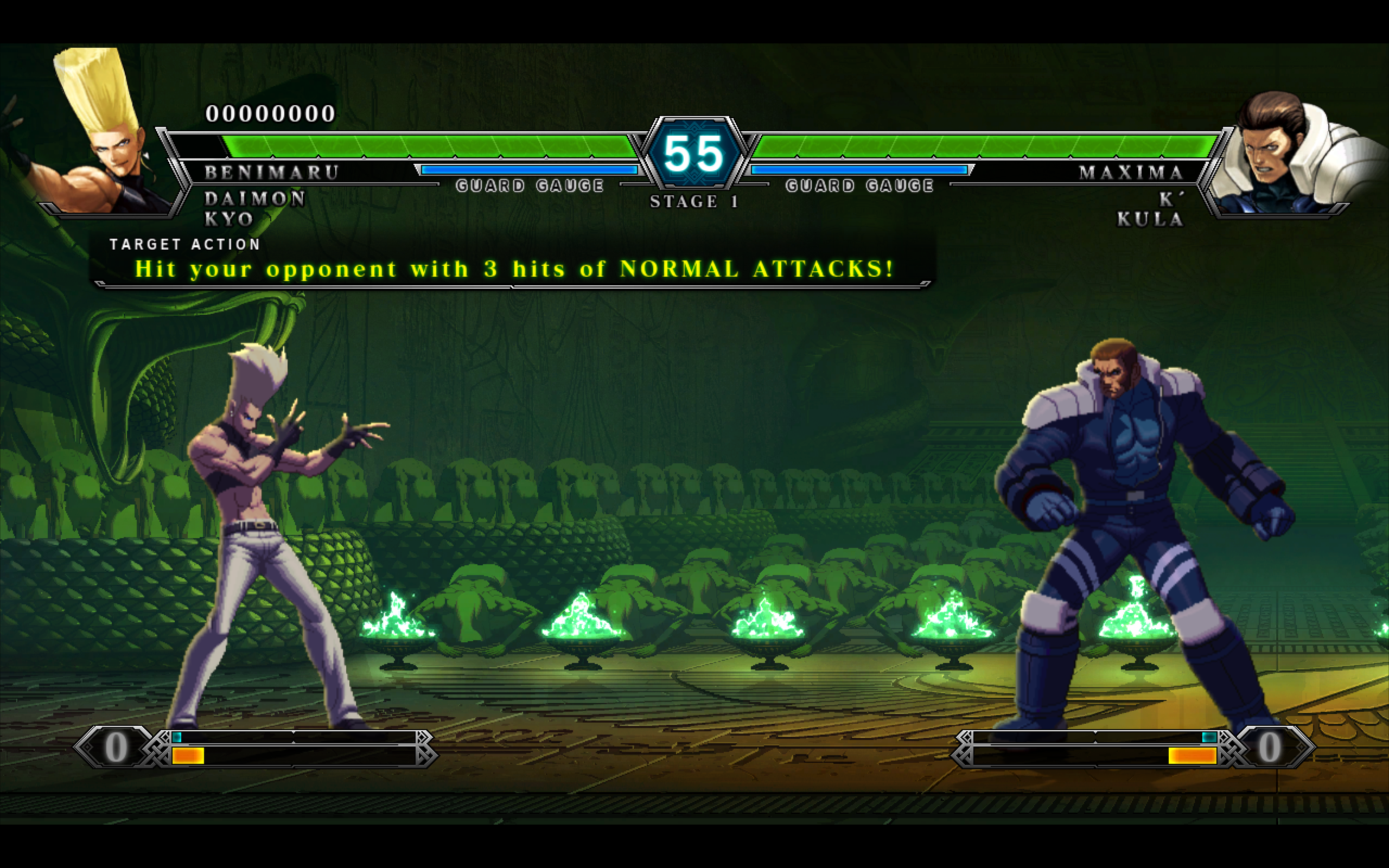
THE KING OF FIGHTERS XIII STEAM EDITION
CrossOver
vCrossover Preview ARM64 20261006- Graphics:
- HIGH
- FPS:
- 60
- Resolution:
- 2560 X 1440
- Machine:
- MacBook Pro
- Chip:
- M5 PRO
- Cores:
- 18 CPU, 20 GPU
- RAM:
- 48 GB
Review Note:
Needs Crossover Preview ARM64 to run well. Add FEX_X87REDUCEDPRECISION=1 to run the game under FEX and not Rosetta. Also needs to add -r to the launch option in Steam. With that, it seems to run perfectly. Online play not tested
SAMURAI SHODOWN
CrossOver
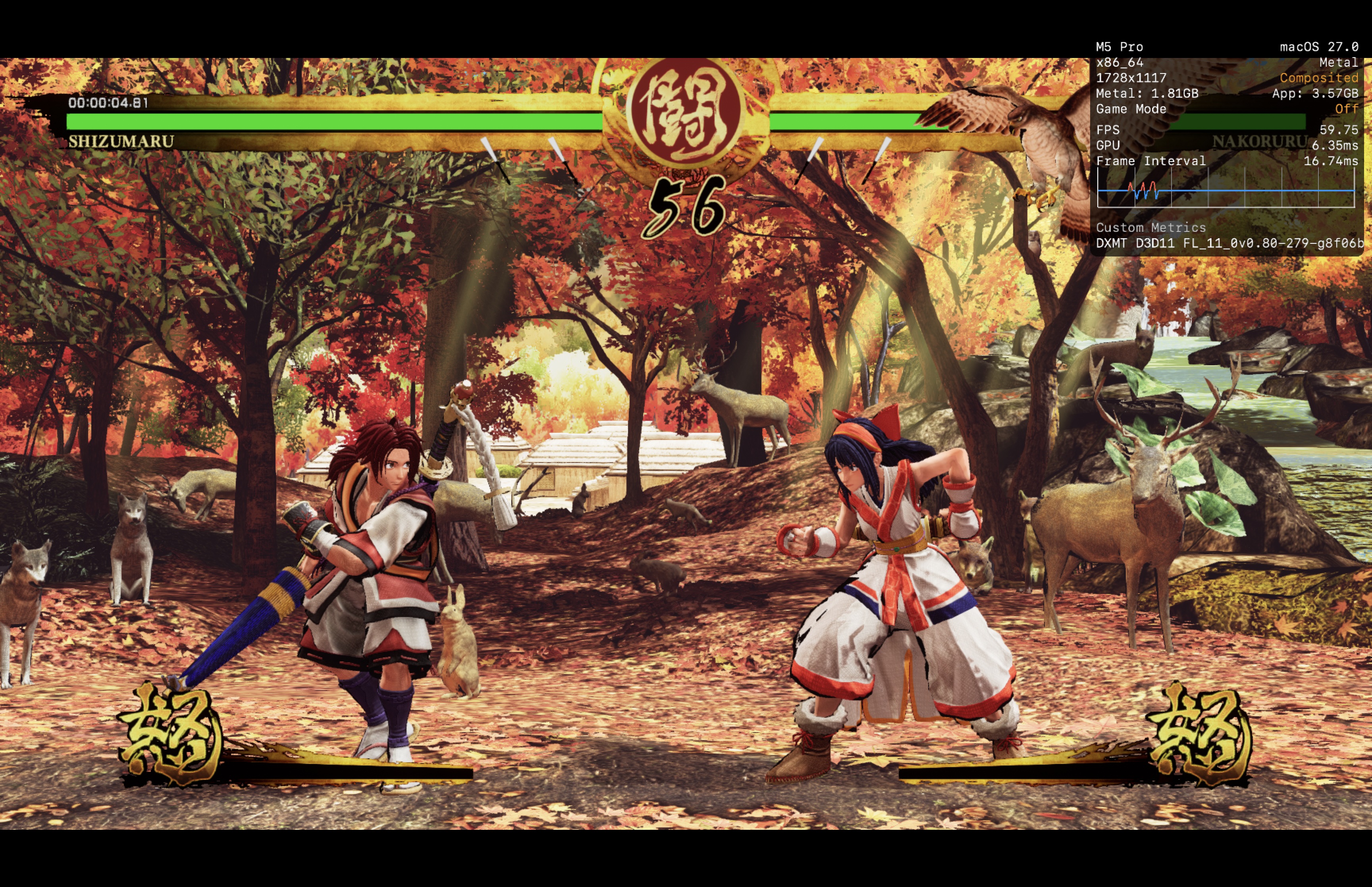
vCrossover Preview 20261006- Graphics:
- HIGH
- FPS:
- 60
- Resolution:
- 1728 X 1117
- Machine:
- MacBook Pro
- Chip:
- M5 PRO
- Cores:
- 18 CPU, 20 GPU
- RAM:
- 48 GB
Review Note:
Works on both D3DMETAL and DXMT. DXMT seems to run with less stutters.
The Ascent
CrossOver
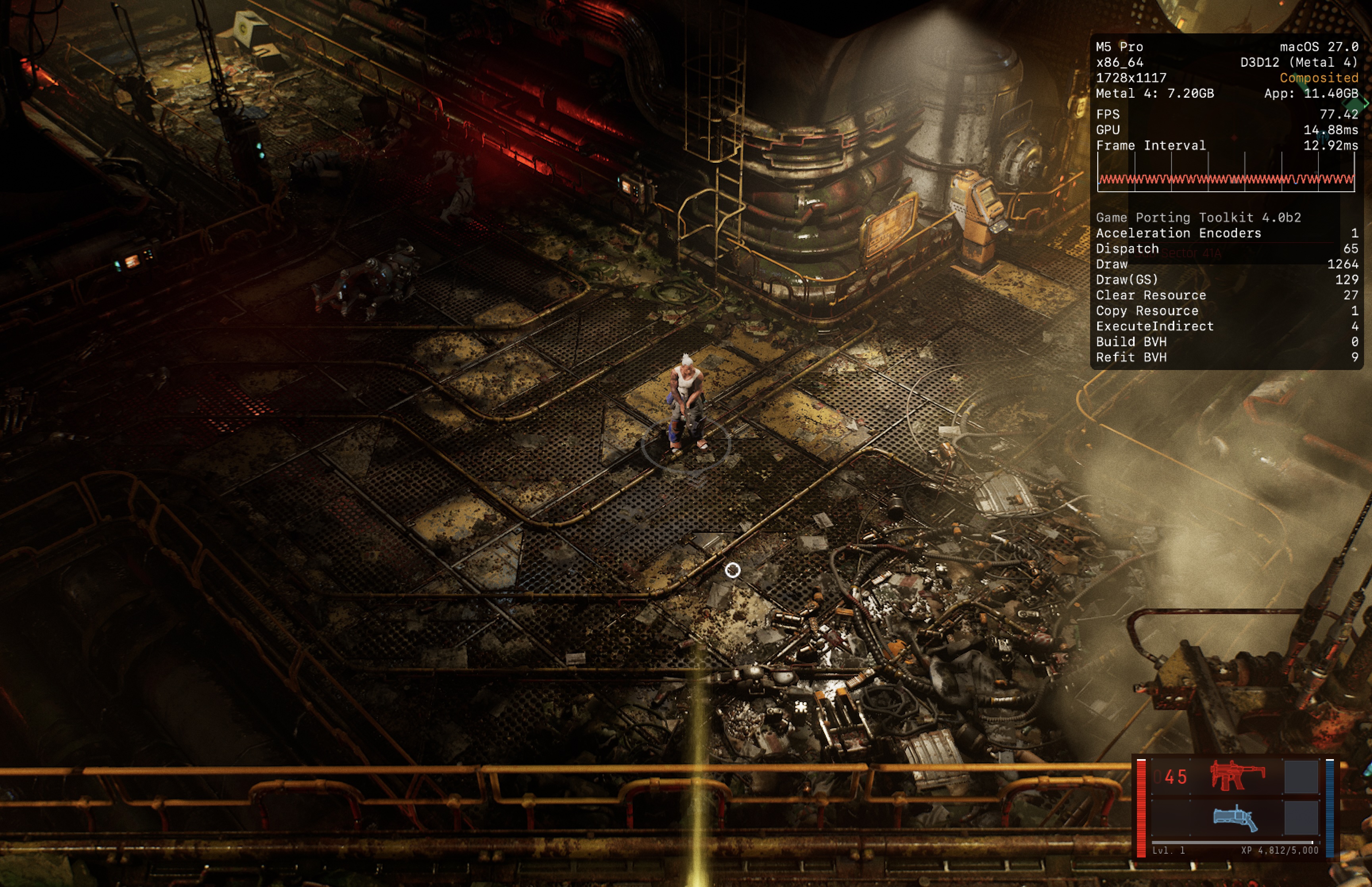
vCrossover Preview 20261006- Graphics:
- ULTRA
- FPS:
- 60
- Resolution:
- 1728 X 1117
- Machine:
- MacBook Pro
- Chip:
- M5 PRO
- Cores:
- 18 CPU, 20 GPU
- RAM:
- 48 GB
Review Note:
DLSS has an issue where the screen turns black during dialogue. No such issues when DLSS is turned off
Max Payne 2: The Fall of Max Payne
CrossOver
vCrossover Preview ARM64 20261006- Graphics:
- HIGH
- FPS:
- 120
- Resolution:
- 2560 X 1600
- Machine:
- MacBook Pro
- Chip:
- M5 PRO
- Cores:
- 18 CPU, 20 GPU
- RAM:
- 48 GB
Review Note:
Runs perfectly with FEX_X87REDUCEDPRECISION=1

Grand Theft Auto V Enhanced
CrossOver
vPreview v20260717- Graphics:
- ULTRA
- FPS:
- 60
- Resolution:
- 2334 X 1460
- Machine:
- MacBook Pro
- Chip:
- M5 PRO
- Cores:
- 18 CPU, 20 GPU
- RAM:
- 48 GB
Review Note:
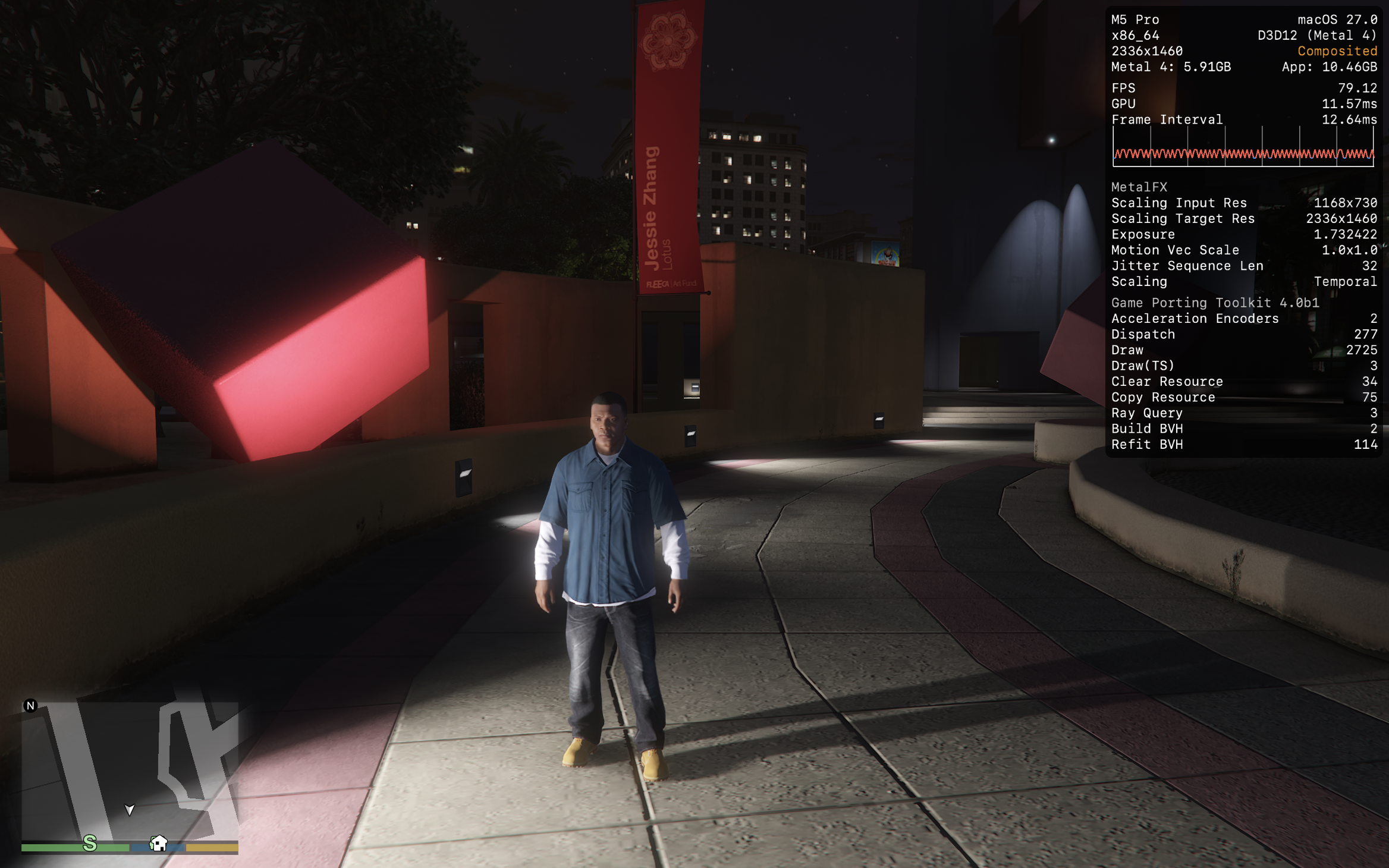
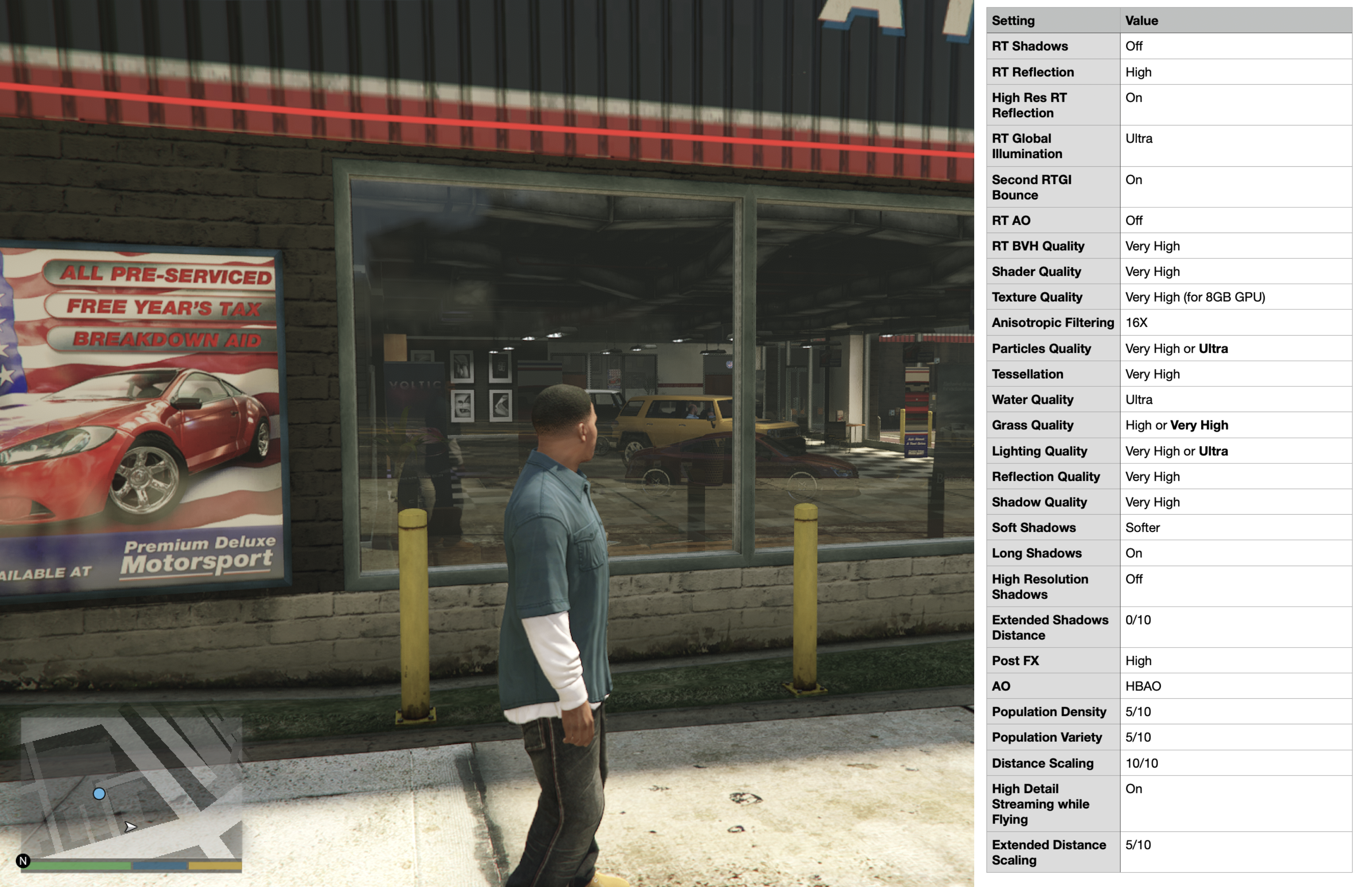
The GTA V Enhanced version finally playable on Crossover Preview 20260717. Runs excellently even with ray tracing. Almost no stutters at all from shader compilation even without ever playing the game. Some issues with audio in which character voices is only playing through the right channel and radio playing on the left channel (only happens in car and cutscenes)

Watch_Dogs® 2
CrossOver
vCrossover Preview 20260616- Graphics:
- HIGH
- FPS:
- 60
- Resolution:
- 1728 X 1117
- Machine:
- MacBook Pro
- Chip:
- M5 PRO
- Cores:
- 18 CPU, 20 GPU
- RAM:
- 48 GB
Review Note:
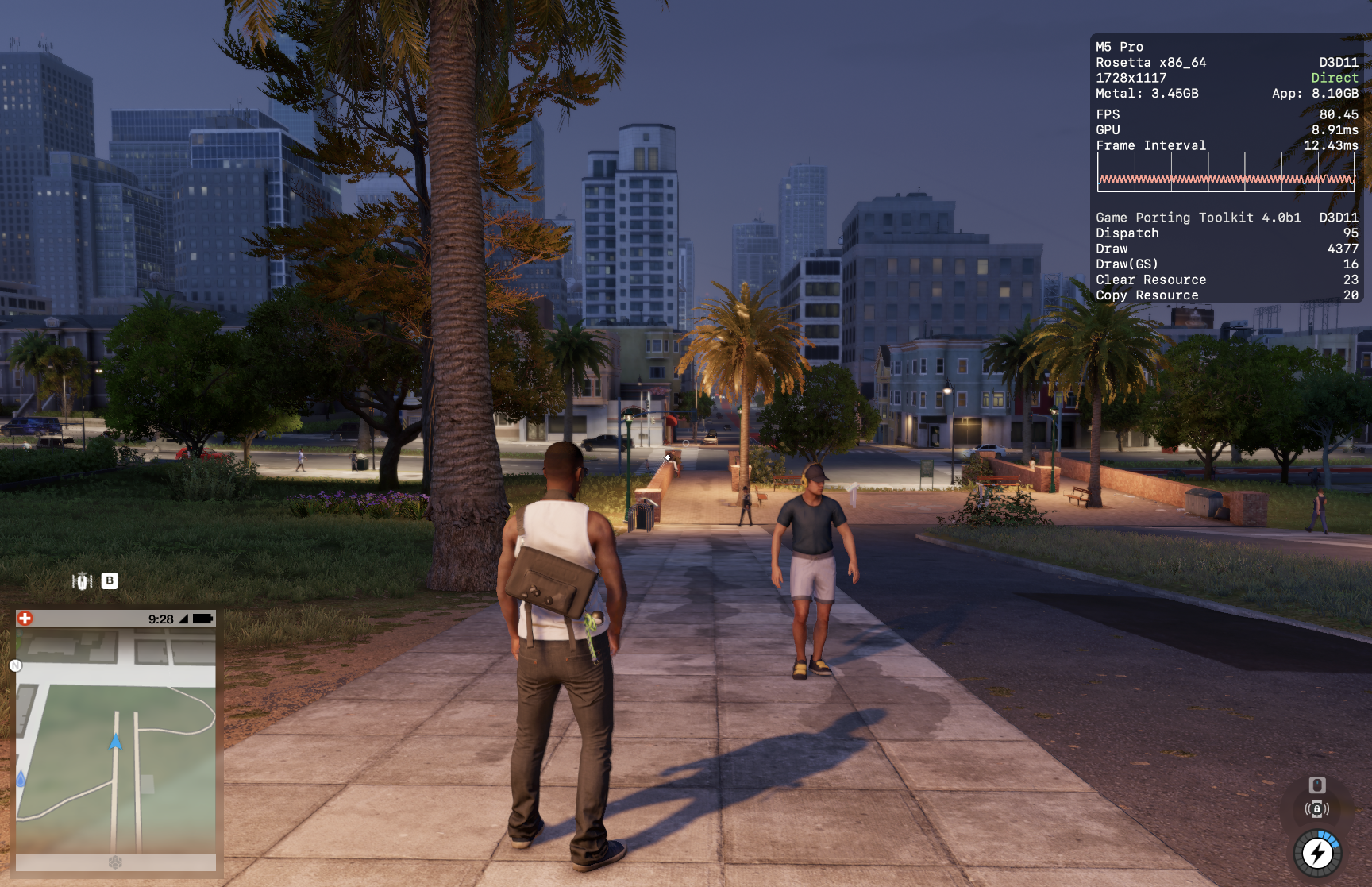
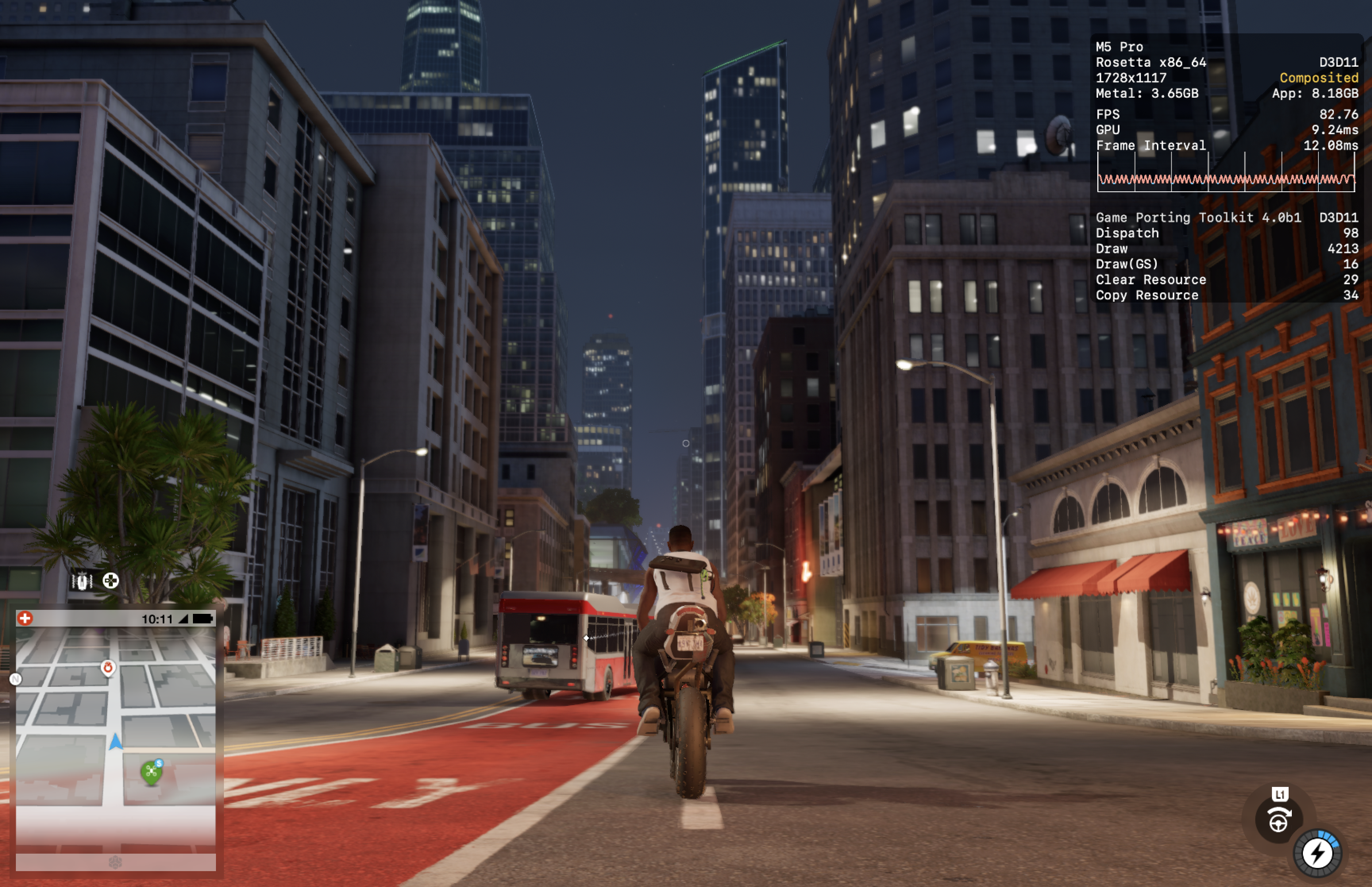
Runs on both DXMT and D3DMETAL. The bloom effect looks weird on both version and I'm not sure if that's normal or a glitch. The game will crash unless DLSS is turned off in Crossover settings. Some micro stutters but overall the game runs well
Watch_Dogs™
CrossOver
vCrossover Preview 20260616- Graphics:
- ULTRA
- FPS:
- 60
- Resolution:
- 2056 X 1329
- Machine:
- MacBook Pro
- Chip:
- M5 PRO
- Cores:
- 18 CPU, 20 GPU
- RAM:
- 48 GB
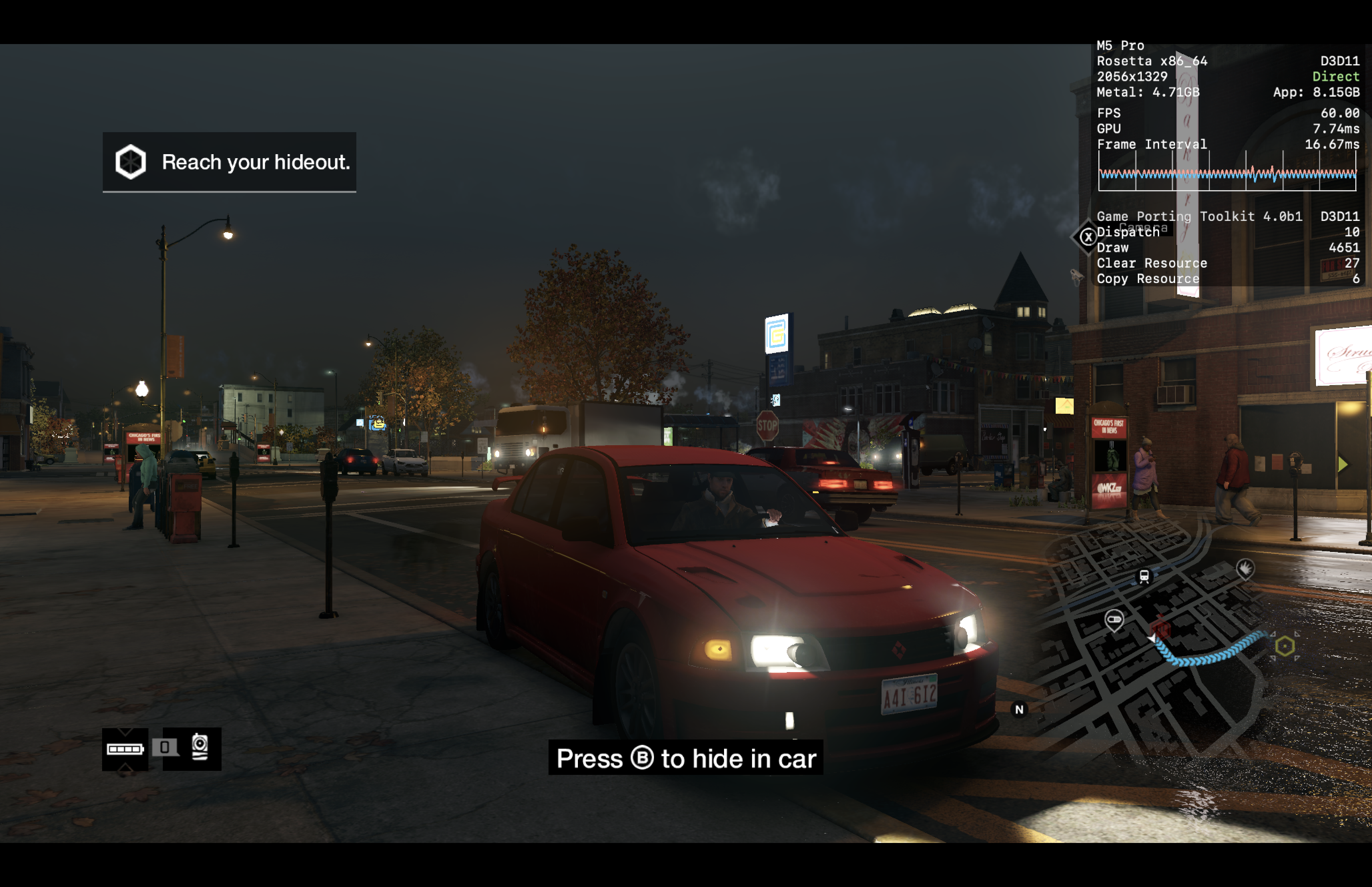
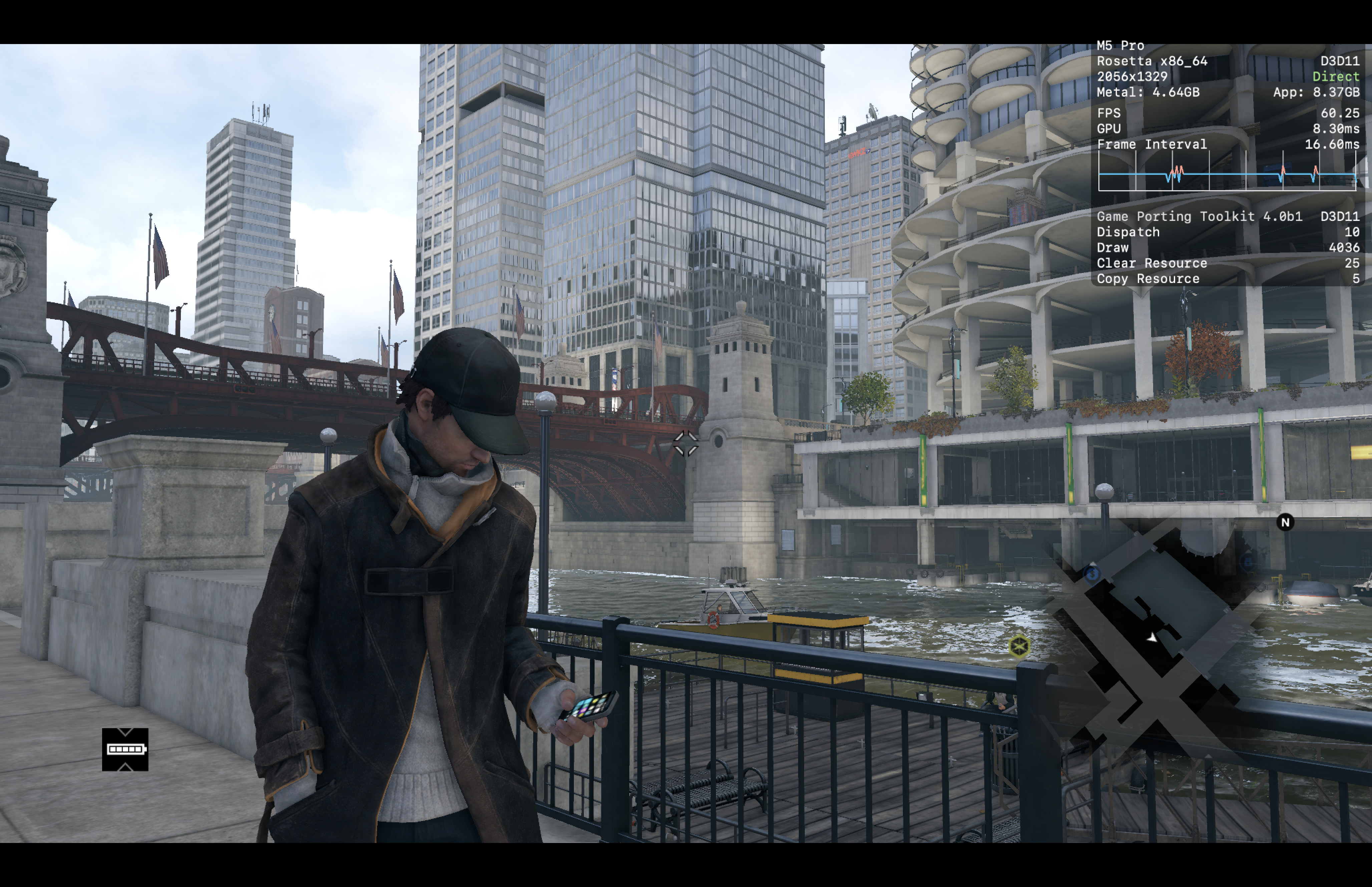
Review Note:
DXMT has some graphical issues. D3DMETAL with GPTK 4.0 works when I turned off DLSS and MSYNC. Audio issues (inaudible dialogue) can be fixed by overriding xaudio2_7.dll (builtin) and mapping the audio output to a stereo output. I did this using Blackhole 16ch and Ladiocast.
South Park™: The Stick of Truth™
CrossOver
v26.2- Graphics:
- HIGH
- FPS:
- 60
- Resolution:
- 1728 X 1117
- Machine:
- MacBook Pro
- Chip:
- M5 PRO
- Cores:
- 18 CPU, 20 GPU
- RAM:
- 48 GB
Review Note:
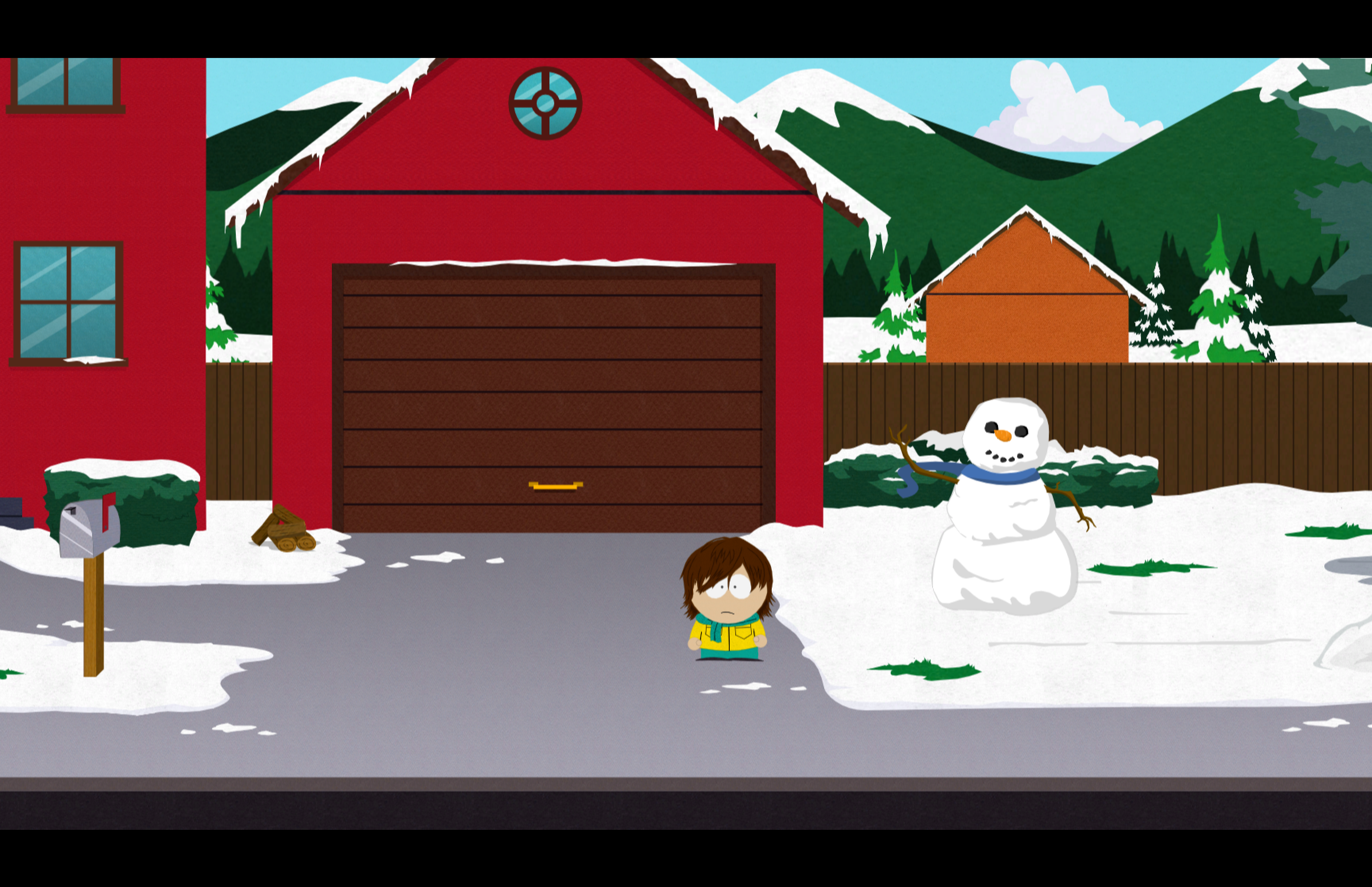
Can't get Metal HUD to show. Runs without issues


South Park™: The Fractured But Whole™
CrossOver
v26.2- Graphics:
- HIGH
- FPS:
- 120
- Resolution:
- 1728 X 1117
- Machine:
- MacBook Pro
- Chip:
- M5 PRO
- Cores:
- 18 CPU, 20 GPU
- RAM:
- 48 GB
Review Note:
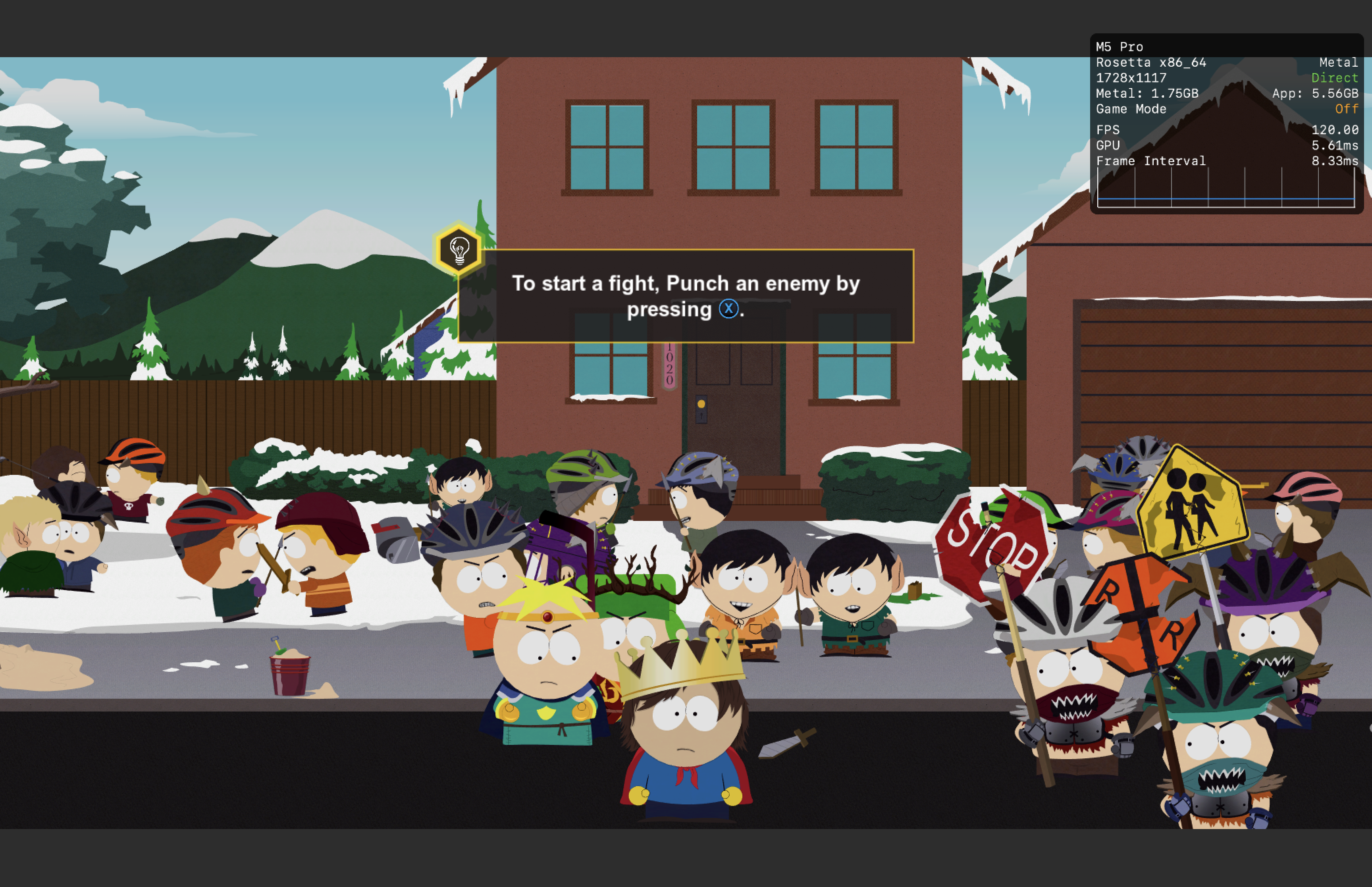
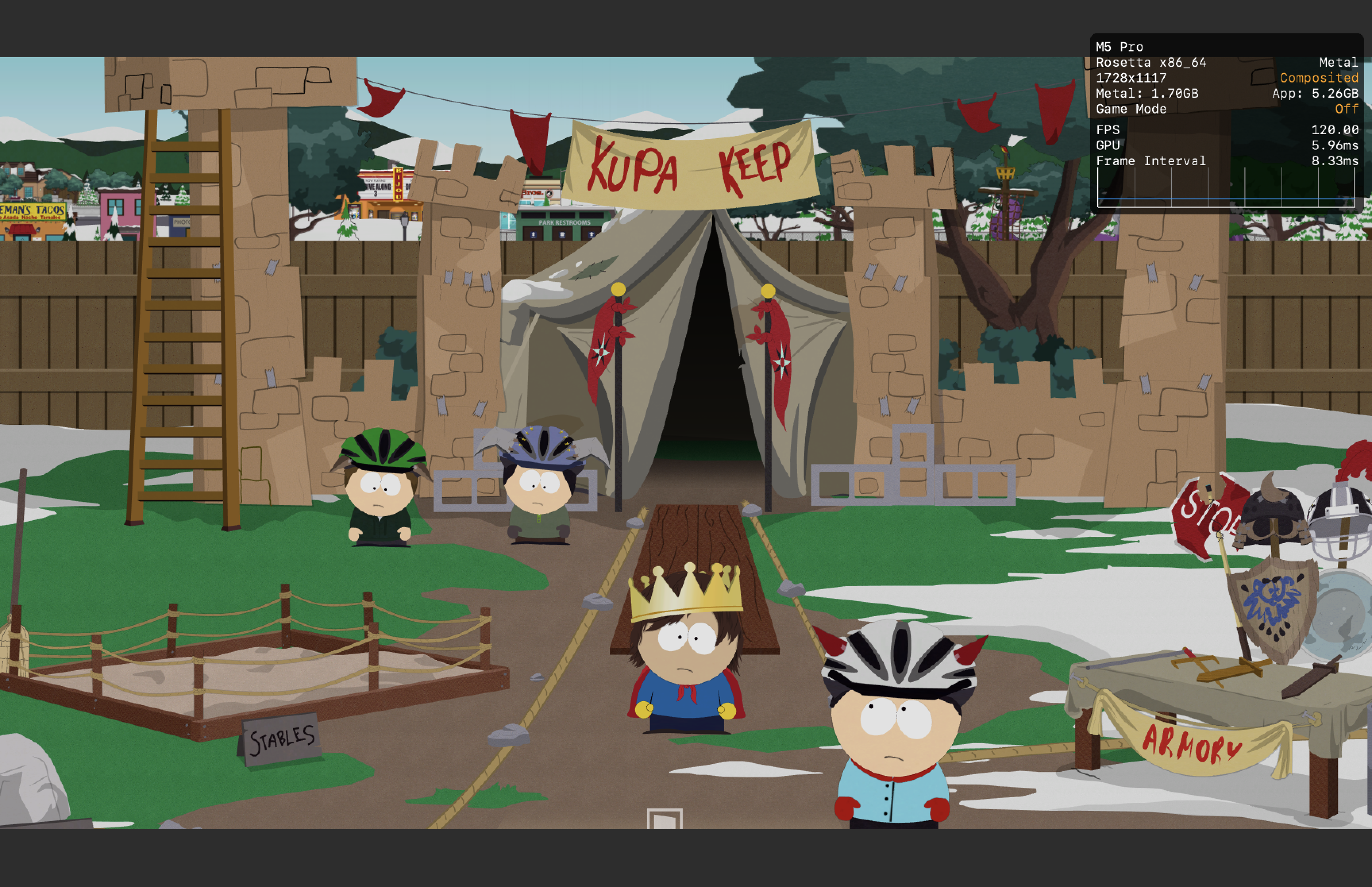
Runs without issues

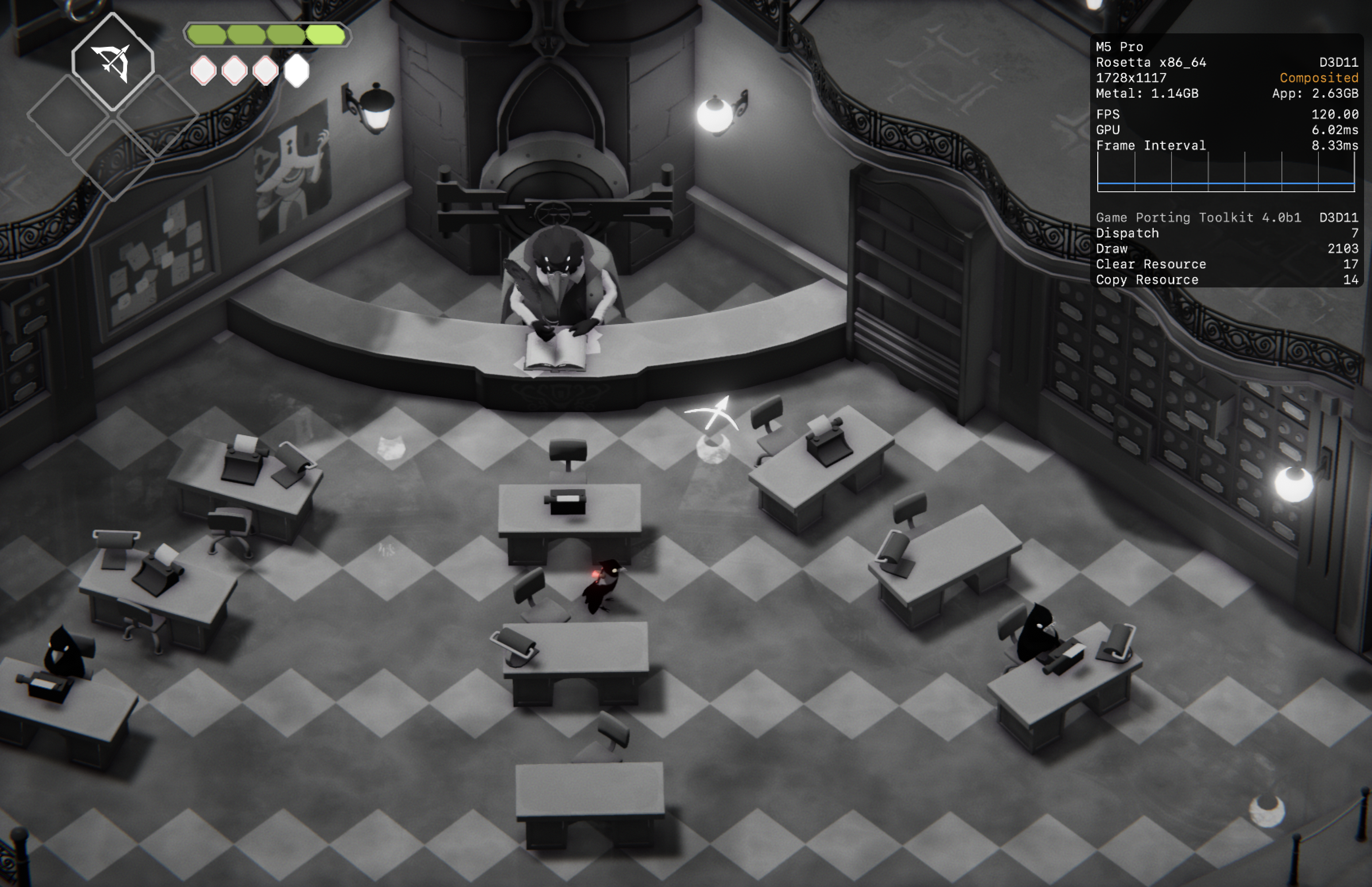
Death's Door
CrossOver
vCrossover 20260616- Graphics:
- HIGH
- FPS:
- 120
- Resolution:
- 1728 X 1117
- Machine:
- MacBook Pro
- Chip:
- M5 PRO
- Cores:
- 18 CPU, 20 GPU
- RAM:
- 48 GB
Review Note:
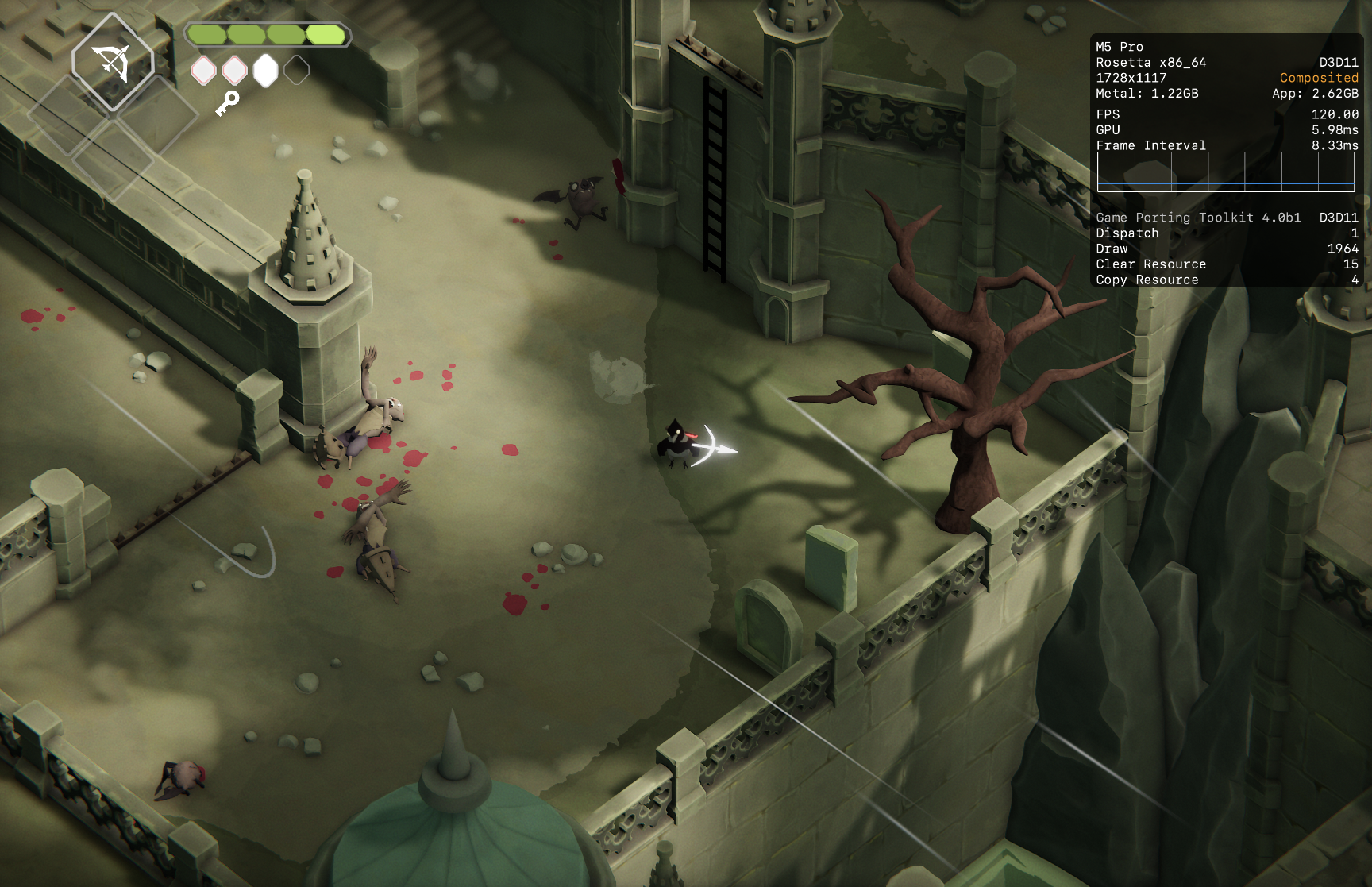
Also runs on DXMT but D3DMETAL seems to run it better.

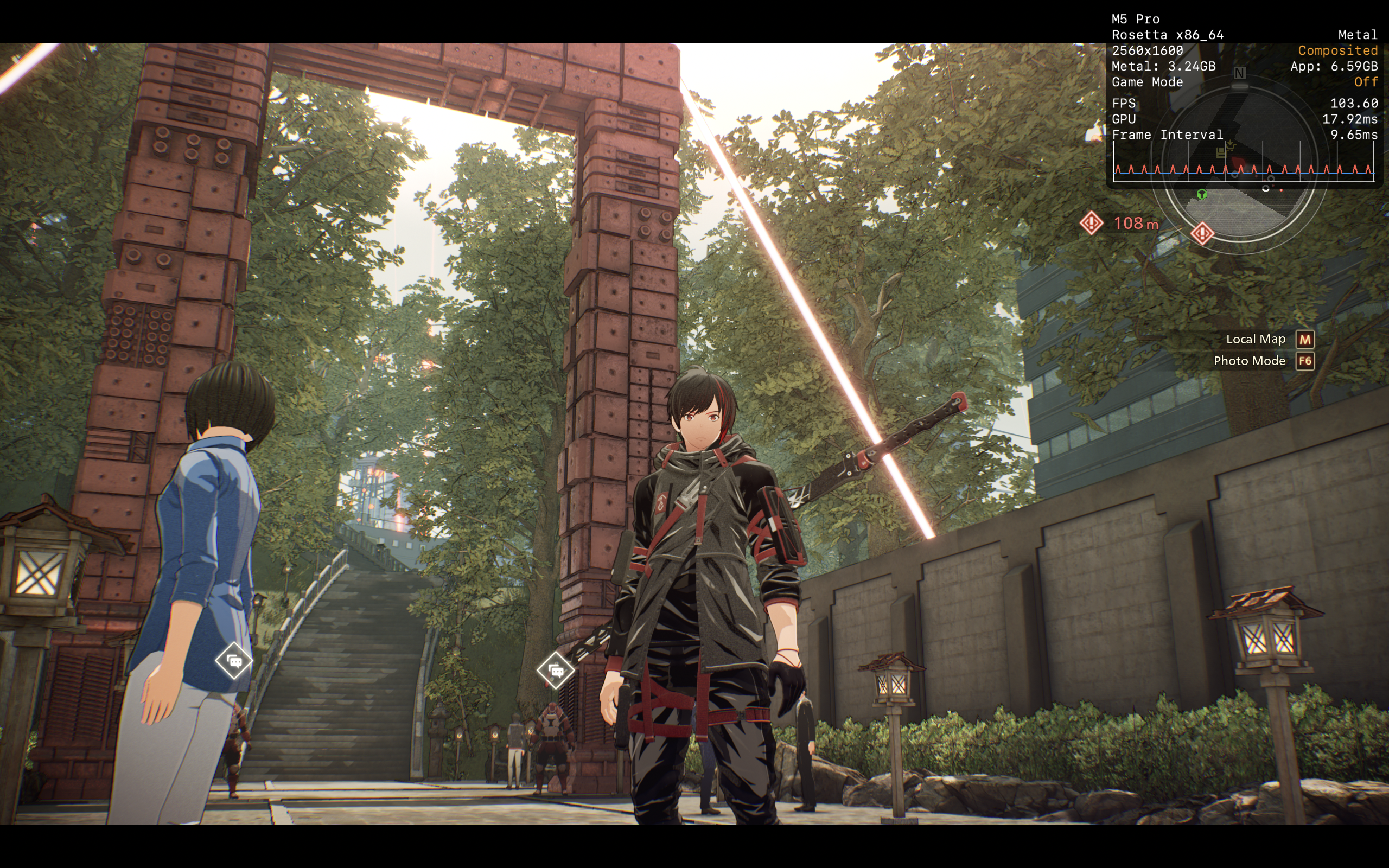
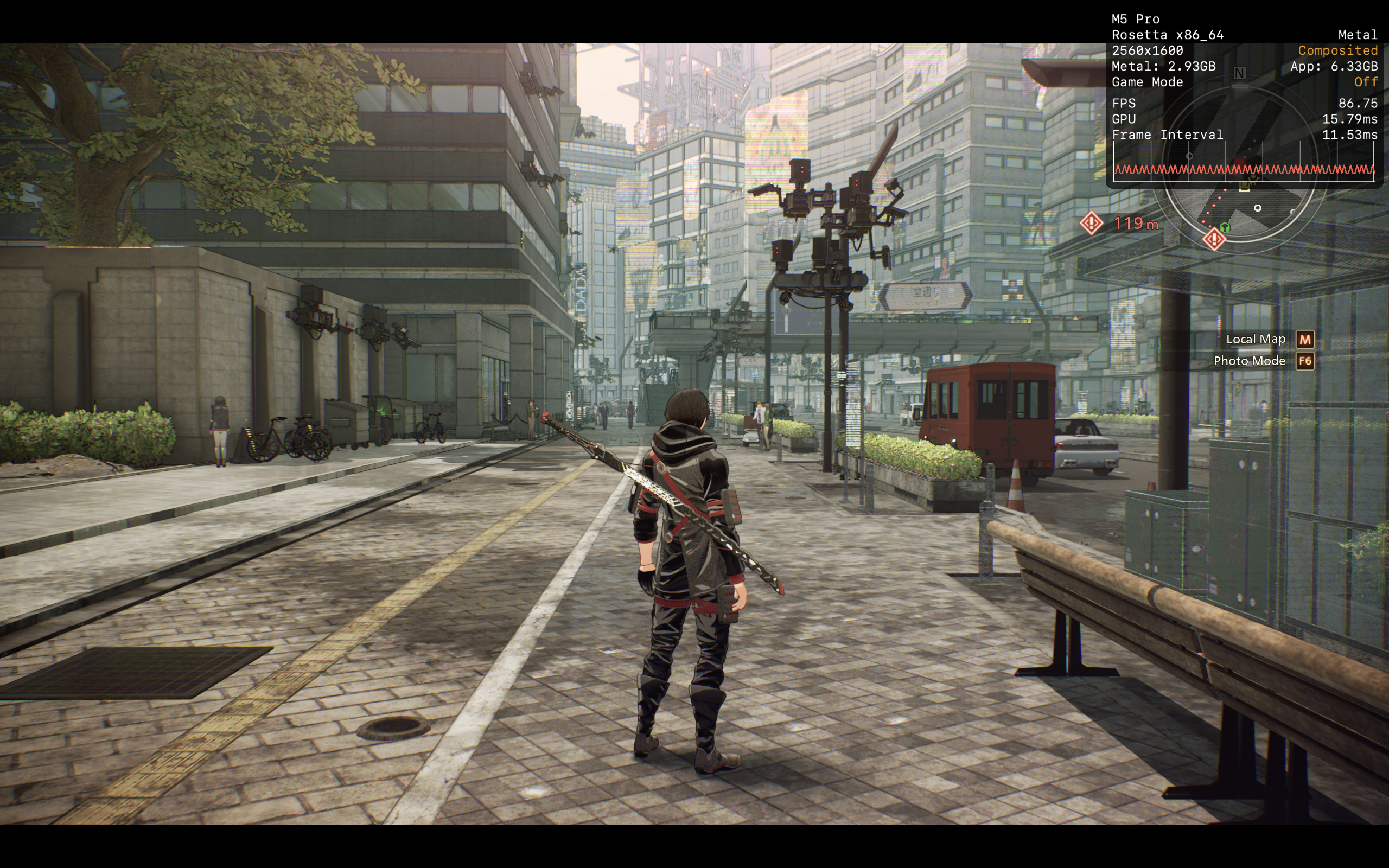
SCARLET NEXUS
CrossOver
v26.1- Graphics:
- ULTRA
- FPS:
- 60
- Resolution:
- 2560 X 1600
- Machine:
- MacBook Pro
- Chip:
- M5 PRO
- Cores:
- 18 CPU, 20 GPU
- RAM:
- 48 GB
Review Note:
Runs better via DXMT with less stutters than D3DMETAL

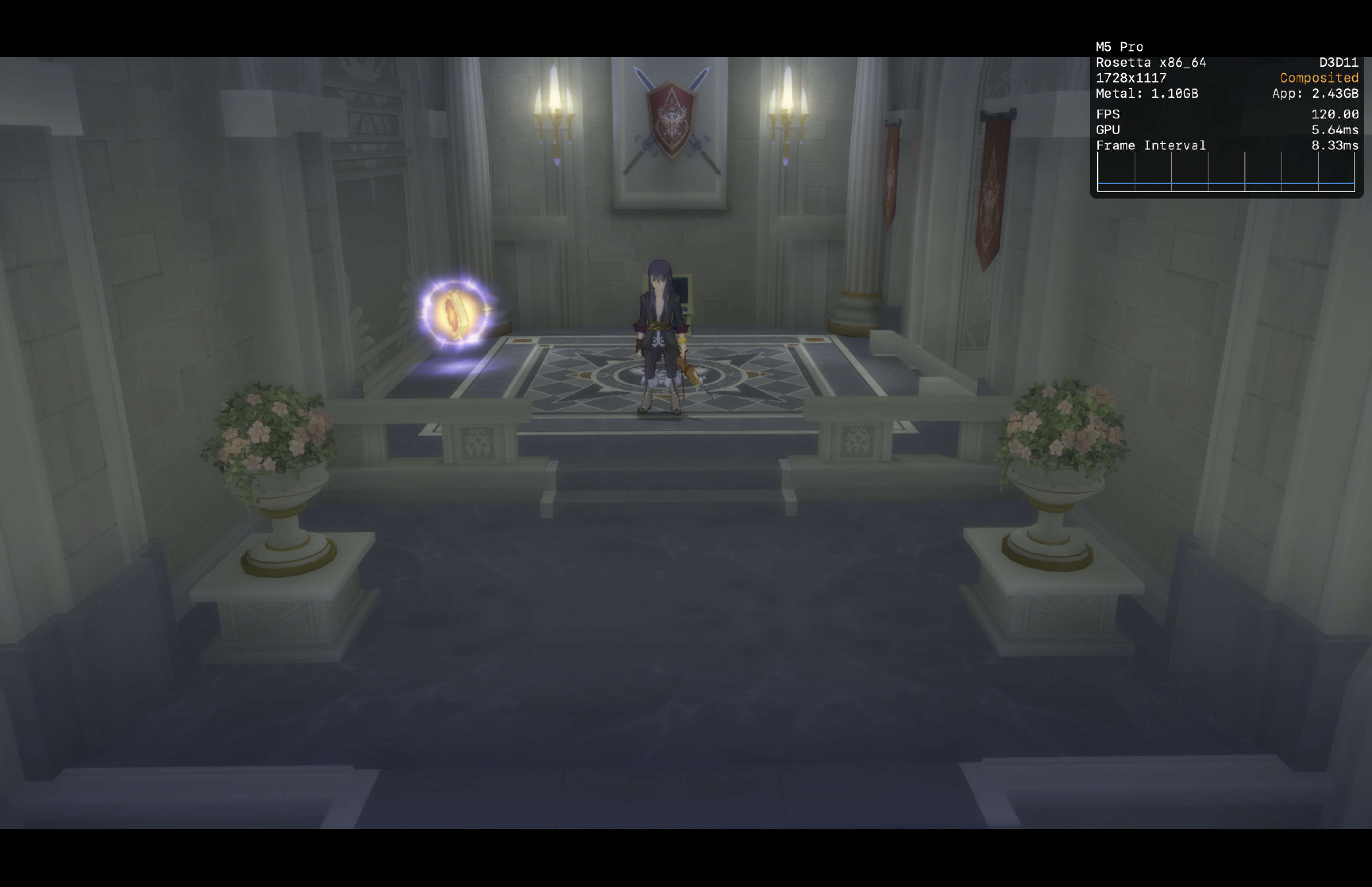
Tales of Vesperia: Definitive Edition
CrossOver
v26.1- Graphics:
- HIGH
- FPS:
- 120
- Resolution:
- 1728 X 1117
- Machine:
- MacBook Pro
- Chip:
- M5 PRO
- Cores:
- 18 CPU, 20 GPU
- RAM:
- 48 GB
Review Note:
Runs perfectly with D3DMETAL. DXMT just shows a black screen with sound playing.
Judgment
CrossOver
v26.1- Graphics:
- HIGH
- FPS:
- 60
- Resolution:
- 1728 X 1117
- Machine:
- MacBook Pro
- Chip:
- M5 PRO
- Cores:
- 18 CPU, 20 GPU
- RAM:
- 48 GB
Review Note:
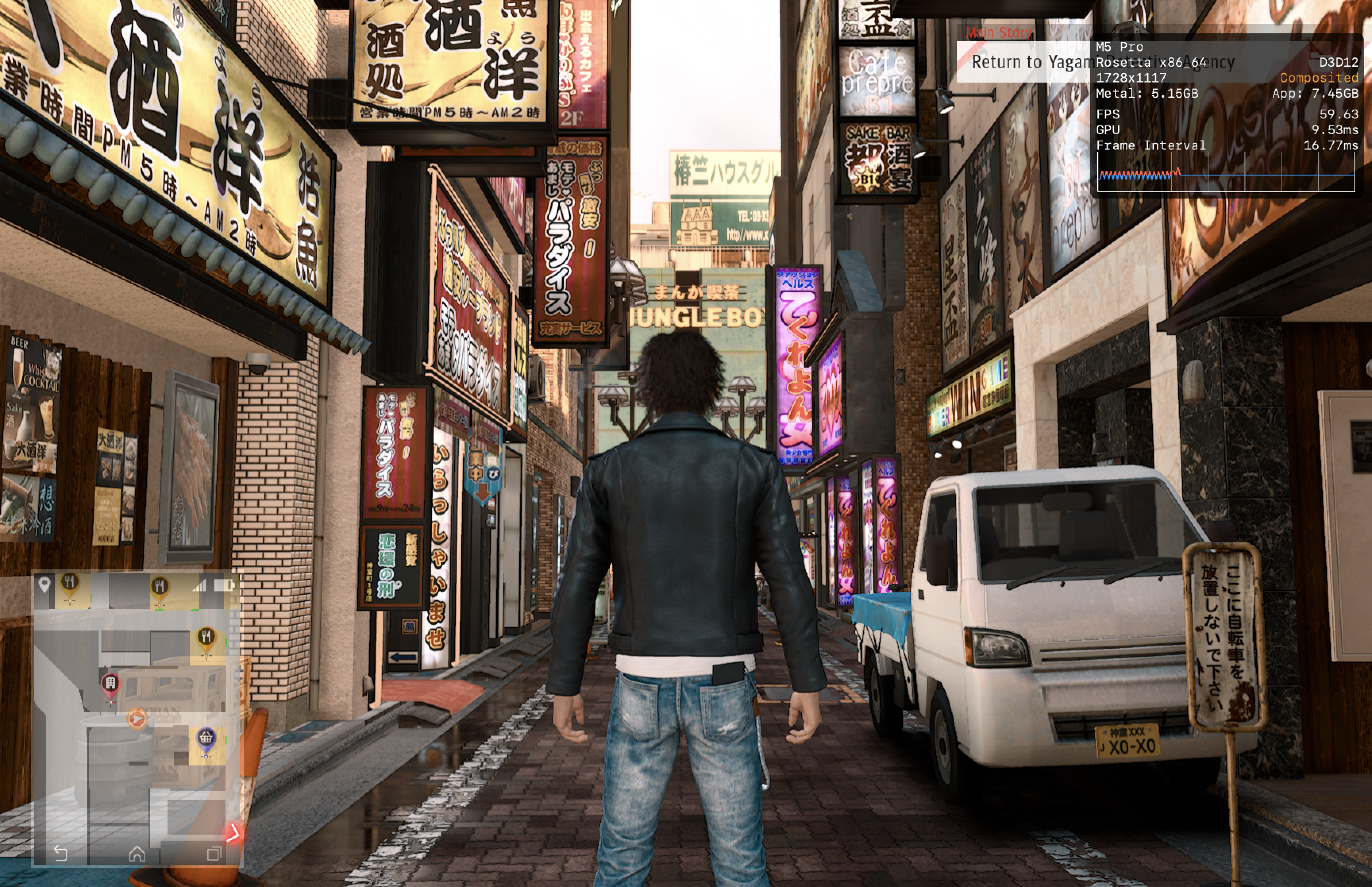
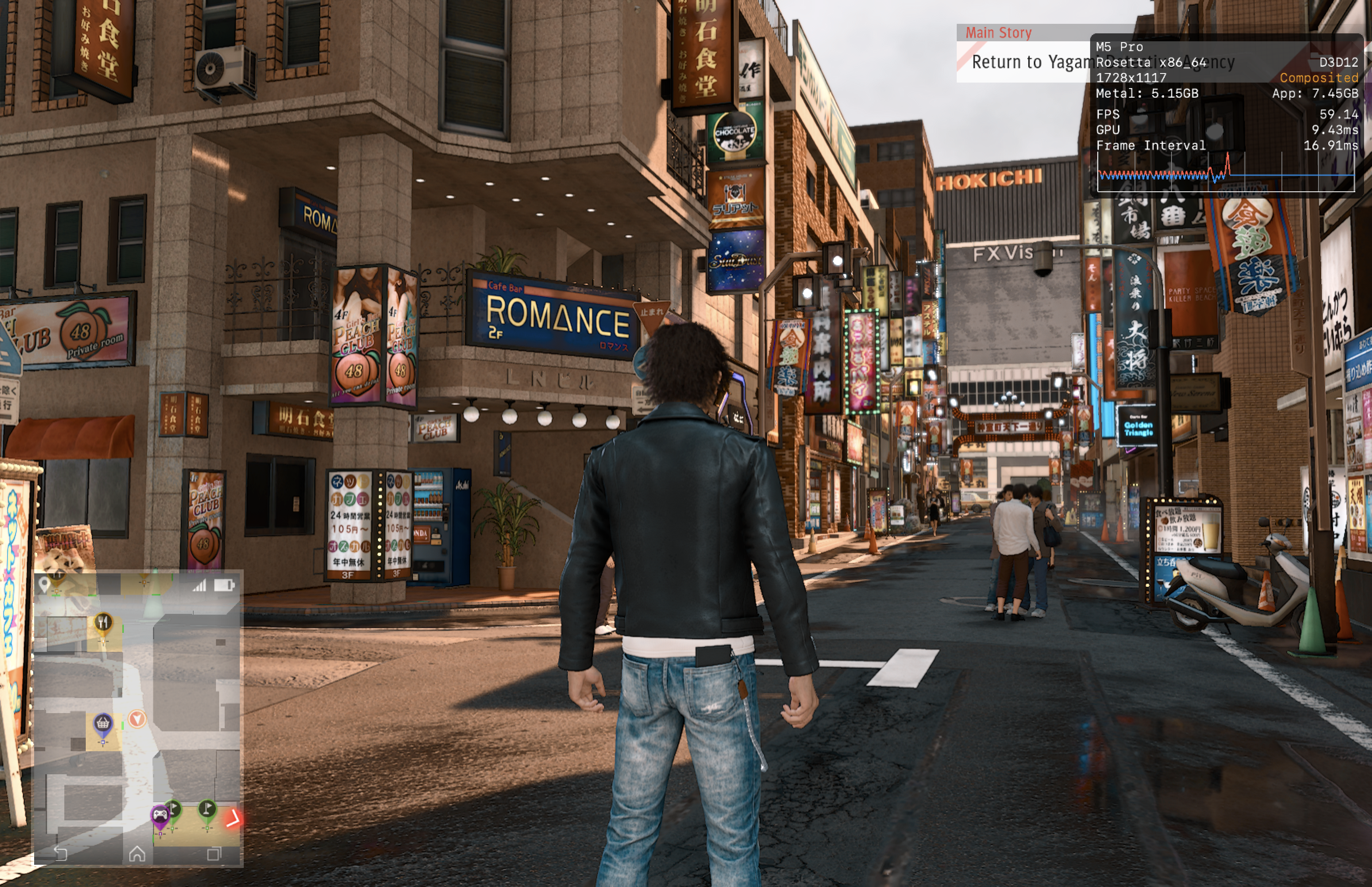
Runs at around 60fps on my M5 Pro. The game will crash if you try to adjust the graphics option in game. You have to adjust the graphics.ini file if you want to make changes to the graphics option. Played for 3 hours without any other issues.
Also tested on my M1 Pro and it was getting about 40fps at low and medium settings with some graphical issues during combat. The M5 Pro did not experience these graphical issues.
DAEMON X MACHINA
CrossOver
v26.1

- Graphics:
- ULTRA
- FPS:
- 60
- Resolution:
- 1728 X 1117
- Machine:
- MacBook Pro
- Chip:
- M1 PRO
- Cores:
- 10 CPU, 16 GPU
- RAM:
- 16 GB
Review Note:
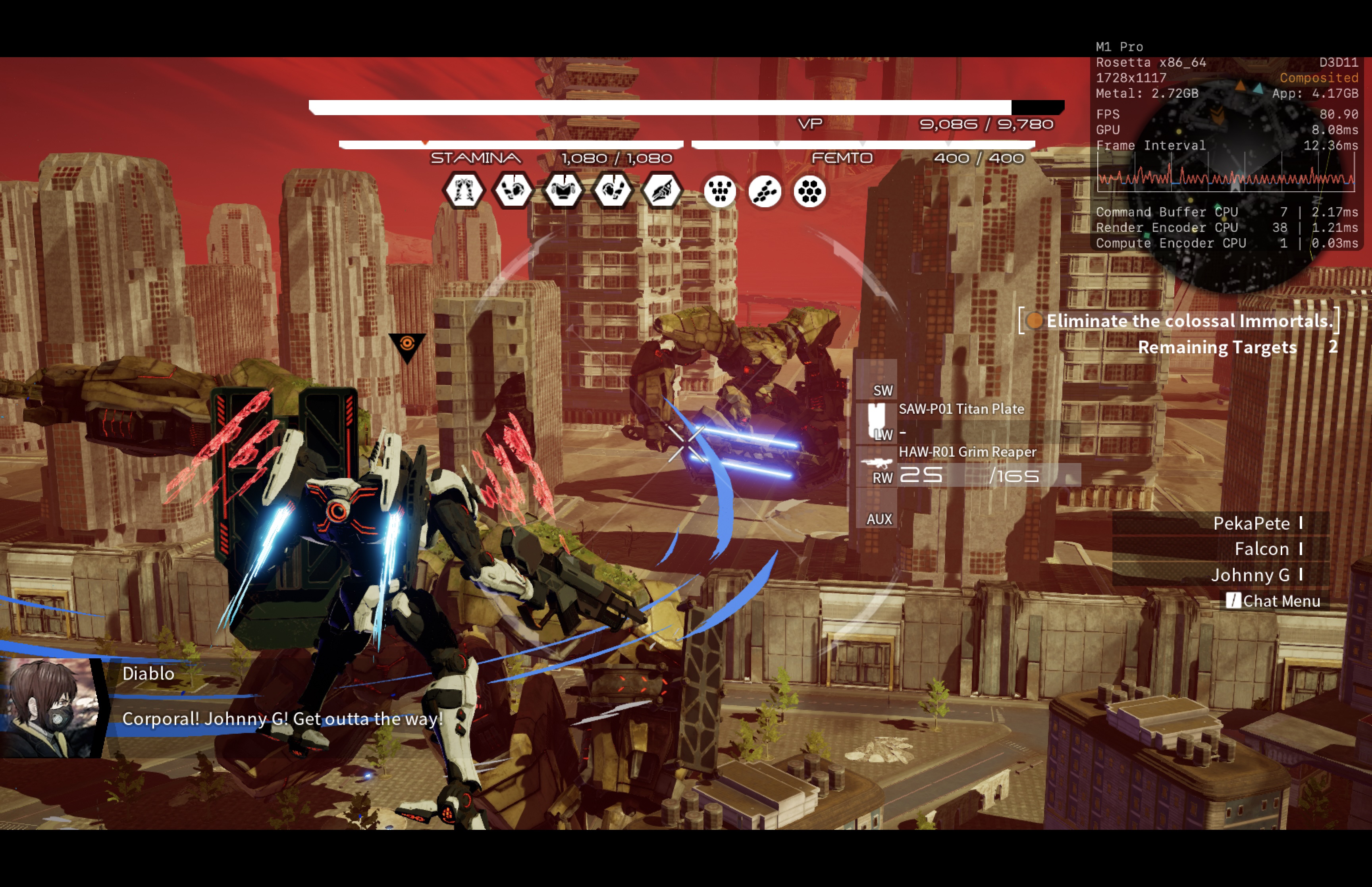
Seems to run best on D3DMETAL. Runs very smoothly with some shader compilation stutters.
GOD EATER 3
CrossOver
v26.1- Graphics:
- HIGH
- FPS:
- 60
- Resolution:
- 1728 X 1117
- Machine:
- MacBook Pro
- Chip:
- M1 PRO
- Cores:
- 10 CPU, 16 GPU
- RAM:
- 16 GB
Review Note:
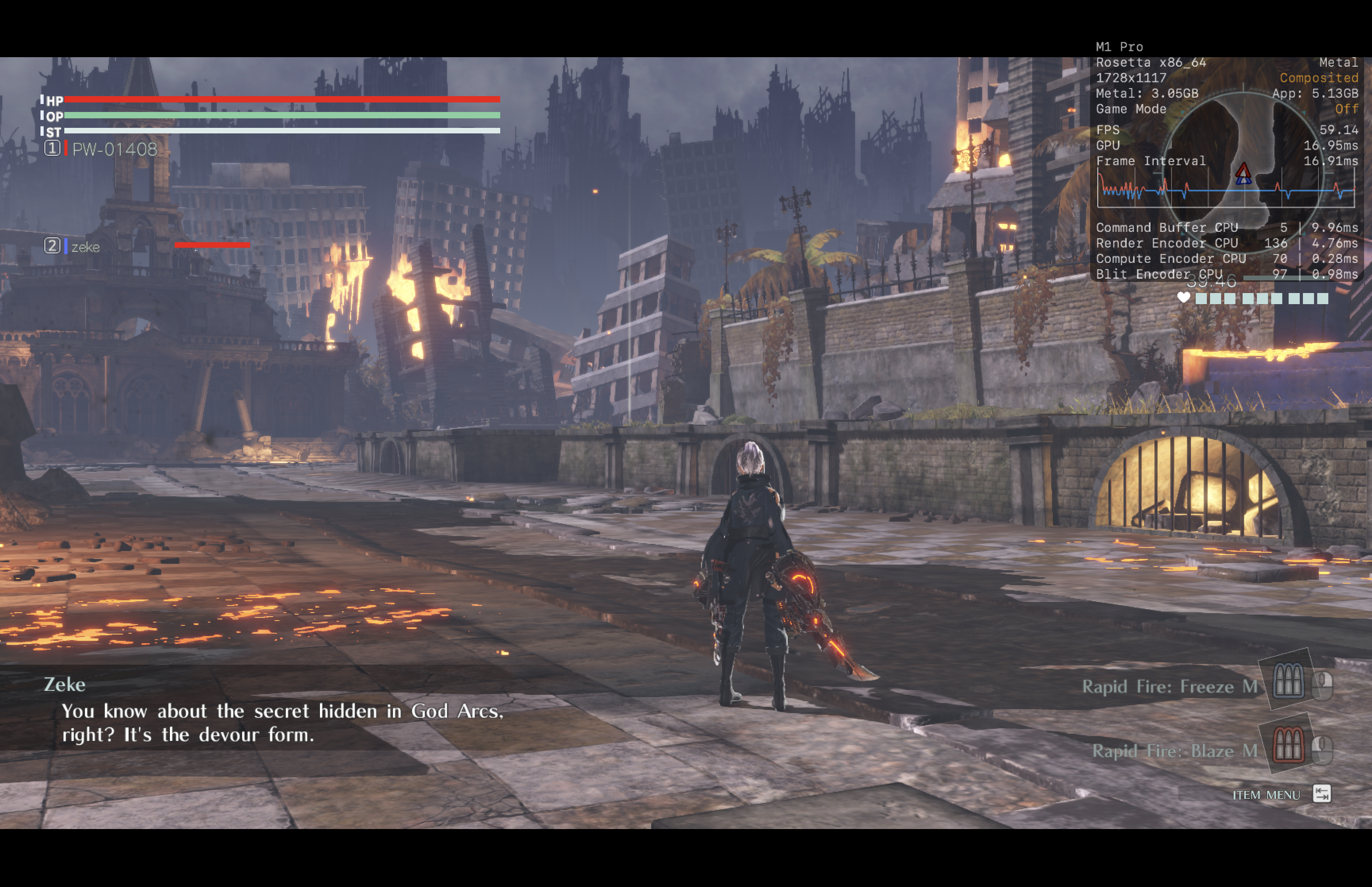
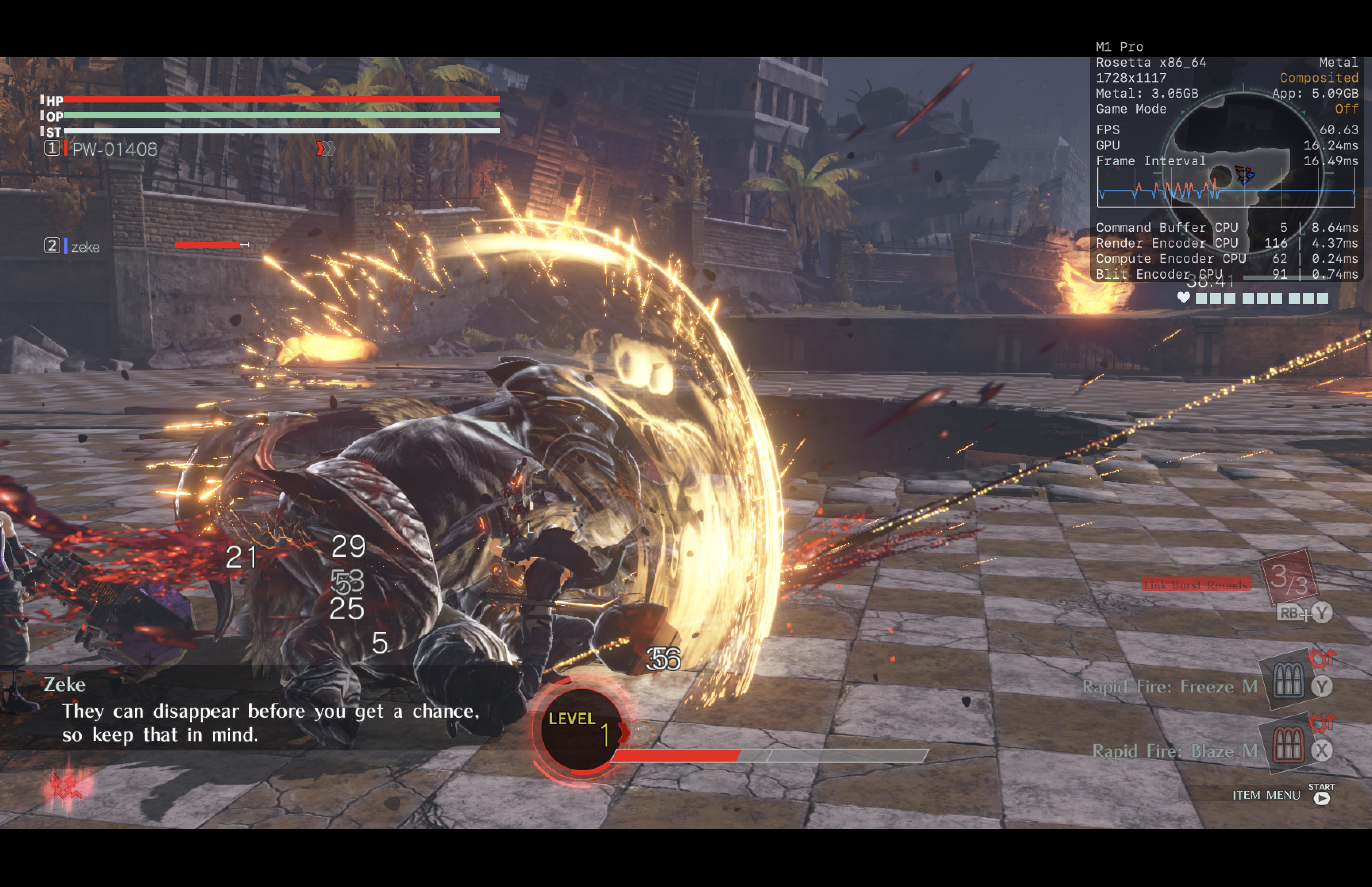
D3DMETAL and DXMT run worse than DXVK and have lots of graphical artifacts. Only played a few missions but DXVK seems to have no issues besides shader compilation stutters and initial loading taking longer than other methods.
Nocturnal
CrossOver
v26.1- Graphics:
- HIGH
- FPS:
- 60
- Resolution:
- 1728 X 1117
- Machine:
- MacBook Pro
- Chip:
- M1 PRO
- Cores:
- 10 CPU, 16 GPU
- RAM:
- 16 GB
Review Note:
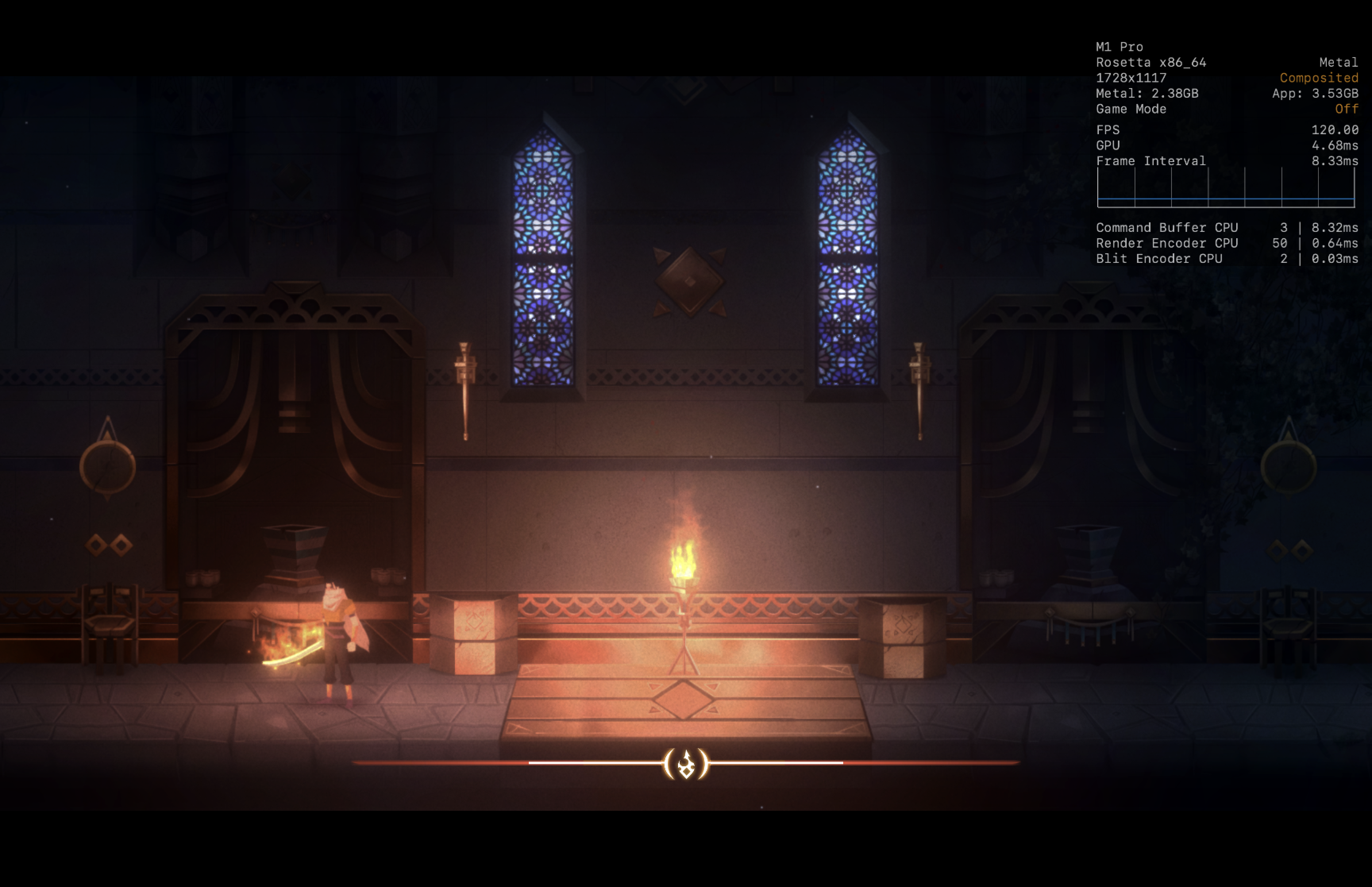
Runs perfectly

SEGA Bass Fishing
CrossOver
v26.1- Graphics:
- ULTRA
- FPS:
- 60
- Resolution:
- 1728 X 1117
- Machine:
- MacBook Pro
- Chip:
- M1 PRO
- Cores:
- 10 CPU, 16 GPU
- RAM:
- 16 GB
Review Note:
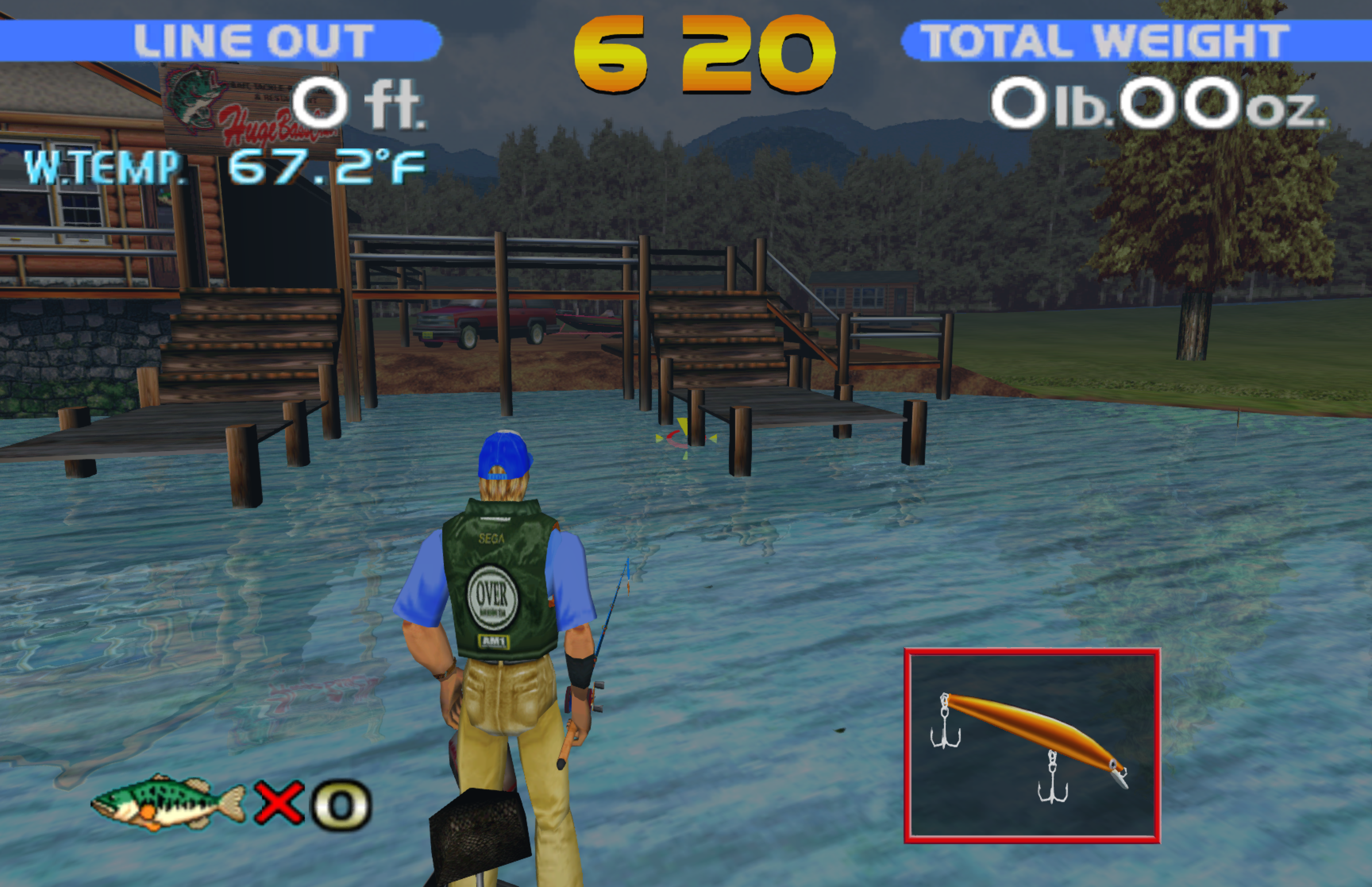
Runs perfectly without issues. Couldn't figure out the controls though. Lol

Shatter Remastered Deluxe
CrossOver
v26.1- Graphics:
- ULTRA
- FPS:
- 120
- Resolution:
- 1728 X 1117
- Machine:
- MacBook Pro
- Chip:
- M1 PRO
- Cores:
- 10 CPU, 16 GPU
- RAM:
- 16 GB
Review Note:
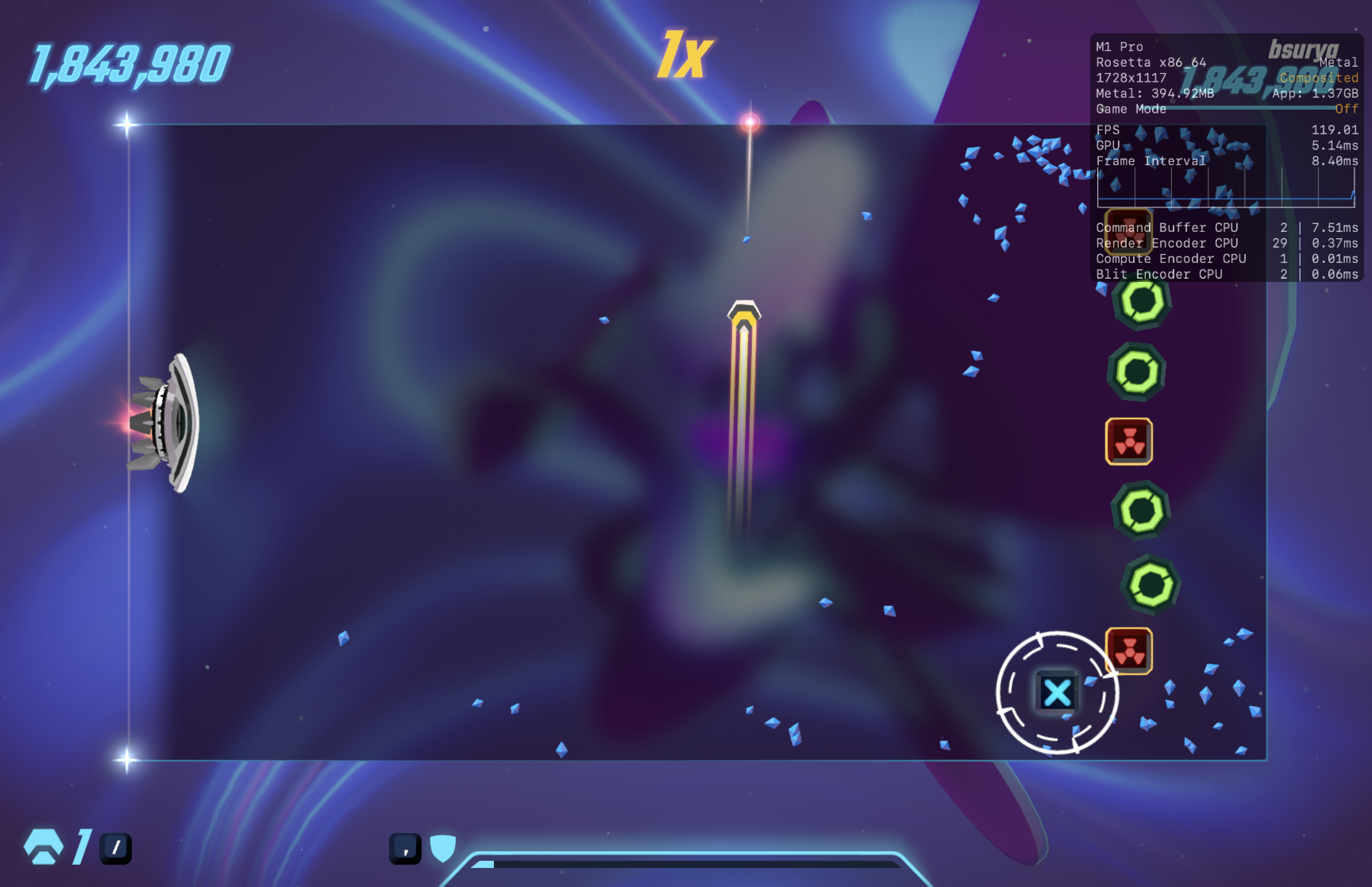
Runs perfectly without issues

Journey
CrossOver
v26.1- Graphics:
- ULTRA
- FPS:
- 60
- Resolution:
- 1728 X 1117
- Machine:
- MacBook Pro
- Chip:
- M1 PRO
- Cores:
- 10 CPU, 16 GPU
- RAM:
- 16 GB
Review Note:
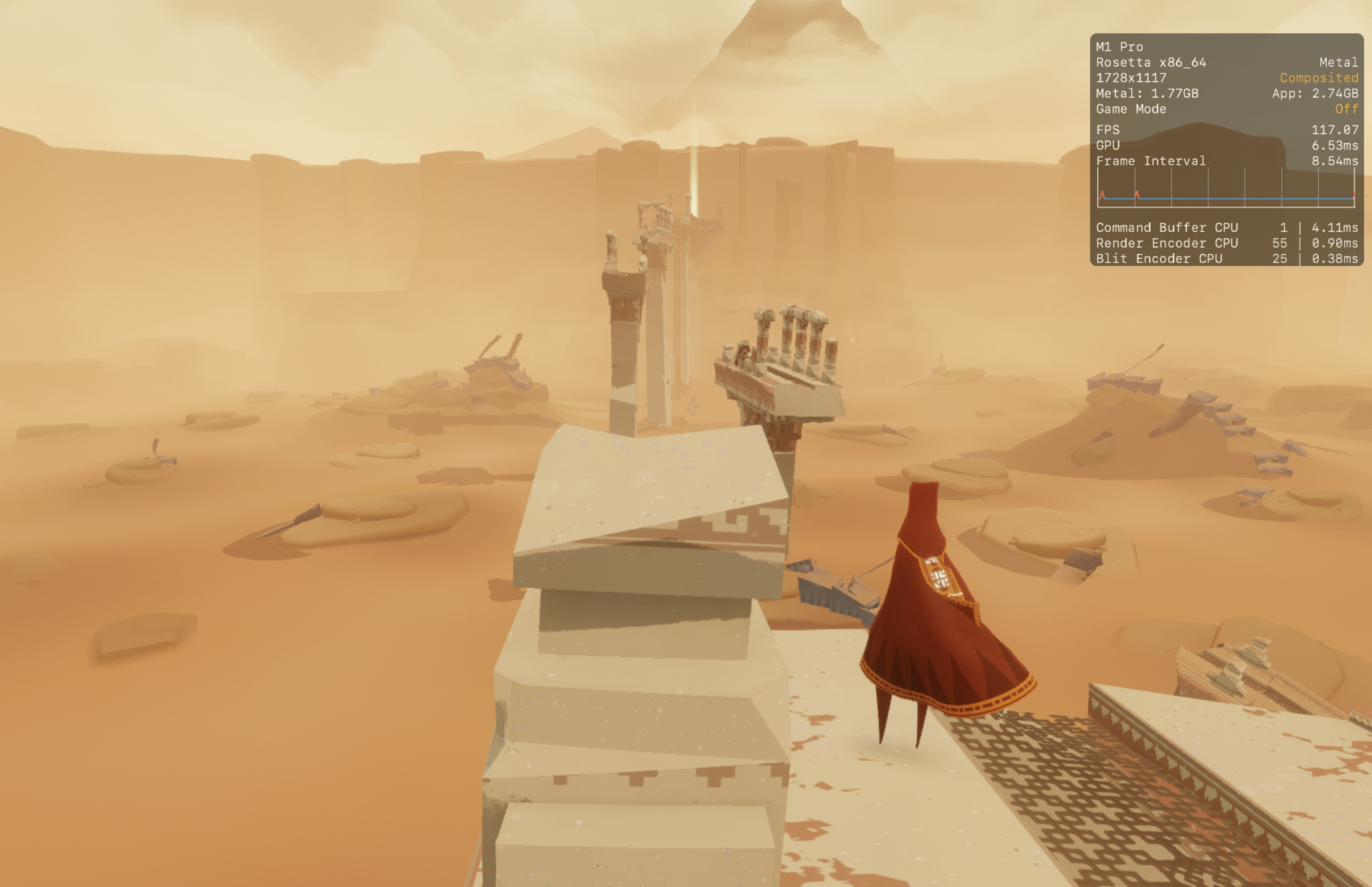
Runs at around 80 fps in the opening area at max settings. An issue that I had was the mouse cursor showing up and not going away after I took a screenshot.
Panzer Dragoon: Remake
CrossOver
v26.1- Graphics:
- ULTRA
- FPS:
- 60
- Resolution:
- 1728 X 1117
- Machine:
- MacBook Pro
- Chip:
- M1 PRO
- Cores:
- 10 CPU, 16 GPU
- RAM:
- 16 GB
Review Note:
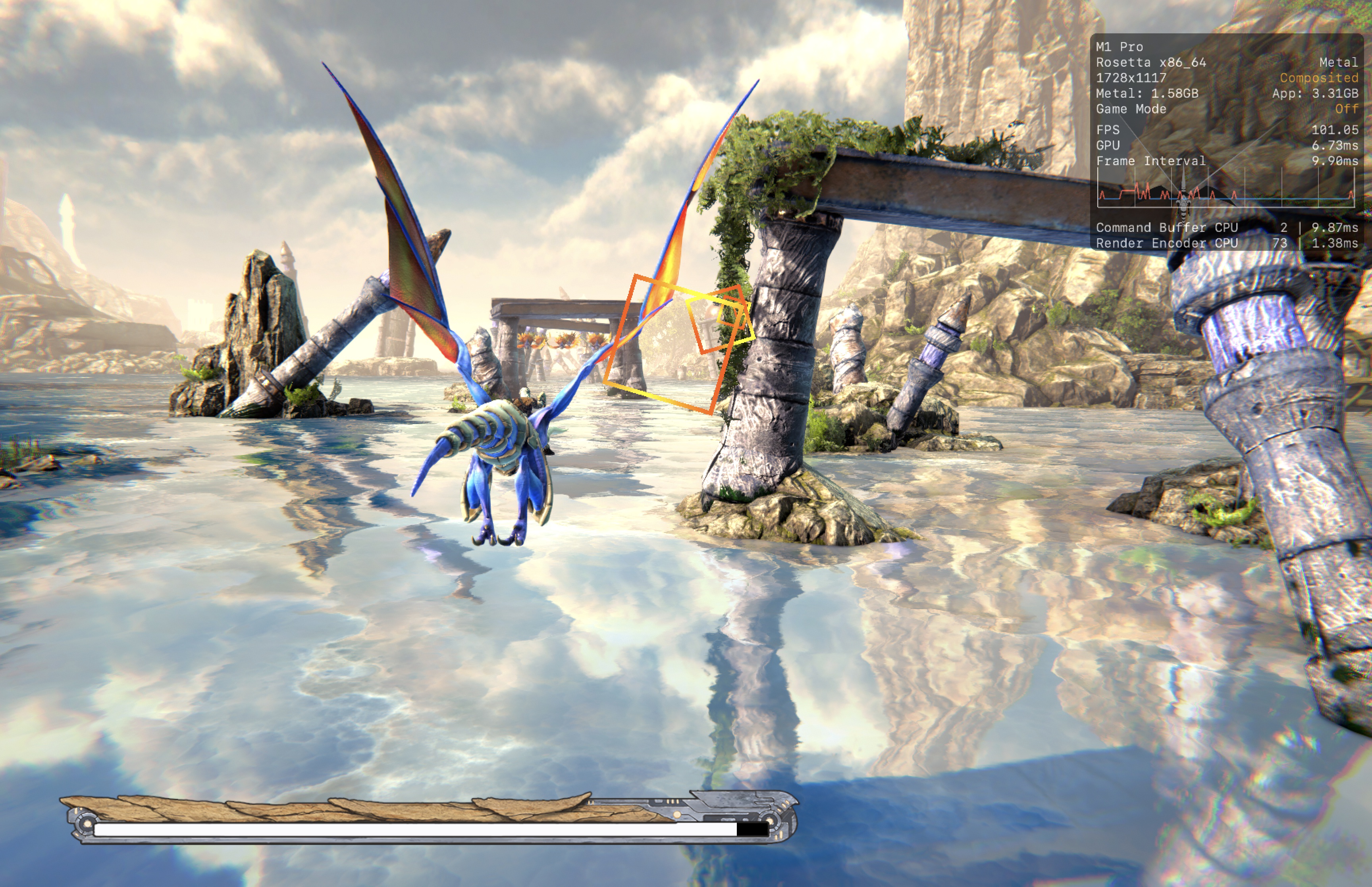
Runs better through D3DMETAL than DXMT (less stutters and screen tearing). Runs consistently without much issues at max settings

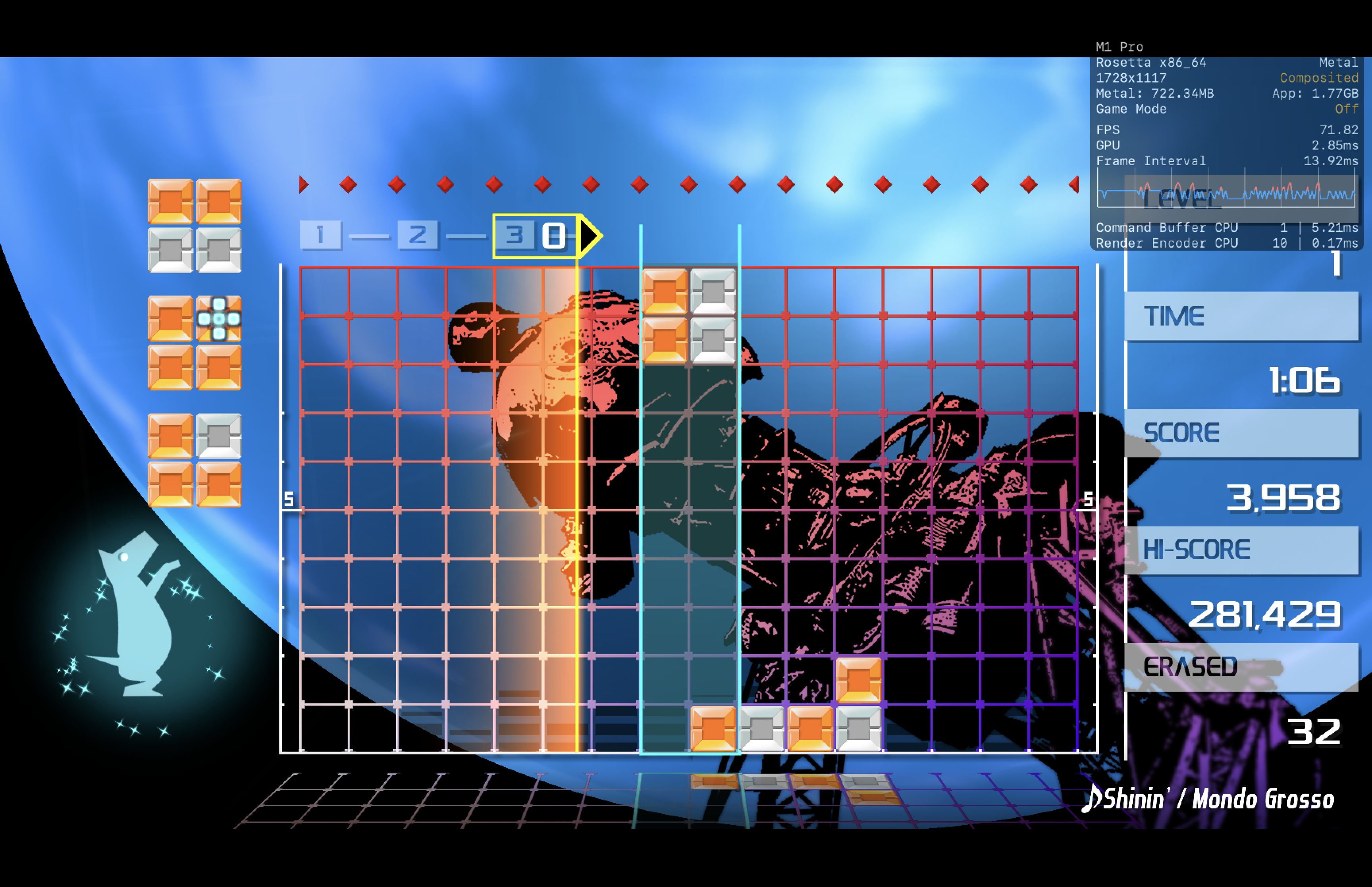
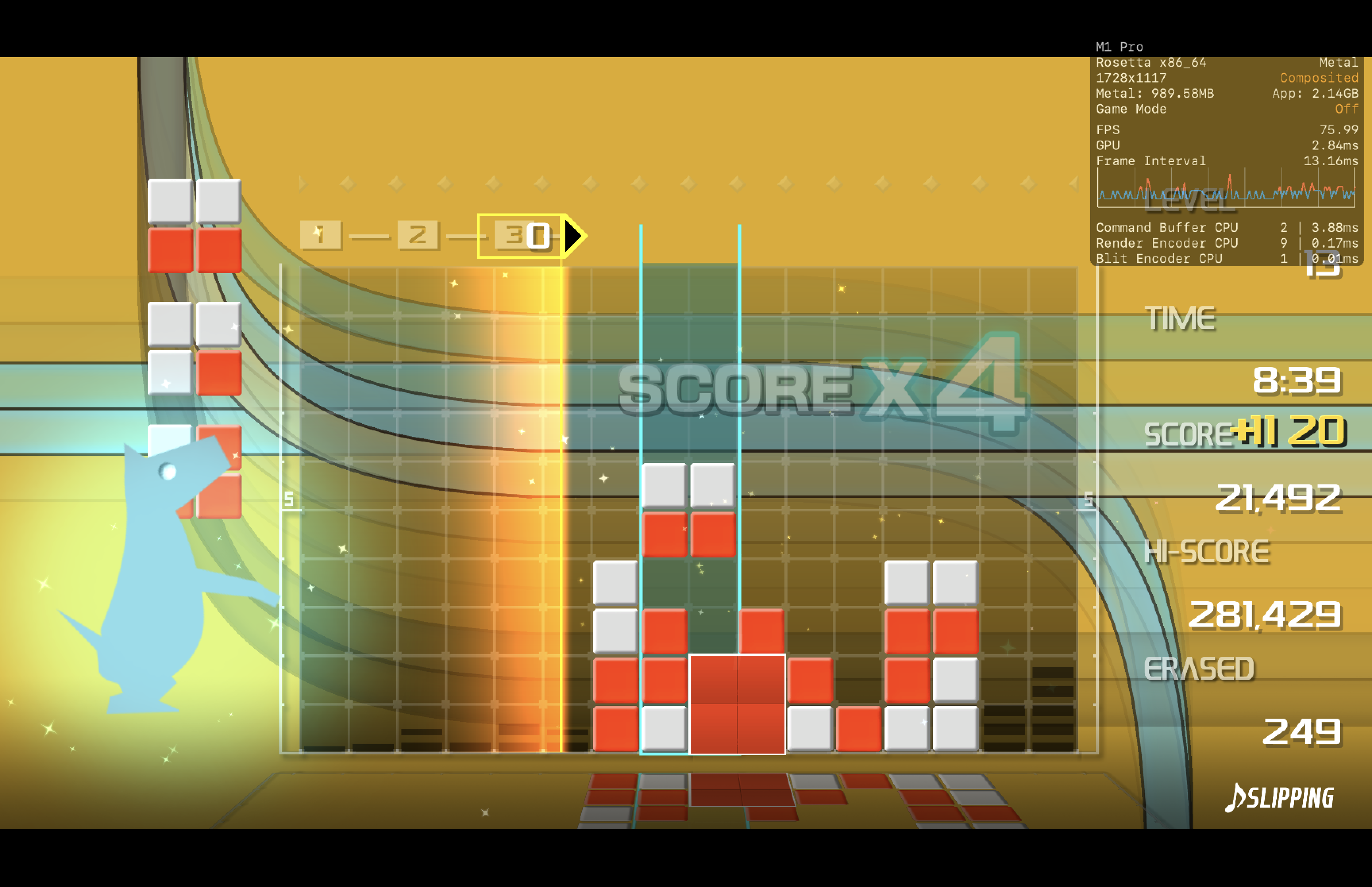
LUMINES REMASTERED
CrossOver
v26.1- Graphics:
- HIGH
- FPS:
- 60
- Resolution:
- 1728 X 1117
- Machine:
- MacBook Pro
- Chip:
- M1 PRO
- Cores:
- 10 CPU, 16 GPU
- RAM:
- 16 GB
Review Note:
Some minor stutters when changing stages. Otherwise it runs without issues
Bulletstorm: Full Clip Edition
CrossOver
v26.0 CXPatcher- Graphics:
- HIGH
- FPS:
- 60
- Resolution:
- 1920 X 1200
- Machine:
- MacBook Pro
- Chip:
- M1 PRO
- Cores:
- 10 CPU, 16 GPU
- RAM:
- 16 GB
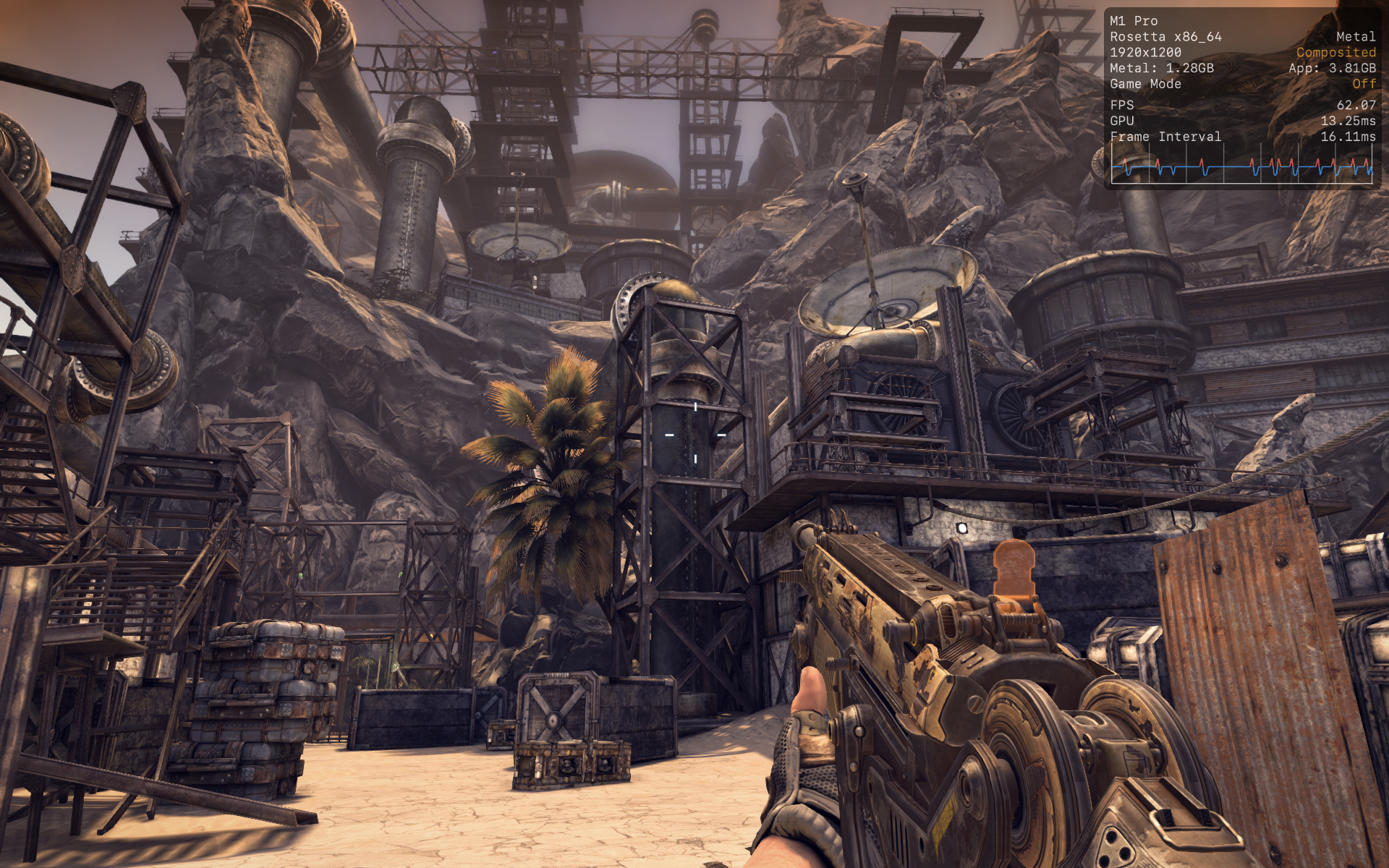
Review Note:
Some very minor stutters but mostly above 60fps at max settings. Seems to require CXPatcher to start since my regular Crossover 26.0 version couldn't get it to start.

Afterimage
CrossOver
v26.1- Graphics:
- ULTRA
- FPS:
- 100
- Resolution:
- 1920 X 1200
- Machine:
- MacBook Pro
- Chip:
- M1 PRO
- Cores:
- 10 CPU, 16 GPU
- RAM:
- 16 GB
Review Note:
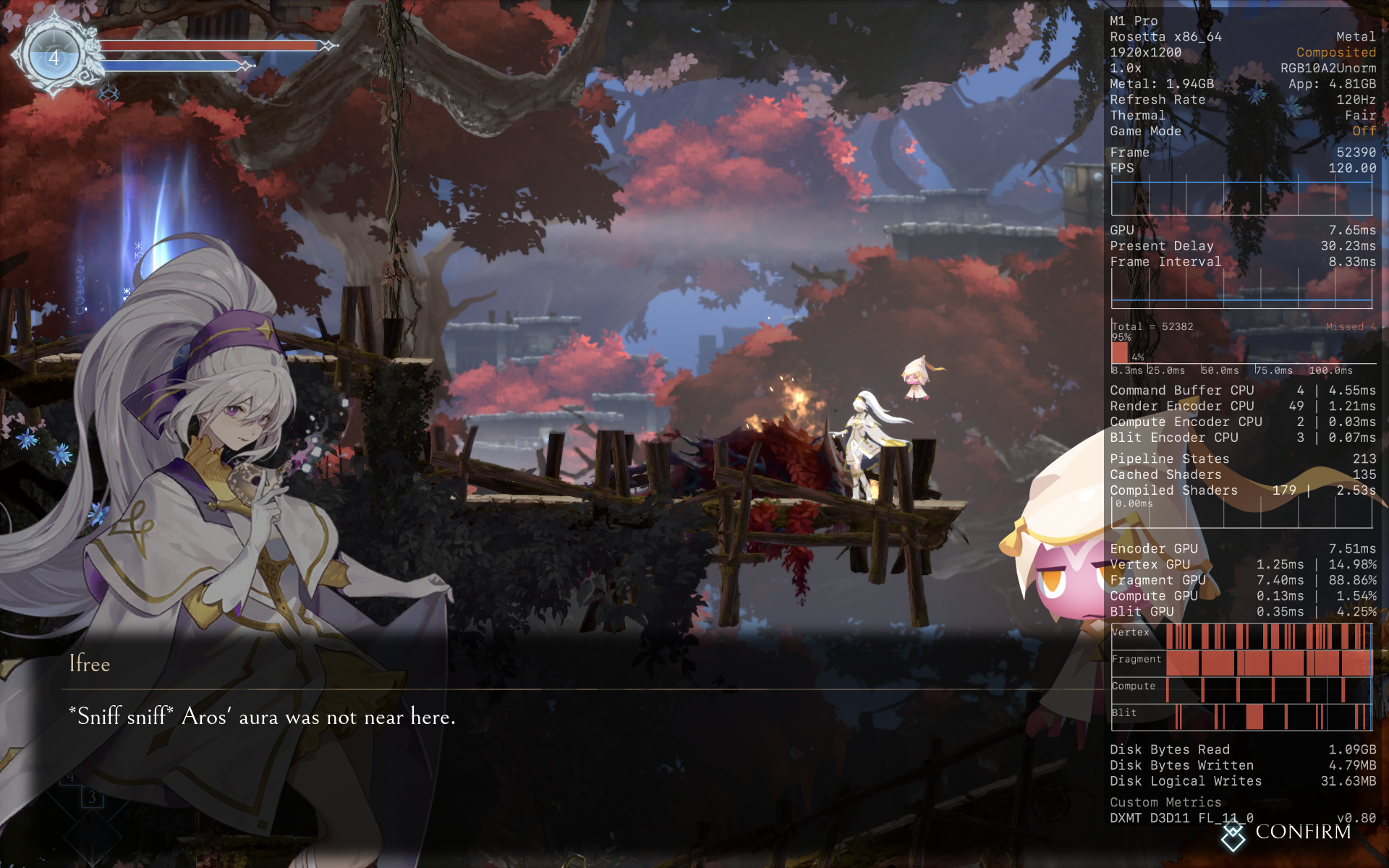
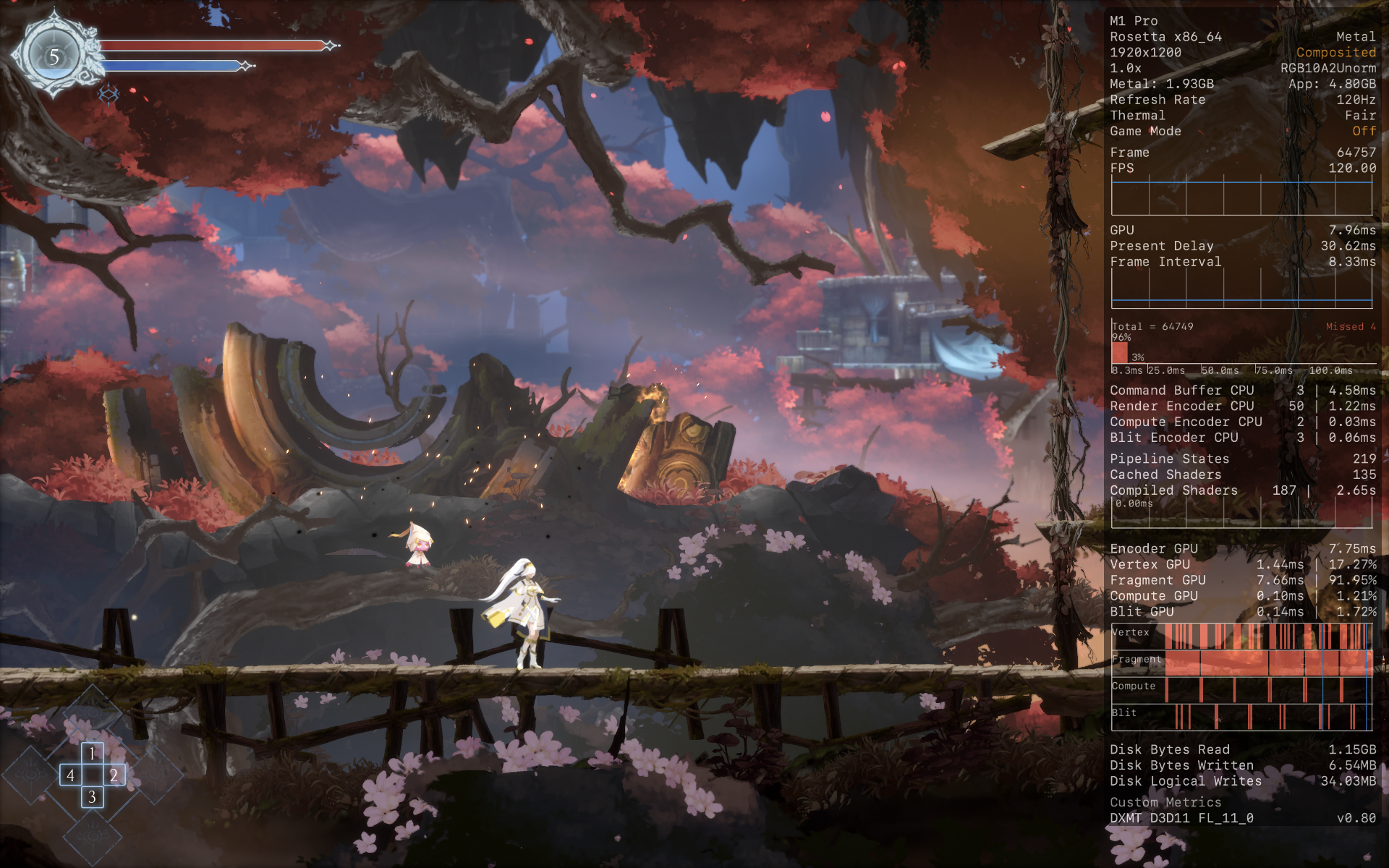
Seems to run mostly above 100fps without much issues.

Yakuza 0 Director's Cut
CrossOver
v26.1- Graphics:
- ULTRA
- FPS:
- 60
- Resolution:
- 1920 X 1200
- Machine:
- MacBook Pro
- Chip:
- M1 PRO
- Cores:
- 10 CPU, 16 GPU
- RAM:
- 16 GB
Review Note:
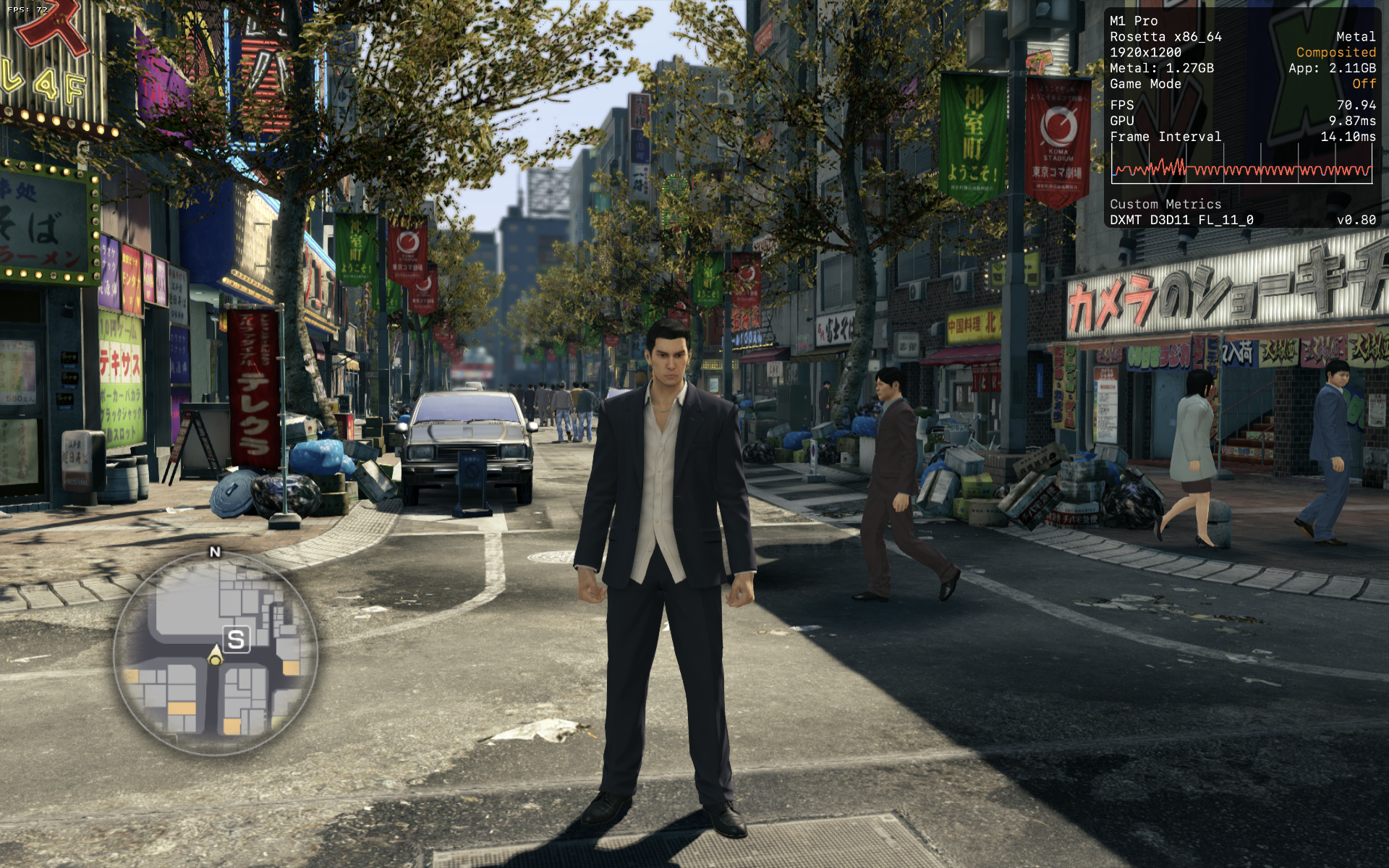
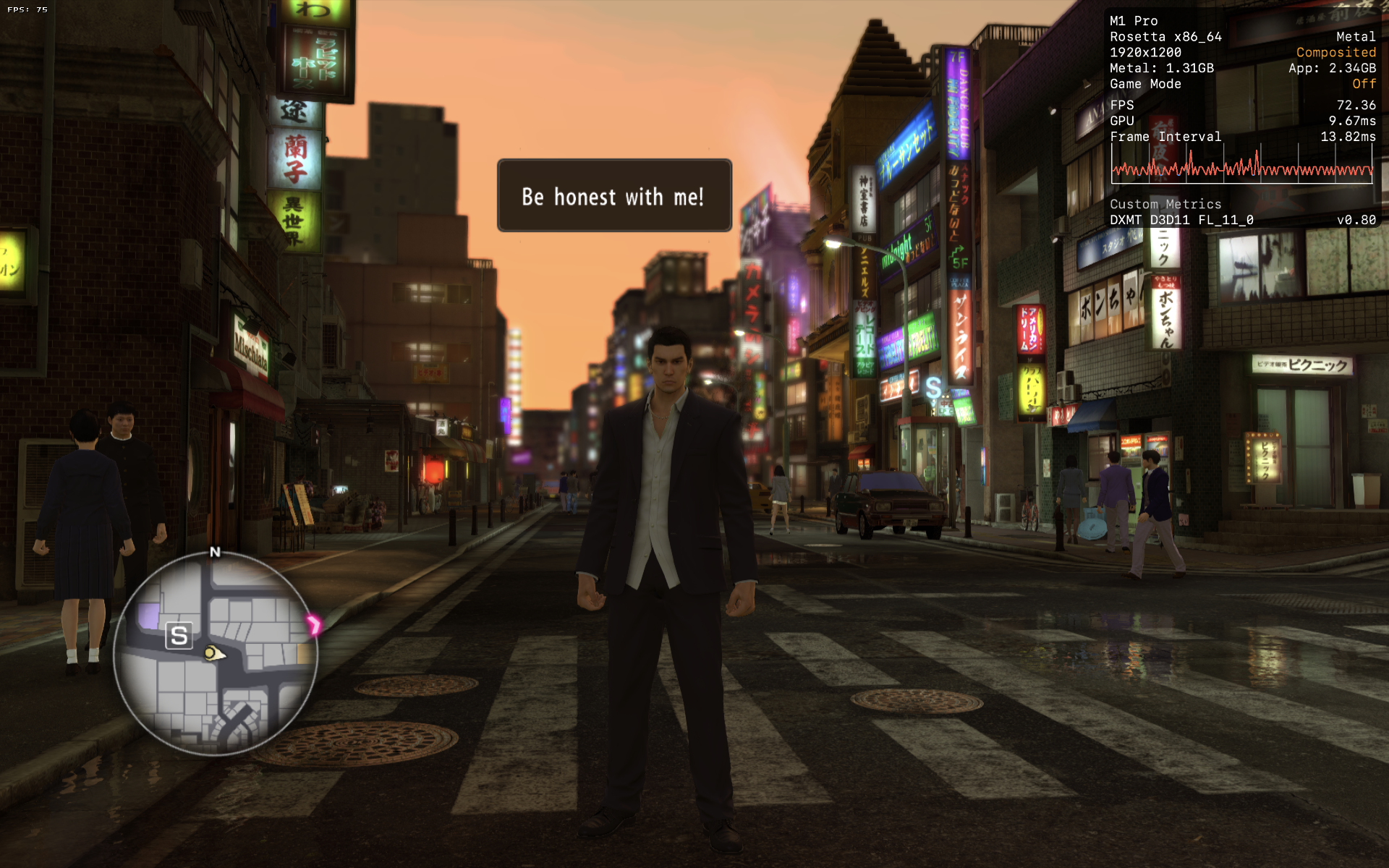
The game runs well via DXMT. Haven't seen it drop below 60fps. Crashes when trying to run it via D3DMETAL. I think DXVK can also run this well.

Tales of Arise
CrossOver
v26.1- Graphics:
- HIGH
- FPS:
- 60
- Resolution:
- 1920 X 1200
- Machine:
- MacBook Pro
- Chip:
- M1 PRO
- Cores:
- 10 CPU, 16 GPU
- RAM:
- 16 GB
Review Note:
The game runs well on D3DMETAL or DXMT. I think it does drop to the high 50s fps but mostly maintain 60+ fps at 1200p. All graphics set to their highest settings.
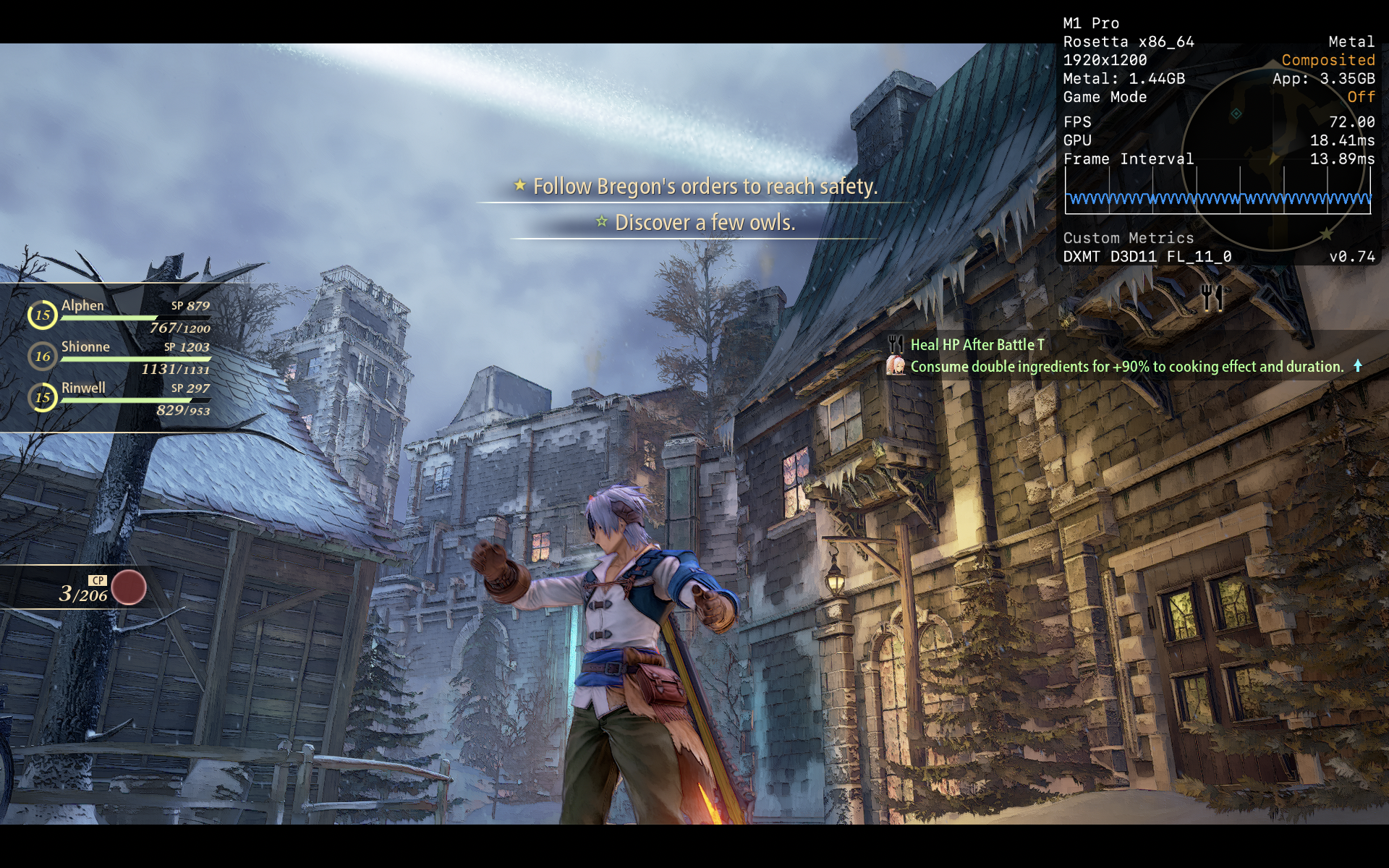
There are some issues that I encountered. Firstly, the game crashes when I try to launch it while wearing my bluetooth earphones. Secondly, the game crashes when I try to launch it in 1117p (my mac's native res). I use a program like SwitchResX to set my screen resolution. But other than these 2 issues, the game runs and plays excellently.
FINAL FANTASY VII REMAKE INTERGRADE
CrossOver
v26.0- Graphics:
- HIGH
- FPS:
- 60
- Resolution:
- 1920 X 1080
- Machine:
- MacBook Pro
- Chip:
- M1 PRO
- Cores:
- 10 CPU, 16 GPU
- RAM:
- 16 GB
Review Note:
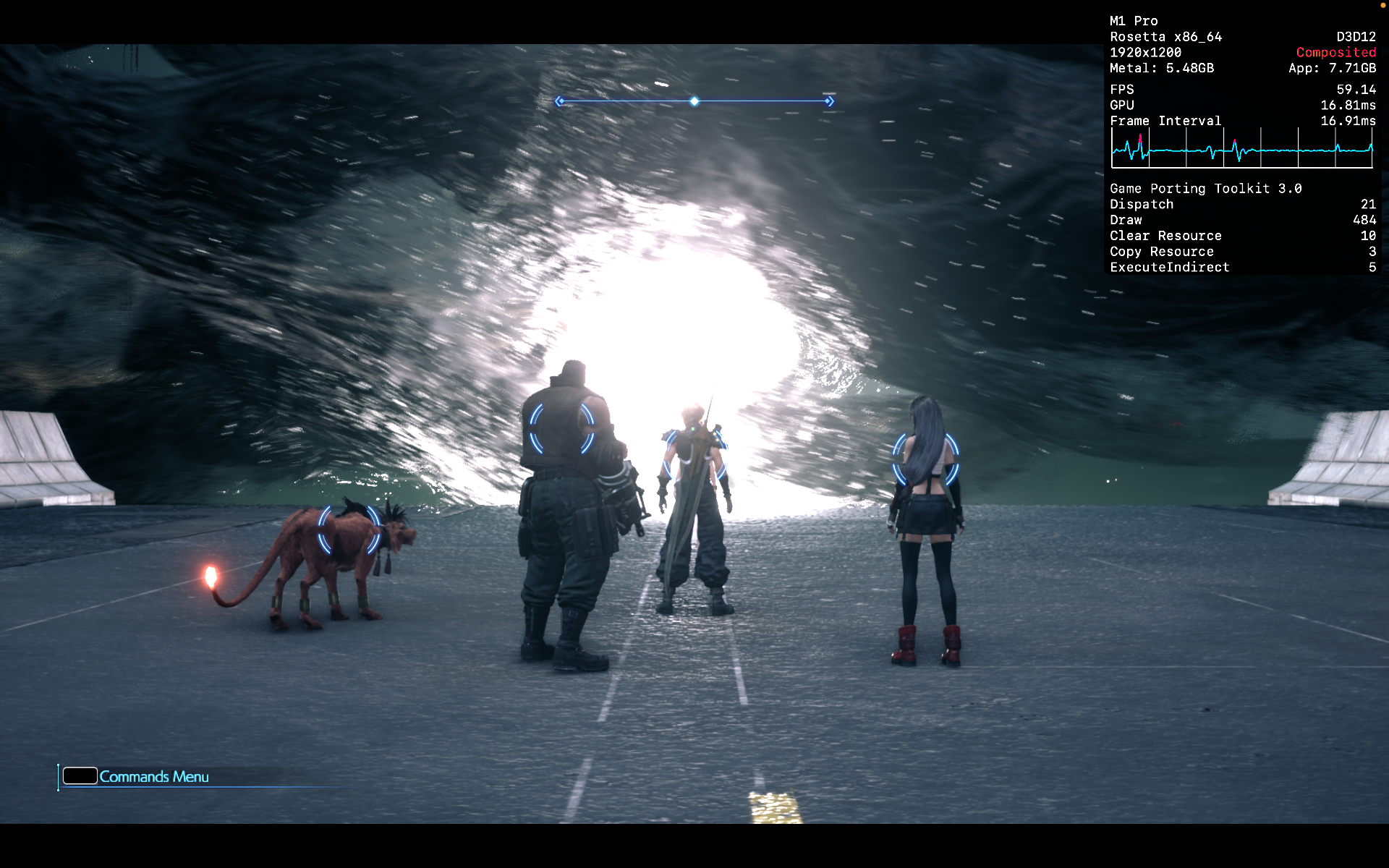
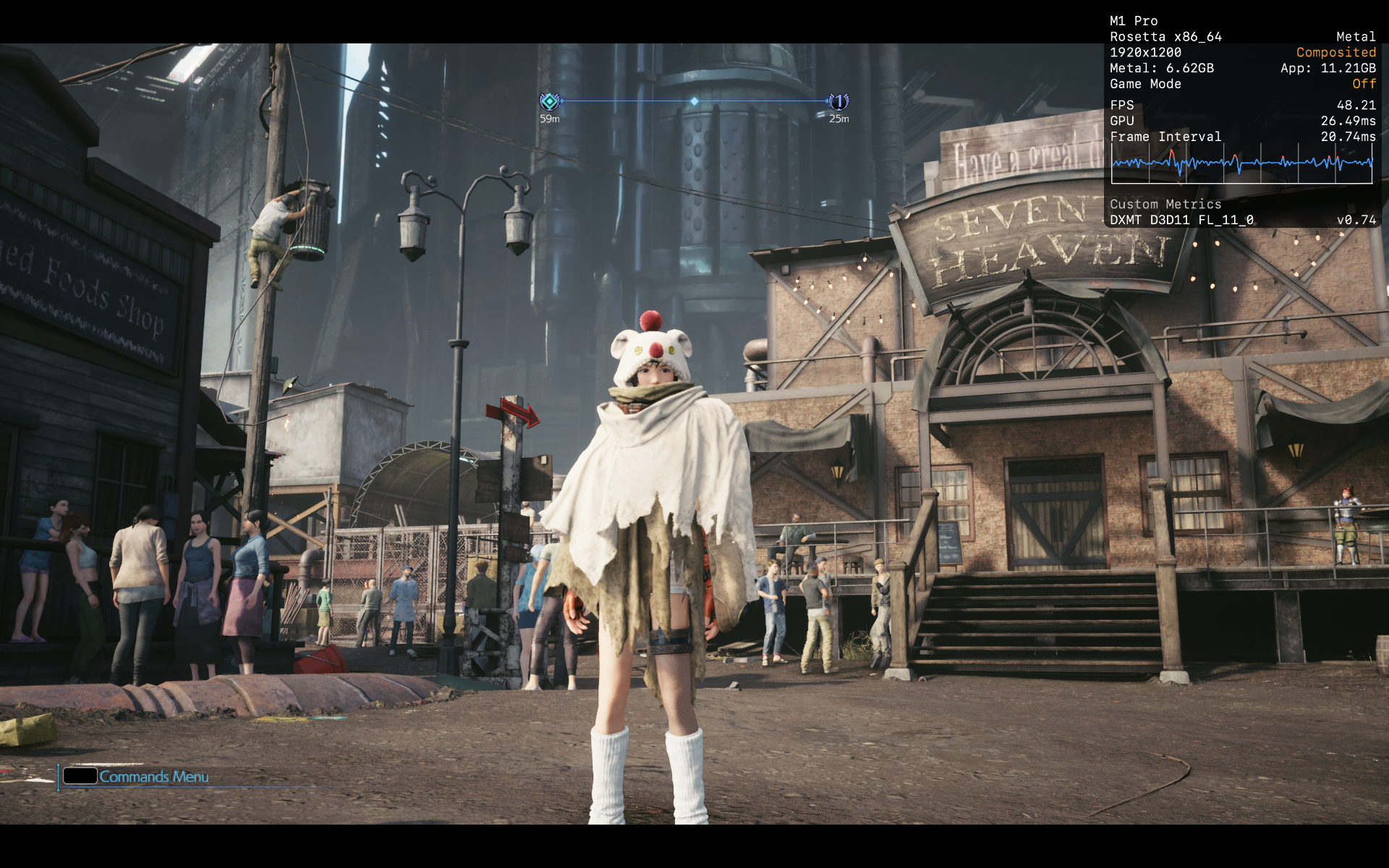
I have played the game to completion so it is playable from start to finish. D3DMETAL works decently and also allows HDR. But I think DXMT in dx11 mode has less stutters. Played the game at 1080p with textures on high and shadows on low and getting about 40 - 60 fps. To really reduce stuttering in the town areas, I installed FF7Hook mod to modify the Engine.ini file and set the game to dx11.

Ys VIII: Lacrimosa of DANA
CrossOver
v26.0 CXPatcher- Graphics:
- HIGH
- FPS:
- 60
- Resolution:
- 1920 X 1200
- Machine:
- MacBook Pro
- Chip:
- M1 PRO
- Cores:
- 10 CPU, 16 GPU
- RAM:
- 16 GB
Review Note:
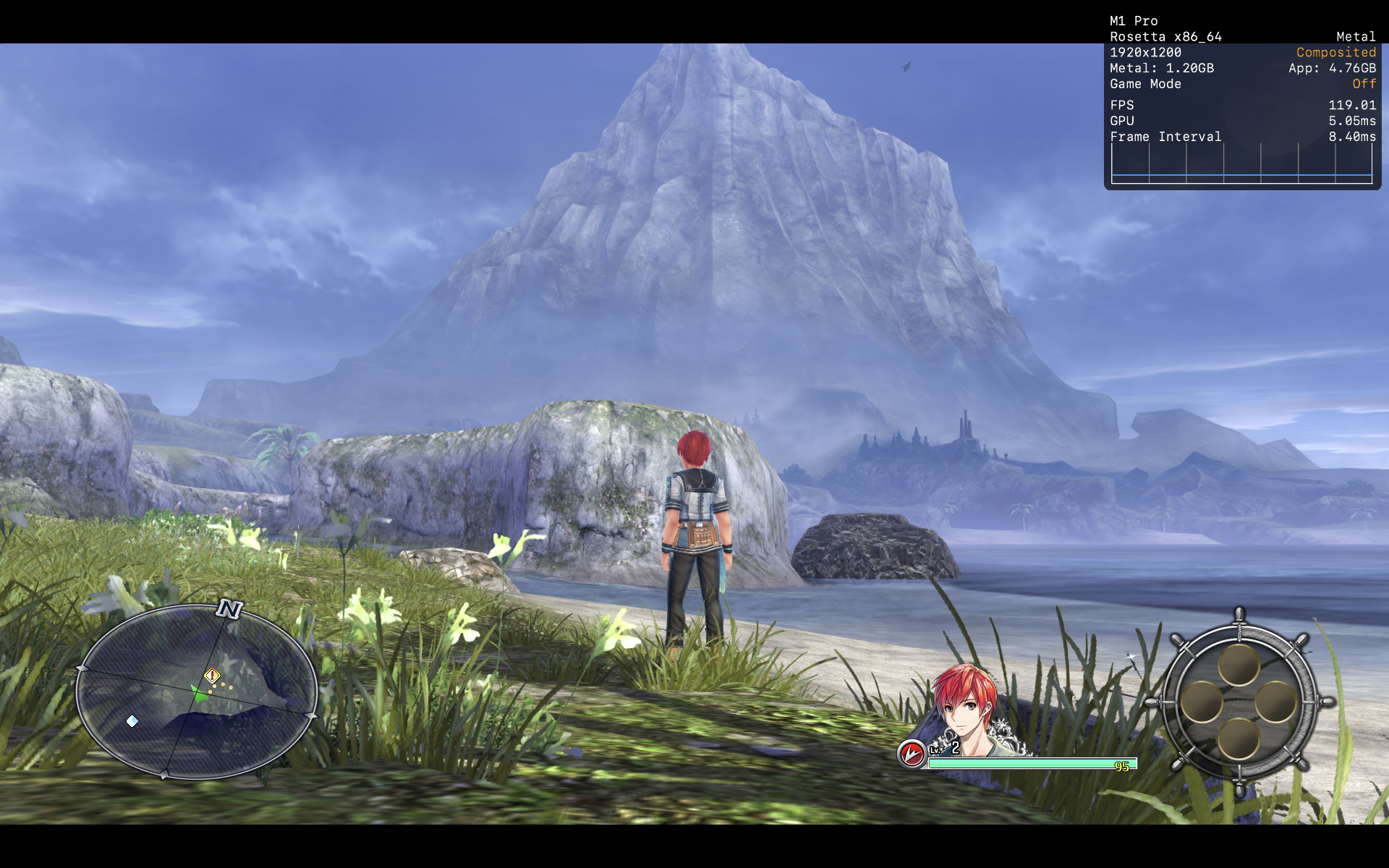
Easily hits over 60 fps during gameplay. Ran the game at max settings. D3DMETAL fails to launch the game.
Update: DXMT 0.80 can run the game. Seems to be the best way to run the game right now.
Beyond: Two Souls
CrossOver
v26.0 CXPatcher- Graphics:
- HIGH
- FPS:
- 60
- Resolution:
- 1920 X 1200
- Machine:
- MacBook Pro
- Chip:
- M1 PRO
- Cores:
- 10 CPU, 16 GPU
- RAM:
- 16 GB
Review Note:
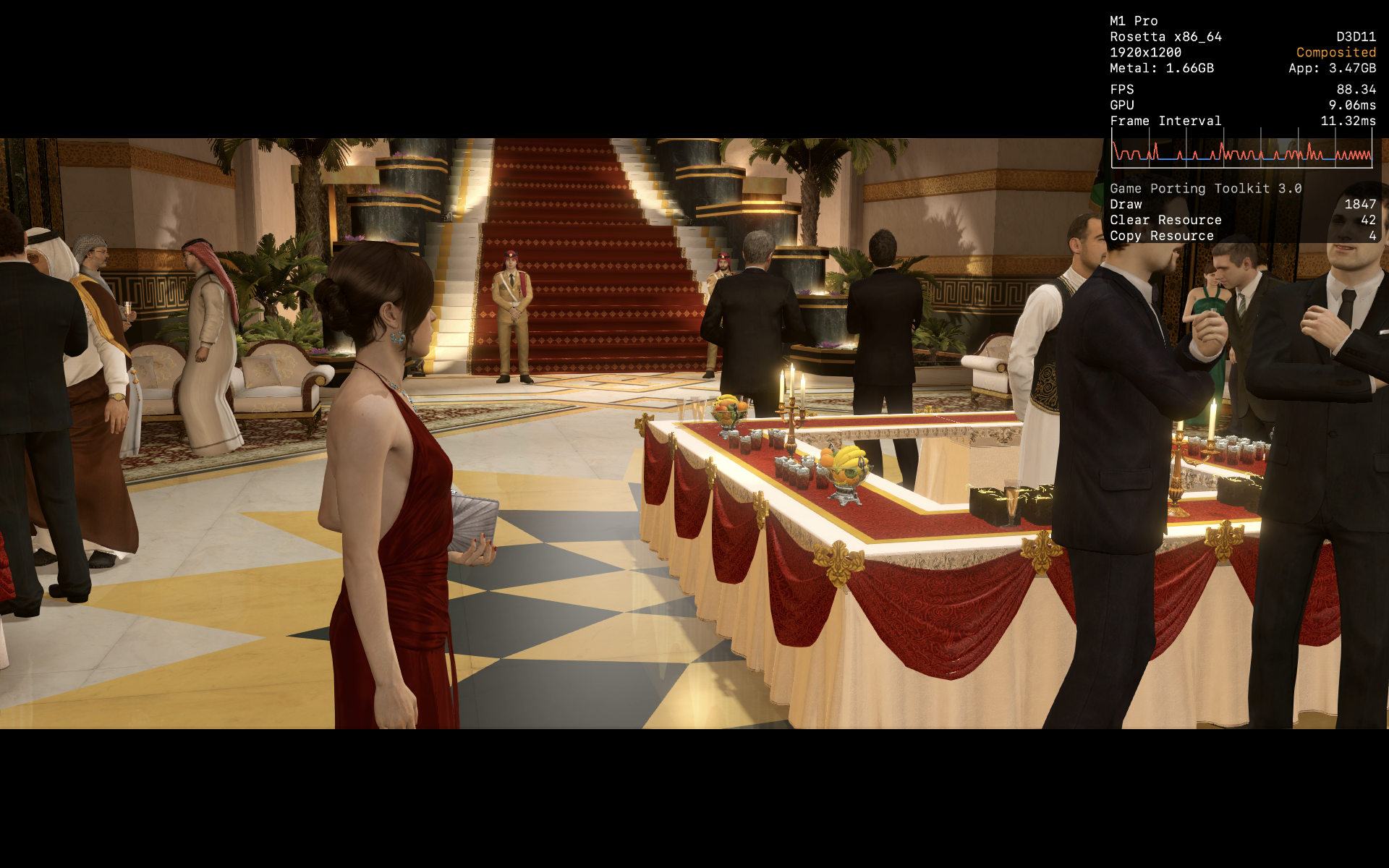
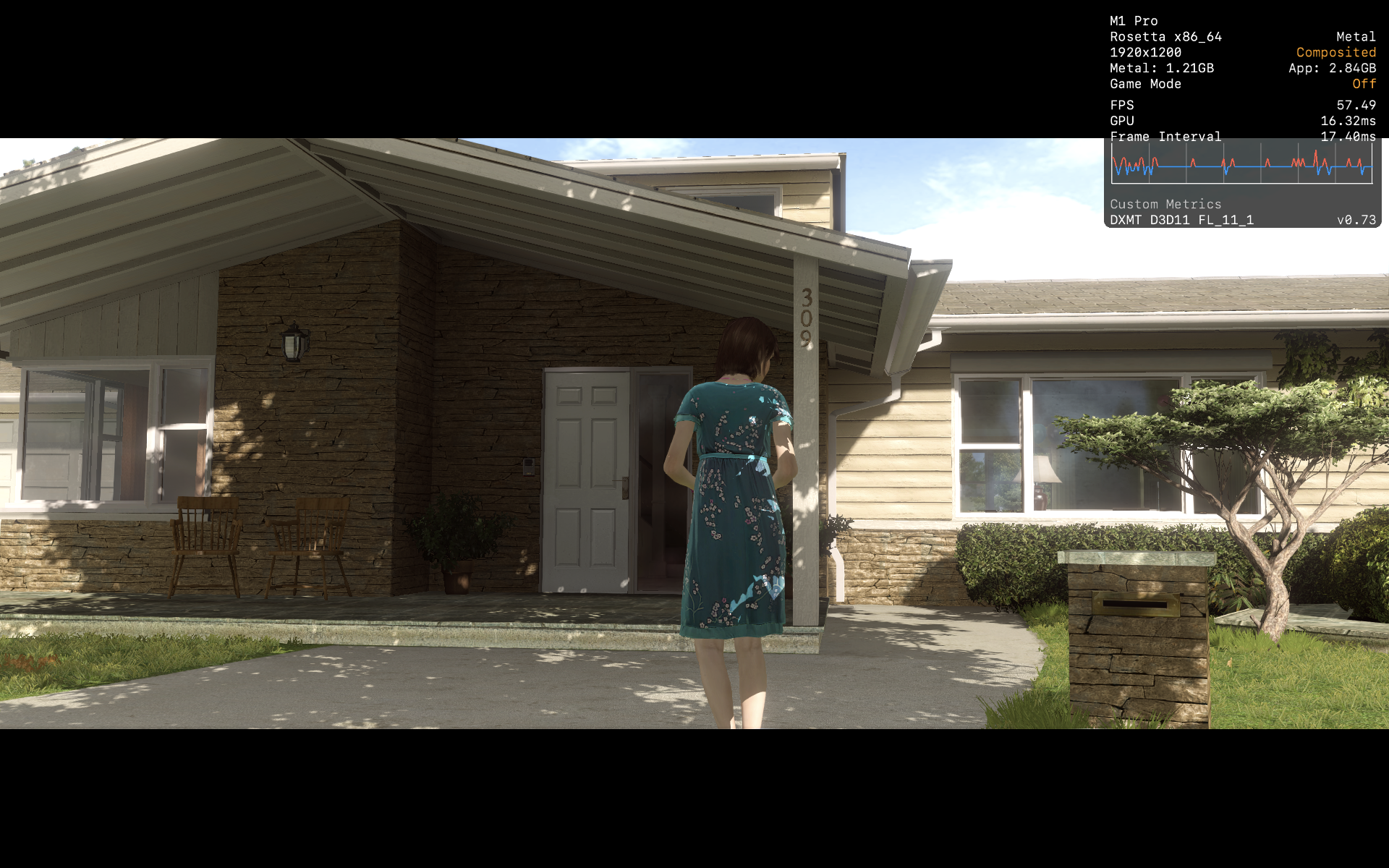
Running well at max graphics settings. D3DMETAL shows fps above 60 fps but seems to have more stutters. I think DXMT works better even if fps doesn't go above 60fps.

AI: The Somnium Files
CrossOver
v26.0 CXPatcher- Graphics:
- HIGH
- FPS:
- 120
- Resolution:
- 1920 X 1080
- Machine:
- MacBook Pro
- Chip:
- M1 PRO
- Cores:
- 10 CPU, 16 GPU
- RAM:
- 16 GB
Review Note:
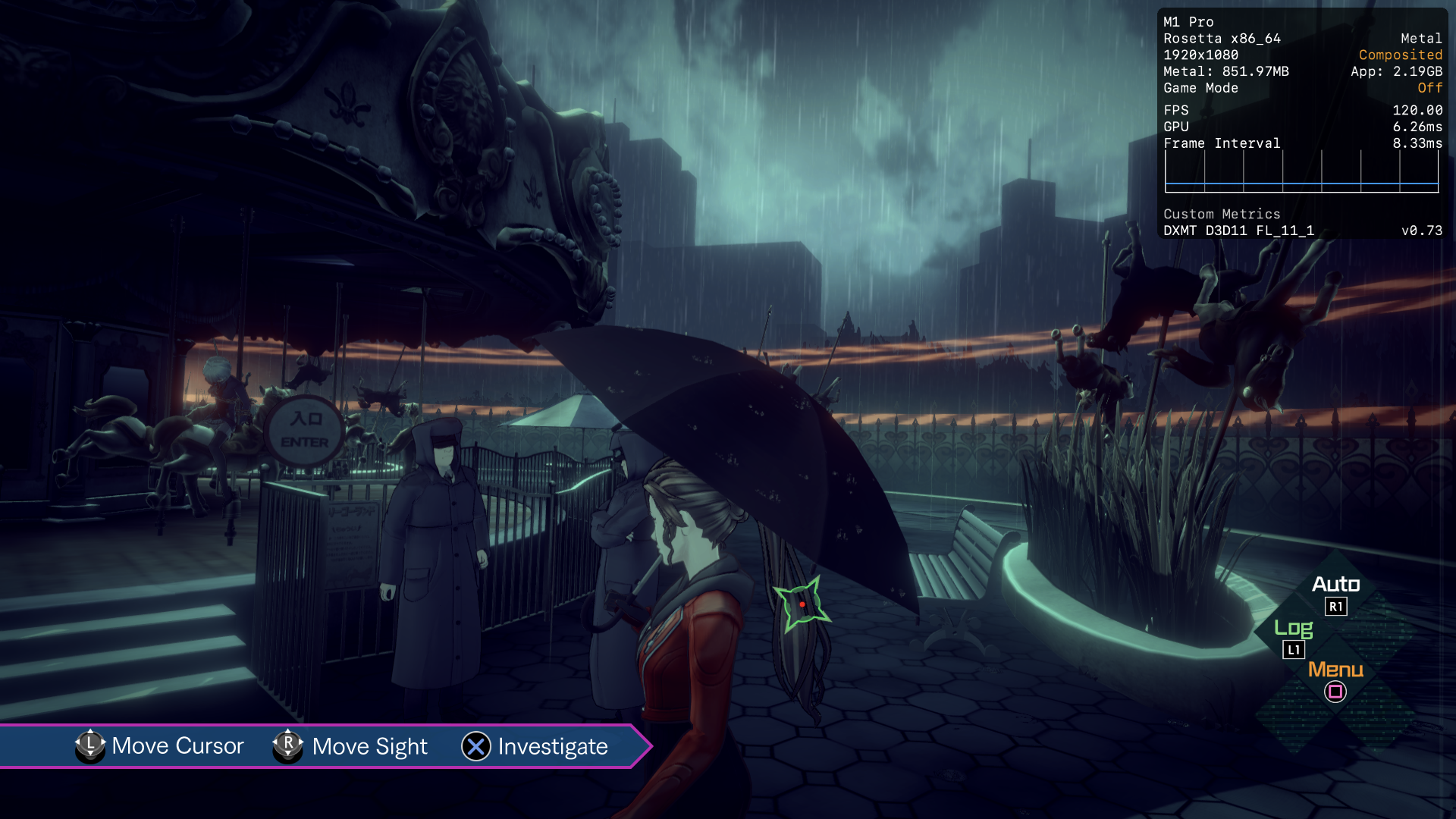
The game has some issues. Having the metal HUD causes random crashes so I'm just showing the possible performance. The game also cannot go into full screen so my desktop can still be seen behind the game. If vsync is turned off, the game performance tanks for some reason. With vsync on, the game seems to be running at 120fps. Also works on D3DMETAL.
Severed Steel
CrossOver
vPreview 20260218- Graphics:
- ULTRA
- FPS:
- 90
- Resolution:
- 1920 X 1200
- Machine:
- MacBook Pro
- Chip:
- M1 PRO
- Cores:
- 10 CPU, 16 GPU
- RAM:
- 16 GB
Review Note:
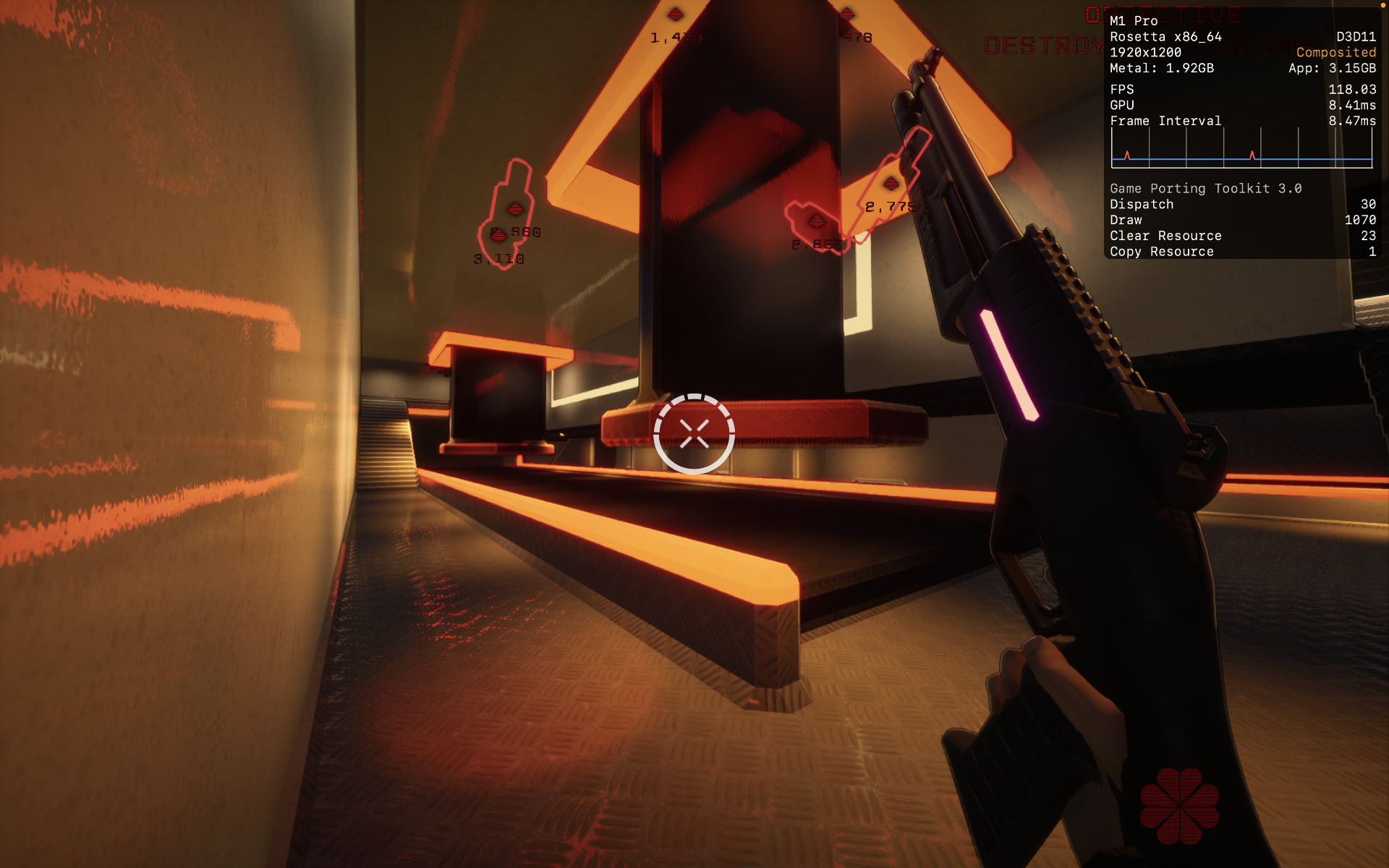
Works well at max settings. Getting over 90fps during combat. The only issue I encountered was the controller not being detected when I tried playing the Epic Games Store version via Heroic and Crossover. Had to add it to Steam and enable Steam input for controller to work. Did not test it on DXMT or DXVK.

Bloodstained: Ritual of the Night
CrossOver
vPreview 20260218- Graphics:
- ULTRA
- FPS:
- 60
- Resolution:
- 1920 X 1080
- Machine:
- MacBook Pro
- Chip:
- M1 PRO
- Cores:
- 10 CPU, 16 GPU
- RAM:
- 16 GB
Review Note:
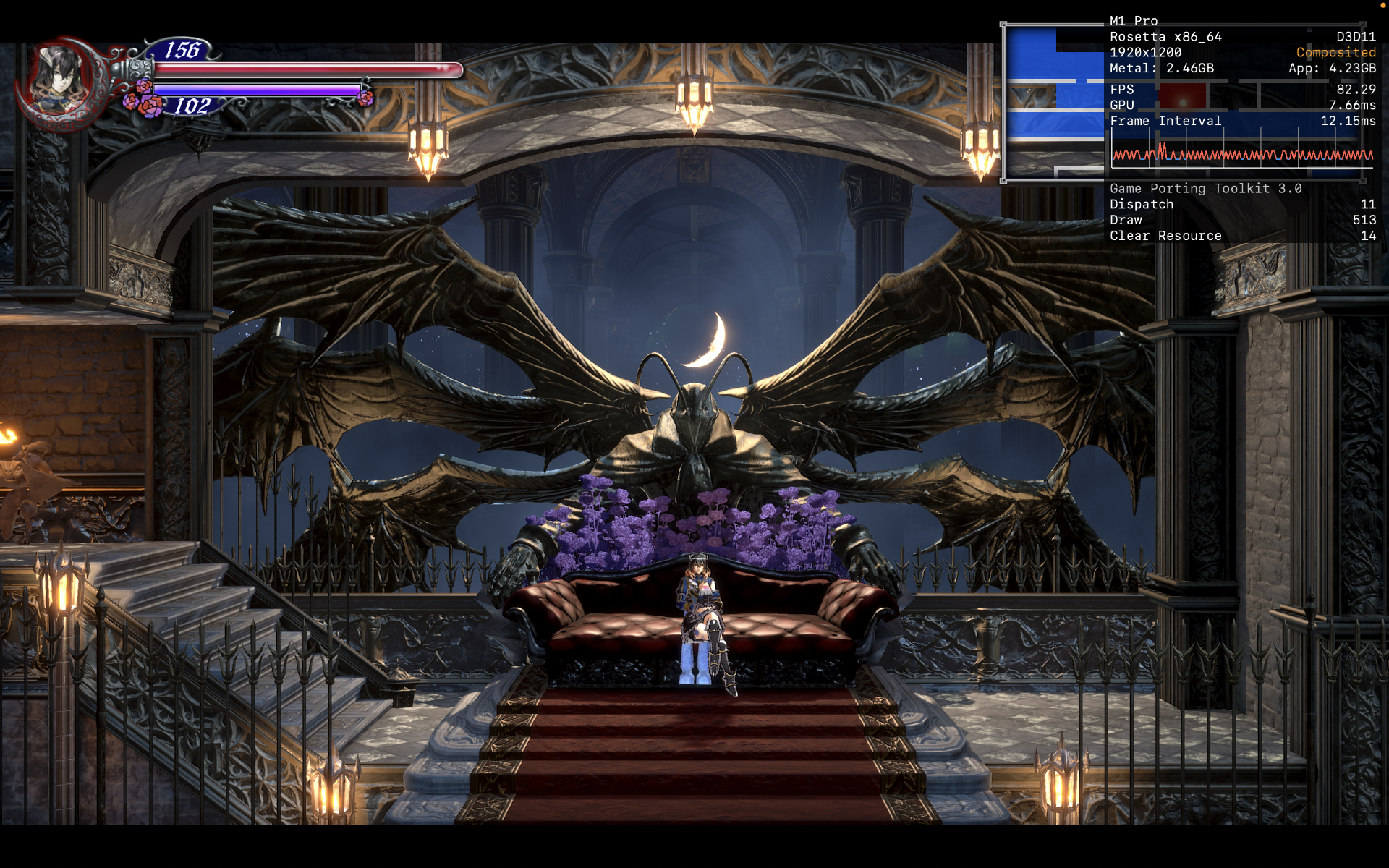
Getting over 60 fps with all max settings and framerate smoothing turned off. There are shader compilation stutters. I'm using the Epic Games Store version and controller is not detected. Had to add the game to Steam and enable Steam input for controller to work.
DXMT 0.73 has graphical issues and could not render certain effects.

Far Cry® 4
CrossOver
v26.0 CXPatcher- Graphics:
- HIGH
- FPS:
- 60
- Resolution:
- 1920 X 1200
- Machine:
- MacBook Pro
- Chip:
- M1 PRO
- Cores:
- 10 CPU, 14 GPU
- RAM:
- 16 GB
Review Note:
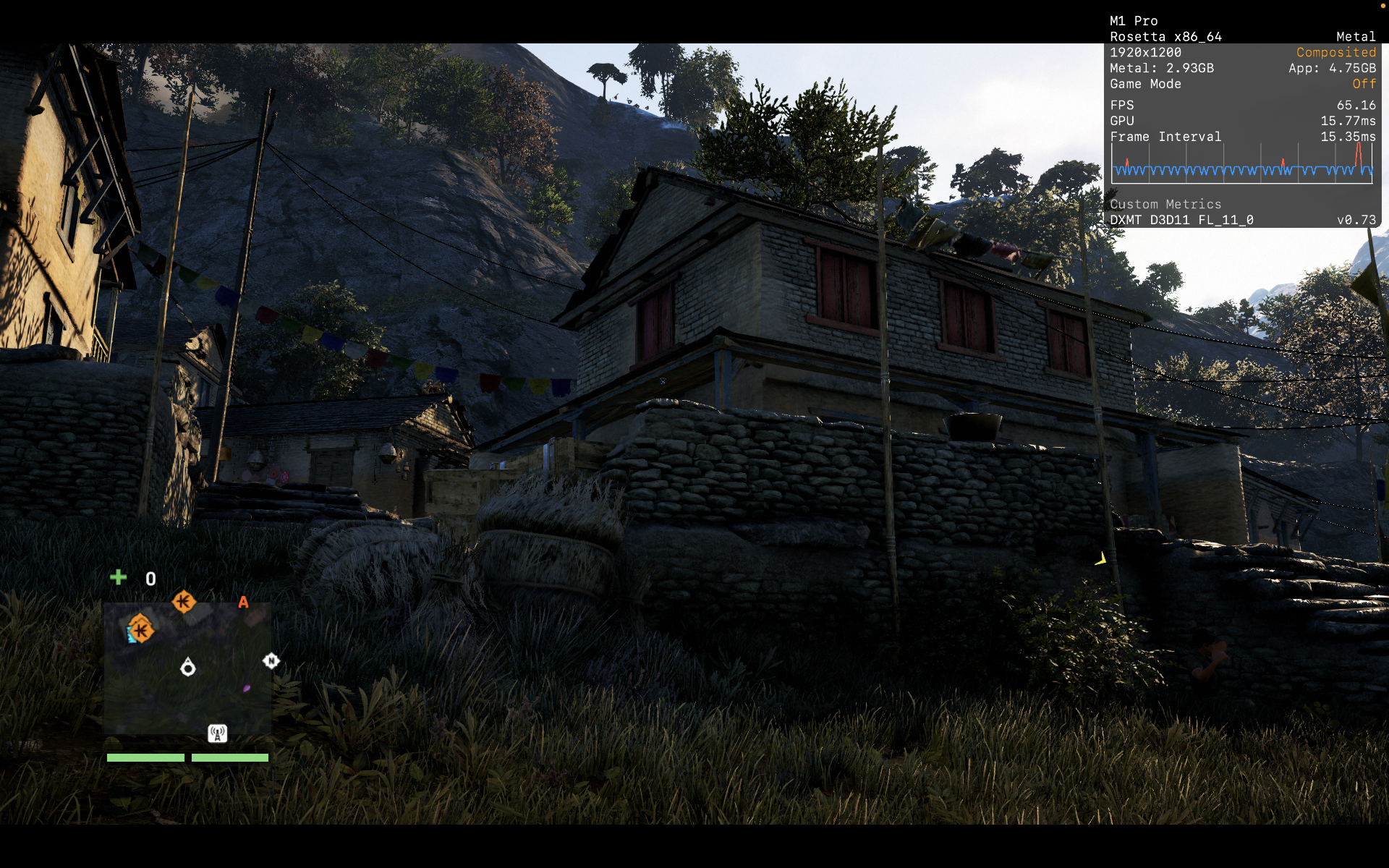
A few fixes need to be applied to make the game fully enjoyable.
Firstly, there are some graphical glitches (looks like floating squares). It can be fixed by adding DXMT_CONFIG="dxgi.customVendorId = 1002;dxgi.customDeviceId = 73df;" to the environment variable when launching Steam through Crossover.
For the audio issues, there are a few steps that need to be done to fully fix it. Firstly, add xaudio2_7 (builtin) to the library override. Make sure it is set to builtin, not the default (native, builtin). Secondly, we need to mix the surround sound output into a stereo mix. I achieve this by using the apps BlackHole and Ladiocast.
On my M1 Pro at the Very High Settings, I was able to play for several hours without issues and the game is mostly at 60 - 75 fps with very occasional dips to the high 50s fps.

Super Monkey Ball Banana Mania
CrossOver
v26.0 CXPatcher- Graphics:
- ULTRA
- FPS:
- 120
- Resolution:
- 1920 X 1200
- Machine:
- MacBook Pro
- Chip:
- M1 PRO
- Cores:
- 10 CPU, 16 GPU
- RAM:
- 16 GB
Review Note:
Runs really well at max settings


Phoenix Wright: Ace Attorney Trilogy
CrossOver
v26.0 CXPatcher- Graphics:
- HIGH
- FPS:
- 120
- Resolution:
- 1280 X 720
- Machine:
- MacBook Pro
- Chip:
- M1 PRO
- Cores:
- 10 CPU, 16 GPU
- RAM:
- 16 GB
Review Note:
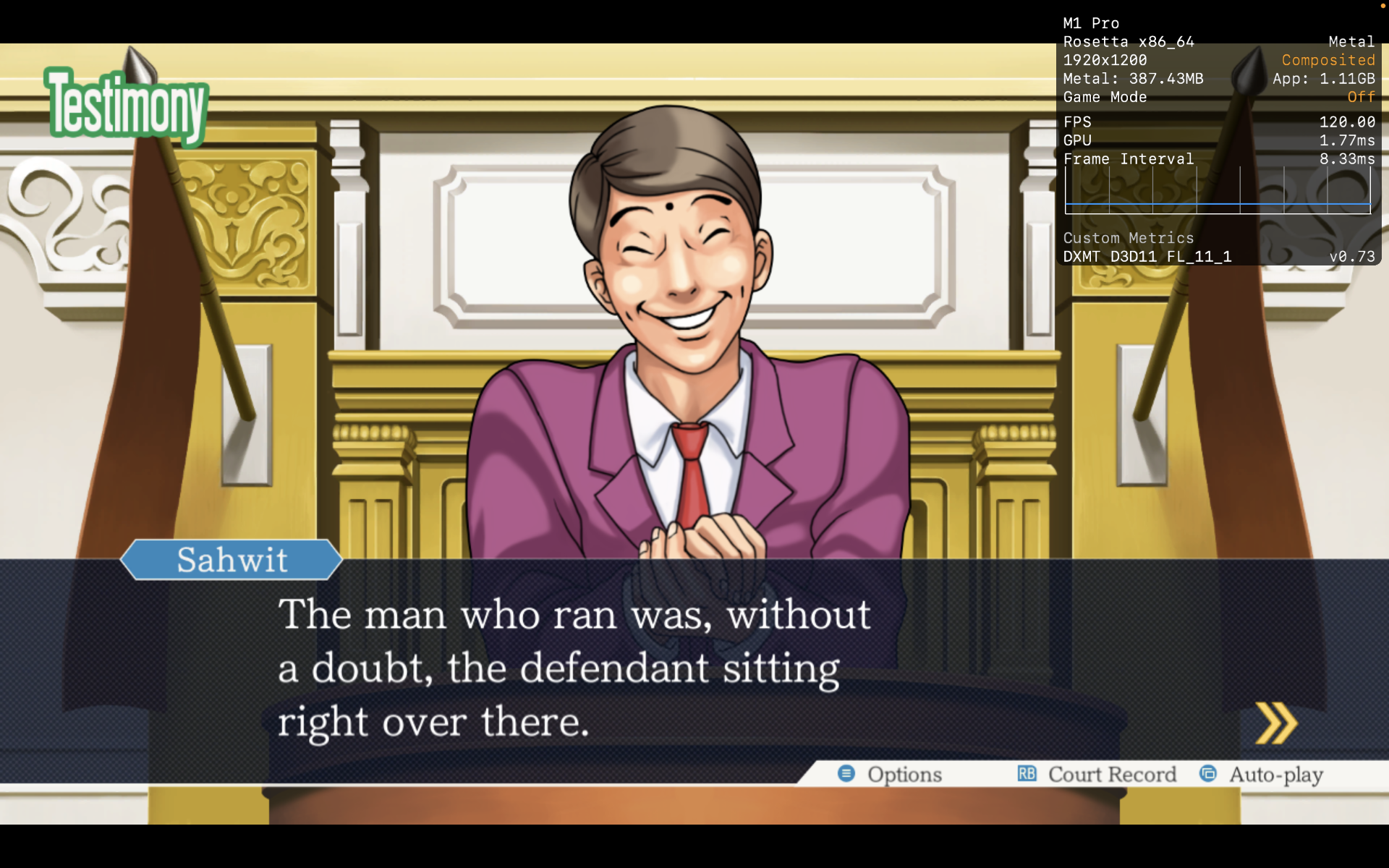
Even though the screenshot shows 1900 X 1200, the in game settings is stuck at 720p. Other than that, the game seems to run without issues.

STORY OF SEASONS: Friends of Mineral Town
CrossOver
v26.0 CXPatcher- Graphics:
- HIGH
- FPS:
- 60
- Resolution:
- 1920 X 1200
- Machine:
- MacBook Pro
- Chip:
- M1 PRO
- Cores:
- 10 CPU, 16 GPU
- RAM:
- 16 GB
Review Note:
The DOF in the game seems to be bugged and the whole image looks blurred. The DOF can be turned off in settings. Other than that, there doesn't seem to be any other issue


Sifu
CrossOver
v26.0 CXPatcher- Graphics:
- ULTRA
- FPS:
- 70
- Resolution:
- 1920 X 1200
- Machine:
- MacBook Pro
- Chip:
- M1 PRO
- Cores:
- 10 CPU, 16 GPU
- RAM:
- 16 GB
Review Note:
Getting around 70 - 100 fps with DLSS set to quality. Mods also work. DXMT runs the game better with less stutters than D3DMETAL. The stutters can be improved by pasting the following at the end of the engine.ini file of the game.
[/script/engine.renderersettings]
r.CreateShadersOnLoad=1


NINJA GAIDEN: Ragebound
CrossOver
v26.0 CXPatcher- Graphics:
- ULTRA
- FPS:
- 120
- Resolution:
- 1920 X 1200
- Machine:
- MacBook Pro
- Chip:
- M1 PRO
- Cores:
- 10 CPU, 16 GPU
- RAM:
- 16 GB
Review Note:
No issues. Runs perfectly


SHINOBI: Art of Vengeance
CrossOver
v26.0 CXPatcher- Graphics:
- ULTRA
- FPS:
- 120
- Resolution:
- 1920 X 1200
- Machine:
- MacBook Pro
- Chip:
- M1 PRO
- Cores:
- 10 CPU, 16 GPU
- RAM:
- 16 GB
Review Note:
Runs without issues at 120 fps


Shenmue I & II
CrossOver
v26.0 CXPatcher- Graphics:
- ULTRA
- FPS:
- 30
- Resolution:
- 1920 X 1200
- Machine:
- MacBook Pro
- Chip:
- M1 PRO
- Cores:
- 10 CPU, 16 GPU
- RAM:
- 16 GB
Review Note:
Max graphics settings. Running at 30 fps without issues. Missing voices can be fixed by mixing the surround sound output into a stereo output. I used the apps BlackHole and LadioCast (both free) to do this.



Red Faction Guerrilla Re-Mars-tered
CrossOver
v26.0 CXPatcher- Graphics:
- ULTRA
- FPS:
- 80
- Resolution:
- 1920 X 1200
- Machine:
- MacBook Pro
- Chip:
- M1 PRO
- Cores:
- 10 CPU, 16 GPU
- RAM:
- 16 GB
Review Note:
The game typically runs between 80 - 100 fps. It does dip to as low as 45 fps when there're lots of destruction on screen. There's a graphical artifact on DXMT when looking straight up at the sky (see 2nd screenshot). But it's not that bad since I rarely point the camera directly at the sky. D3DMETAL runs way worse and has even more graphical artifacts.



Lumines Arise
CrossOver
v26.0- Graphics:
- ULTRA
- FPS:
- 80
- Resolution:
- 1920 X 1200
- Machine:
- MacBook Pro
- Chip:
- M1 PRO
- Cores:
- 10 CPU, 16 GPU
- RAM:
- 16 GB
Review Note:
The game mostly gets 80 - 100 fps depending on the stage with most of the graphical settings maxed out. DXMT also works but doesn't perform as well as D3DMETAL.


Fight'N Rage
CrossOver
v26.0- Graphics:
- HIGH
- Resolution:
- 1920 X 1200
- Machine:
- MacBook Pro
- Chip:
- M1 PRO
- Cores:
- 10 CPU, 16 GPU
- RAM:
- 16 GB
Review Note:
For some reason I can't get Metal HUD to show up so I don't know the fps. D3DMETAL works but the game seems to run in slow motion.

ENDER LILIES: Quietus of the Knights
CrossOver
v26.0- Graphics:
- HIGH
- FPS:
- 120
- Resolution:
- 1920 X 1200
- Machine:
- MacBook Pro
- Chip:
- M1 PRO
- Cores:
- 10 CPU, 16 GPU
- RAM:
- 16 GB
Review Note:
DXMT also works and might be slightly better.

EARTH DEFENSE FORCE 4.1 The Shadow of New Despair
CrossOver
v26.0- Graphics:
- HIGH
- FPS:
- 60
- Resolution:
- 2560 X 1600
- Machine:
- MacBook Pro
- Chip:
- M1 PRO
- Cores:
- 10 CPU, 16 GPU
- RAM:
- 16 GB
Review Note:
Both D3DMETAL and DXMT run the game excellently. Zero fps drop in the few missions that I played.
Sleeping Dogs: Definitive Edition
CrossOver
v26.0- Graphics:
- ULTRA
- FPS:
- 60
- Resolution:
- 1728 X 1117
- Machine:
- MacBook Pro
- Chip:
- M1 PRO
- Cores:
- 10 CPU, 16 GPU
- RAM:
- 16 GB
Review Note:
Basically hovers around 60 - 80 fps with all settings maxed out except the anti aliasing quality. I find that DXMT offers better performance than D3DMETAL. Native runs much worse for me.
Some troubleshooting:
If Sleeping Dogs: Definitive Edition doesn't start go to "Steam/ steamapps/ common/ SleepingDogsDefinitiveEdition/ data"
Open DisplaySettings.xml
Change
<Fullscreen>1</Fullscreen> to <Fullscreen>0</Fullscreen>
Also, set anti aliasing to normal or lower for much better performance.

The Great Ace Attorney Chronicles
CrossOver
v26.0 CXPatcher- Graphics:
- HIGH
- FPS:
- 60
- Resolution:
- 2560 X 1600
- Machine:
- MacBook Pro
- Chip:
- M1 PRO
- Cores:
- 10 CPU, 16 GPU
- RAM:
- 16 GB
Review Note:
The game need a few tweaks to be fully playable on Crossover. Firstly, you have to patch in Gstreamer via CXPatcher to fix videos not playing. Secondly, you need to apply something called dgs_hackfix to enable more resolutions if you're on a 16:10 screen ratio. Was able to comfortably play at 60fps at 1600p for the first trial.