SpongeBob SquarePants: Titans of the Tide
Publisher: THQ Nordic
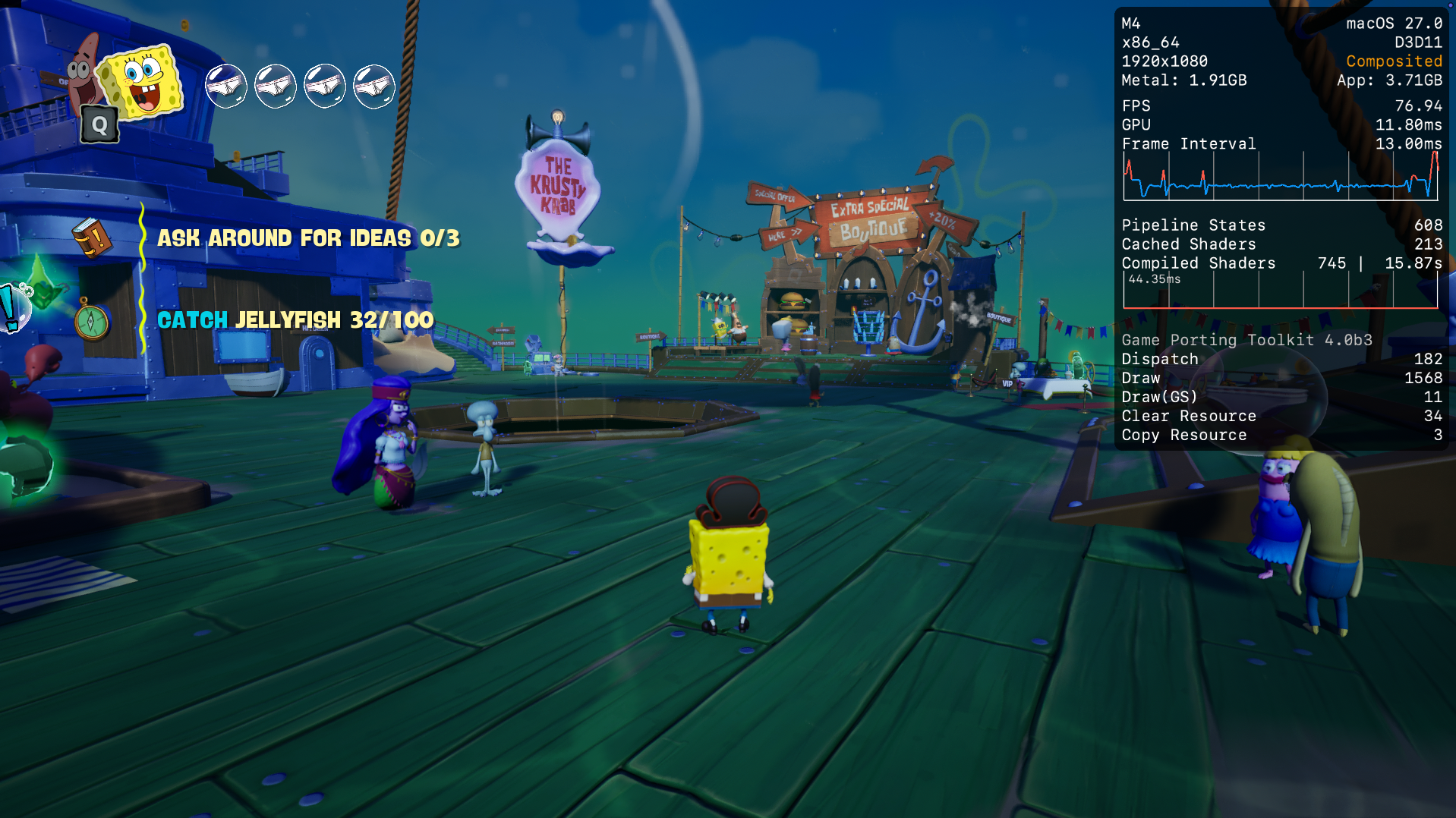
Limited data. SpongeBob SquarePants: Titans of the Tide runs excellently through CrossOver at a median 100 fps (1 report) on M4. Only 1 report so far, so this is not a reliable verdict yet.
Mac Performance
Experience Reports
1
Average Rating
5.0/ 5
Play Methods
- Native0
- CrossOver1
- Parallels0
- Other0
Game Information
Ghostly Digital Edition
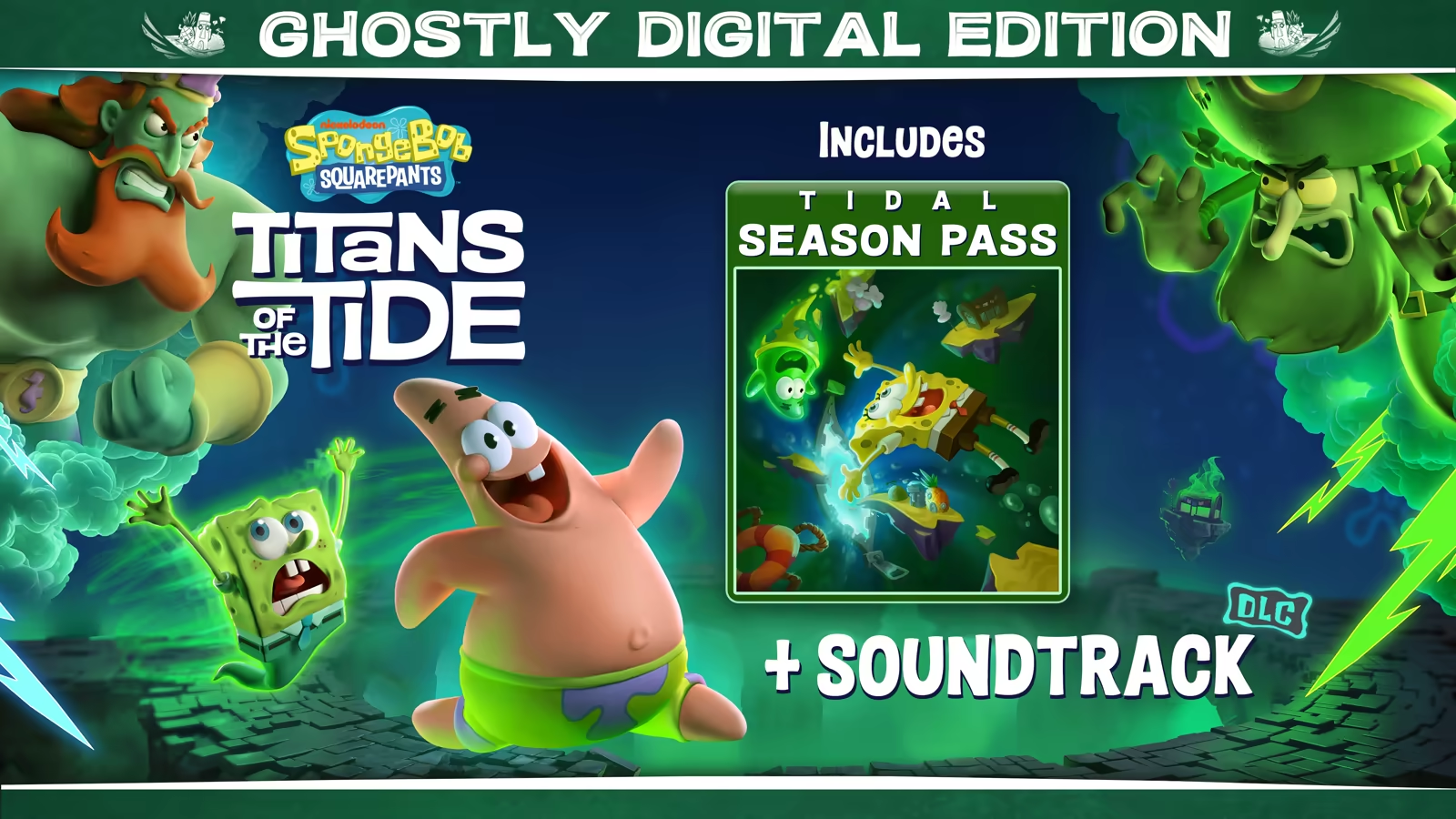
Includes the Tidal Season Pass
Titans of the Tide: Soundtrack
About the Game

How do you stop the two biggest egos of the Seven Seas from fighting? A clash between the Flying Dutchman and King Neptune has unleashed ghostly mayhem all over Bikini Bottom. SpongeBob and Patrick will need all their skills, bravery and - dare I say - wit, to return life to what passes for normal in their undersea home. Join Bikini Bottom's most notorious duo on their ghostliest adventure yet!

 Switch seamlessly between SpongeBob and Patrick
Combine SpongeBob and Patrick's unique platforming skills
Master Patrick's brand-new skills like grappling and burrowing
Experience a new ghostly story
Fully voiced by the original cast of the show
Visit iconic locations like Neptune's Palace and Mount Bikini
Battle epic bosses like the Flying Dutchman, King Neptune and Hibernation Sandy

Experience Reports


PLAYWINDOWSGAMES
ONMAC
*Affiliate link. Supports this site & Mac gaming through CodeWeavers' contributions to Wine.


CrossOver
v26.0

- Graphics:
- MEDIUM
- FPS:
- 100
- Resolution:
- 1920x1080
- Machine:
- Mac mini
- Chip:
- M4 BASE
- Cores:
- 10 CPU, 10 GPU
- RAM:
- 16 GB
Review Note:
The game didnt launch straight out of the box and i had to do a research, ill leave this video for the next person who cannot launch the game: https://youtu.be/5S1CLanL9qM (credits to MacProTips who made the video) (timelapse: 0.10 - 1.12)
My settings:
- everything on medium settings
- 3D at 67%
- No Frame Gen
- Im using GPTK 4 beta 3 (ive tried the normal version and it should run similarly)
- put VSYNC to ON for a better experience.
- TSR
I've used 4 anti aliasing methods and this is the result:
- FXAA | pro = highest FPS to gain (around 150), cons = it lowers the details a lot
- AMD | simply dont use, it lowers the quality and the frame rate drops to around 45
- TAA | pretty good in terms of quality fps proportion but the fps arent stable and change frequently which means you might encounter stutters.
- TSR | very good at details and frame rates stays high
- NVIDIA DLSS pretty good around 65-80 fps (some version may crash with it)