
Grand Theft Auto V Legacy
Publisher: Rockstar Games
Grand Theft Auto V Legacy runs excellently through CrossOver at a median 60 fps (27 reports), and excellently in Parallels at a median 30 fps (2 reports) on Apple Silicon. Based on 29 reports across M1 to M5.
Mac Performance
Experience Reports
29
Average Rating
3.6/ 5
Play Methods
- Native0
- CrossOver27
- Parallels2
- Other0
Game Information
Grand Theft Auto V for PC offers players the option to explore the award-winning world of Los Santos and Blaine County in resolutions of up to 4k and beyond, as well as the chance to experience the game running at 60 frames per second.
The game offers players a huge range of PC-specific customization options, including over 25 separate configurable settings for texture quality, shaders, tessellation, anti-aliasing and more, as well as support and extensive customization for mouse and keyboard controls. Additional options include a population density slider to control car and pedestrian traffic, as well as dual and triple monitor support, 3D compatibility, and plug-and-play controller support.
Grand Theft Auto V for PC also includes Grand Theft Auto Online, with support for 30 players and two spectators. Grand Theft Auto Online for PC will include all existing gameplay upgrades and Rockstar-created content released since the launch of Grand Theft Auto Online, including Heists and Adversary modes.
The PC version of Grand Theft Auto V and Grand Theft Auto Online features First Person Mode, giving players the chance to explore the incredibly detailed world of Los Santos and Blaine County in an entirely new way.
Grand Theft Auto V for PC also brings the debut of the Rockstar Editor, a powerful suite of creative tools to quickly and easily capture, edit and share game footage from within Grand Theft Auto V and Grand Theft Auto Online. The Rockstar Editor’s Director Mode allows players the ability to stage their own scenes using prominent story characters, pedestrians, and even animals to bring their vision to life. Along with advanced camera manipulation and editing effects including fast and slow motion, and an array of camera filters, players can add their own music using songs from GTAV radio stations, or dynamically control the intensity of the game’s score. Completed videos can be uploaded directly from the Rockstar Editor to YouTube and the Rockstar Games Social Club for easy sharing.
Soundtrack artists The Alchemist and Oh No return as hosts of the new radio station, The Lab FM. The station features new and exclusive music from the production duo based on and inspired by the game’s original soundtrack. Collaborating guest artists include Earl Sweatshirt, Freddie Gibbs, Little Dragon, Killer Mike, Sam Herring from Future Islands, and more. Players can also discover Los Santos and Blaine County while enjoying their own music through Self Radio, a new radio station that will host player-created custom soundtracks.
Experience Reports


PLAYWINDOWSGAMES
ONMAC
*Affiliate link. Supports this site & Mac gaming through CodeWeavers' contributions to Wine.


CrossOver
v25.0

- Graphics:
- HIGH
- FPS:
- 60
- Resolution:
- 4k
- Hardware:
- M1 MAX
Review Note:
Works great, although has some issues with tessellation around trees
CrossOver
v25.0

- Graphics:
- ULTRA
- FPS:
- 30
- Resolution:
- 1920x1080
- Hardware:
- M1 BASE
Review Note:
Games runs great with mods, but drops fps when it heats up
CrossOver
v25.0

- Graphics:
- HIGH
- FPS:
- 60
- Hardware:
- M3 PRO
Review Note:
Plays with good FPS, must cap it or it varies a lot. Drops sometimes. Drops badly when raining
CrossOver
v25.0

- Graphics:
- HIGH
- Hardware:
- M4 MAX
CrossOver
v25.0

- Graphics:
- MEDIUM
- FPS:
- 120
- Resolution:
- 1920x1080
- Hardware:
- M4 PRO
CrossOver
v25.0

- Graphics:
- MEDIUM
- FPS:
- 60
- Resolution:
- 1470x918
- Hardware:
- M2 BASE
Review Note:
Runs well (60fps+ until thermal throttling) with medium settings (In-game, high), using DirectX 10. It throttles quickly on MBA, but capping to 30 FPS circumvents that. Only issues (with DXVK) is water flickering but setting water to "Normal" fixes that. There is severe shader compilation stutter initially but it improves as you play.
Bottle settings:
DXVK and MSync
CrossOver
v25.0

- Graphics:
- HIGH
- FPS:
- 70
- Resolution:
- 1920x1080
- Hardware:
- M4 BASE
Review Note:
Installed with the NaturalVision Remastered graphics mod
CrossOver
v25.0- Graphics:
- HIGH
- FPS:
- 60
- Resolution:
- 1920x1080
- Hardware:
- M1 BASE
Review Note:
M1 8GB. 60FPS with Vsync. Mod used: VisualV.
CrossOver
v25.0- Graphics:
- HIGH
- FPS:
- 60
- Resolution:
- 1920x1080
- Hardware:
- M4 PRO
CrossOver
v25.0- Graphics:
- HIGH
- FPS:
- 50
- Resolution:
- 2048x1280
- Hardware:
- M1 BASE
Review Note:
Runs good, even on base machines.
CrossOver
v25.0.1- Graphics:
- HIGH
- Resolution:
- 7680x2160
- Hardware:
- M4 MAX
CrossOver
v25.0

- Graphics:
- ULTRA
- FPS:
- 70
- Resolution:
- 1920x1200
- Hardware:
- M2 PRO
Screenshots:
CrossOver
v25.0.1

- Graphics:
- HIGH
- FPS:
- 70
- Resolution:
- 1920x1080
- Machine:
- MacBook Pro
- Chip:
- M1 PRO
- Cores:
- 10 CPU, 14 GPU
- RAM:
- 16 GB
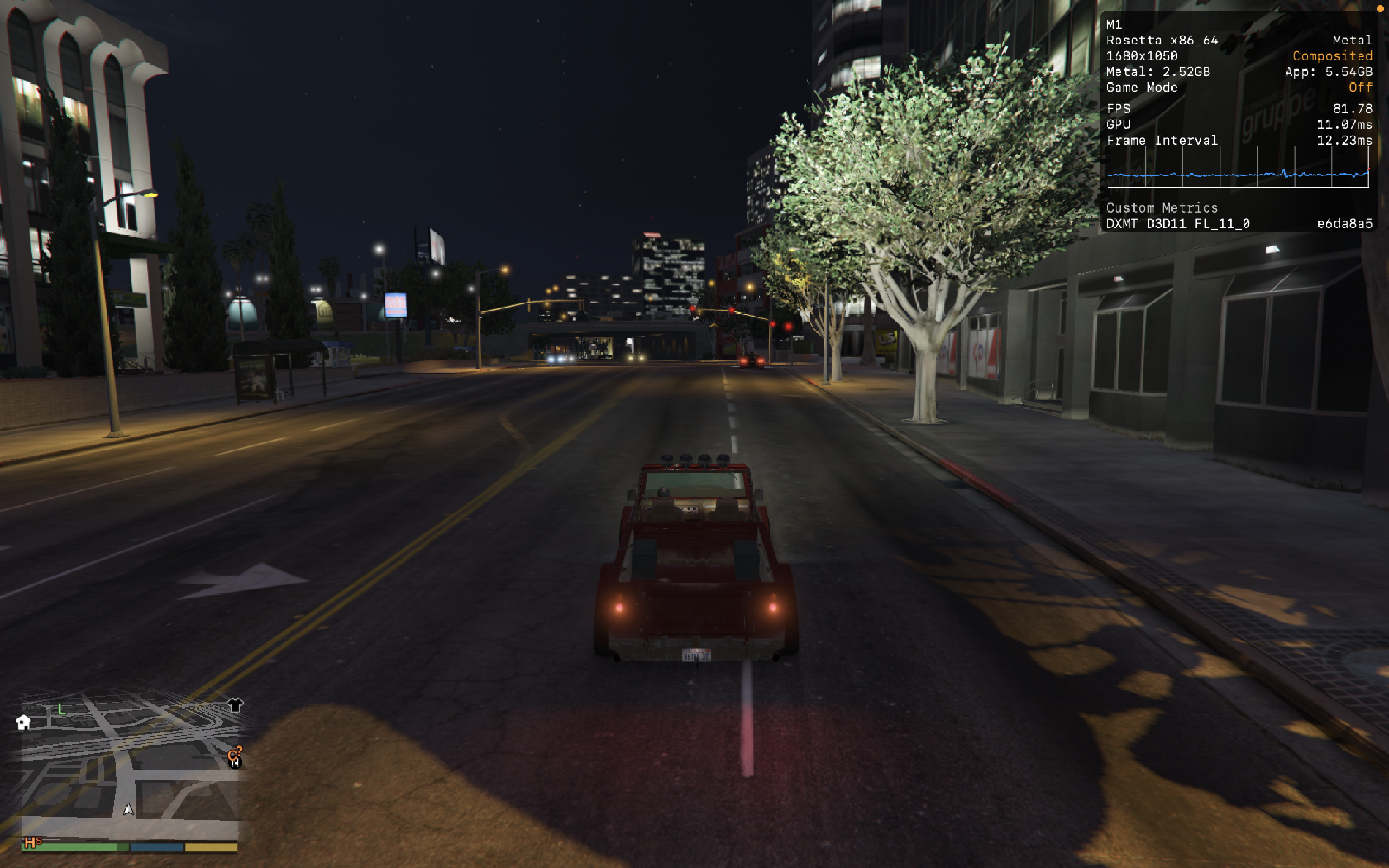
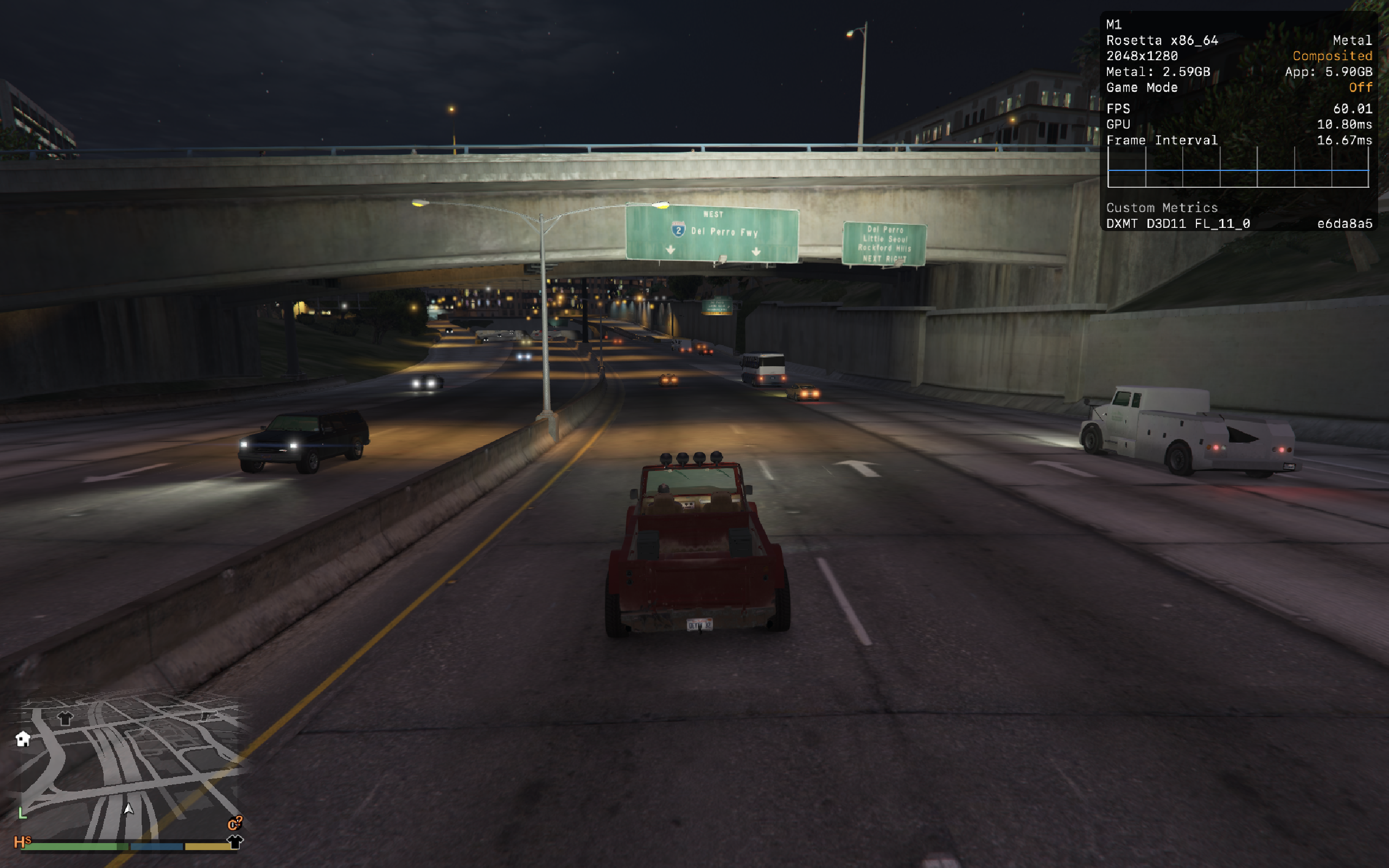
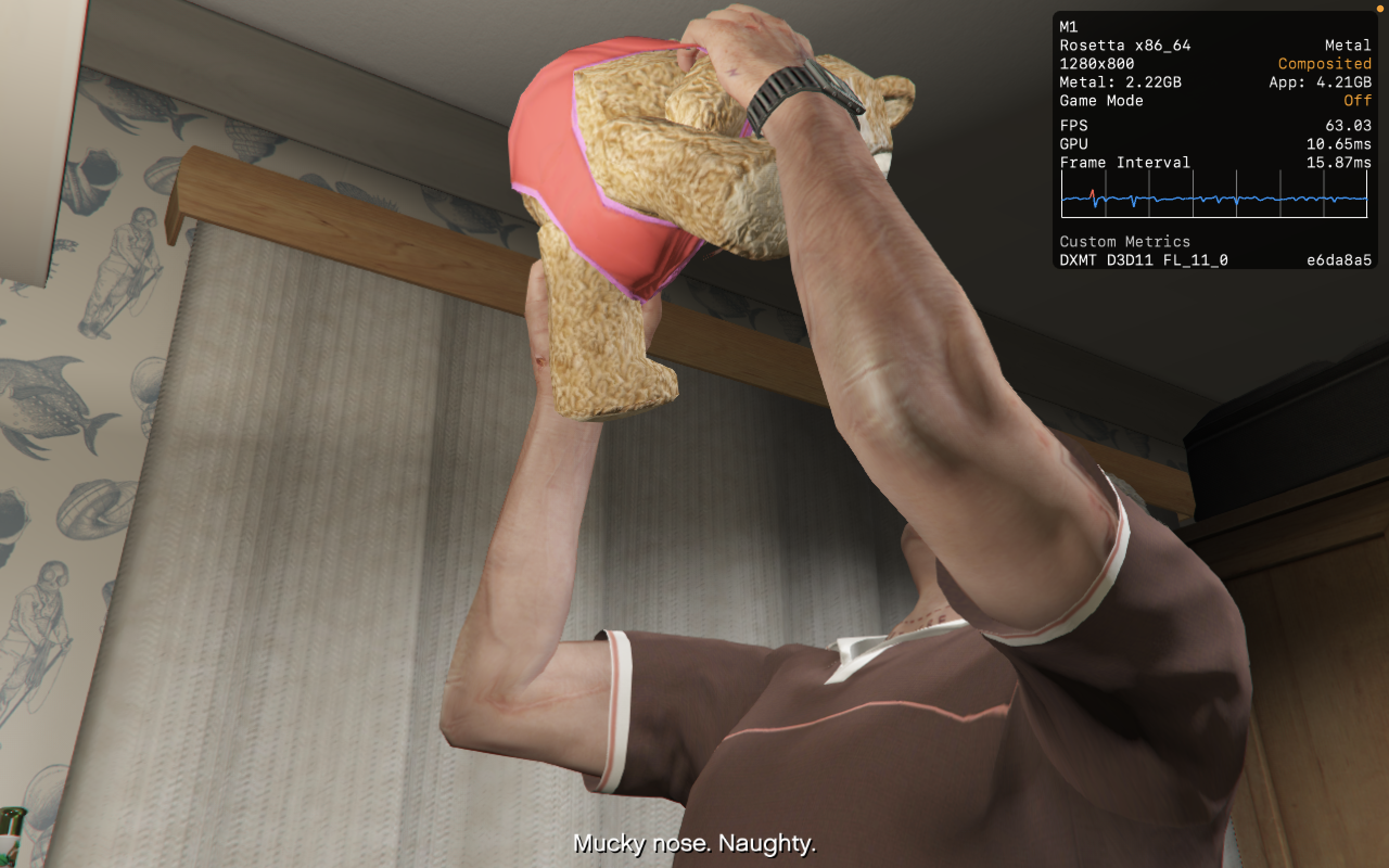
CrossOver
- Graphics:
- MEDIUM
- FPS:
- 60
- Resolution:
- 2048x1280
- Machine:
- MacBook Air
- Chip:
- M1 BASE
- Cores:
- 8 CPU, 7 GPU
- RAM:
- 8 GB
Review Note:
With a few tweaks of wine configuartion, i was able to run it at consistent 60fps at normal settings at 2k
CrossOver
v25.0.1- Graphics:
- ULTRA
- FPS:
- 30
- Machine:
- MacBook Air
- Chip:
- M4 BASE
- Cores:
- 10 CPU, 10 GPU
- RAM:
- 32 GB
CrossOver
v25.0.1- Graphics:
- HIGH
- FPS:
- 36
- Machine:
- MacBook Air
- Chip:
- M4 BASE
- Cores:
- 10 CPU, 10 GPU
- RAM:
- 32 GB
CrossOver
v25.1.1

- Graphics:
- LOW
- FPS:
- 5
- Resolution:
- 800x600
- Machine:
- MacBook Air
- Chip:
- M3 BASE
- Cores:
- 8 CPU, 10 GPU
- RAM:
- 24 GB
Review Note:
m3 is too slow to run this
CrossOver
v26.0

- Graphics:
- HIGH
- FPS:
- 90
- Resolution:
- 2560x1600
- Machine:
- MacBook Pro
- Chip:
- M5 BASE
- Cores:
- 10 CPU, 10 GPU
- RAM:
- 16 GB
Review Note:
game running from the official rockstar launcher. high settings except for ambiant occlusion which is OFF. Game running great between 75 and 120 FPS depending on the scenery.
CrossOver
v26.0

- Graphics:
- ULTRA
- FPS:
- 120
- Resolution:
- 1920x1080
- Machine:
- MacBook Pro
- Chip:
- M5 PRO
- Cores:
- 15 CPU, 16 GPU
- RAM:
- 24 GB
Review Note:
Works really nice, even with all the settings on
CrossOver
v26.0- Graphics:
- HIGH
- FPS:
- 105
- Resolution:
- 2560x1440
- Machine:
- MacBook Pro
- Chip:
- M5 PRO
- Cores:
- 18 CPU, 20 GPU
- RAM:
- 24 GB
Review Note:
Runs super great, everything almost maxed out (all in very high, not ultra), except "visual effects" only in high because very high causes black screens. MSAA X4 dips the fps to around 70 fps, MSAA X2 is the sweet spot.
Frames Per Second (Higher is better) Min, Max, Avg
Pass 0, 9.664114, 170.410004, 102.440208
Pass 1, 36.034737, 272.338562, 98.765472
Pass 2, 7.539641, 195.940109, 107.945374
Pass 3, 25.300570, 219.341537, 113.953217
Pass 4, 19.236799, 222.024872, 102.444023
Time in milliseconds(ms). (Lower is better). Min, Max, Avg
Pass 0, 5.868200, 103.475601, 9.761792
Pass 1, 3.671900, 27.751001, 10.124996
Pass 2, 5.103601, 132.632309, 9.263945
Pass 3, 4.559100, 39.524803, 8.775531
Pass 4, 4.504000, 51.983700, 9.761429
Frames under 16ms (for 60fps):
Pass 0: 948/950 frames (99.79%)
Pass 1: 922/924 frames (99.78%)
Pass 2: 993/996 frames (99.70%)
Pass 3: 1054/1056 frames (99.81%)
Pass 4: 11607/11630 frames (99.80%)
Frames under 33ms (for 30fps):
Pass 0: 949/950 frames (99.89%)
Pass 1: 924/924 frames (100.00%)
Pass 2: 995/996 frames (99.90%)
Pass 3: 1055/1056 frames (99.91%)
Pass 4: 11628/11630 frames (99.98%)
Percentiles in ms for pass 0
50%, 9.00
75%, 10.00
80%, 10.00
85%, 11.00
90%, 11.00
91%, 11.00
92%, 11.00
93%, 11.00
94%, 11.00
95%, 12.00
96%, 12.00
97%, 12.00
98%, 12.00
99%, 13.00
Percentiles in ms for pass 1
50%, 10.00
75%, 10.00
80%, 10.00
85%, 11.00
90%, 11.00
91%, 11.00
92%, 11.00
93%, 11.00
94%, 11.00
95%, 11.00
96%, 12.00
97%, 12.00
98%, 12.00
99%, 12.00
Percentiles in ms for pass 2
50%, 9.00
75%, 10.00
80%, 10.00
85%, 10.00
90%, 10.00
91%, 10.00
92%, 11.00
93%, 11.00
94%, 11.00
95%, 11.00
96%, 11.00
97%, 11.00
98%, 11.00
99%, 12.00
Percentiles in ms for pass 3
50%, 8.00
75%, 9.00
80%, 9.00
85%, 10.00
90%, 10.00
91%, 10.00
92%, 10.00
93%, 11.00
94%, 11.00
95%, 11.00
96%, 12.00
97%, 12.00
98%, 12.00
99%, 12.00
Percentiles in ms for pass 4
50%, 9.00
75%, 11.00
80%, 11.00
85%, 11.00
90%, 11.00
91%, 11.00
92%, 12.00
93%, 12.00
94%, 12.00
95%, 12.00
96%, 12.00
97%, 12.00
98%, 12.00
99%, 13.00
=== SYSTEM ===
Windows XP Professional
DX Feature Level: 11.0
VirtualApple @ 2.50GHz(18 CPUs), ~2400MHz
24575MB RAM
Apple M5 Pro, 9534MB, Driver Version Unknown
Graphics Card Vendor Id 0x106b with Device ID 0x0
=== SETTINGS ===
Display: 2560x1440 (FullScreen) @ 144Hz VSync OFF
Tessellation: 3
LodScale: 1.000000
PedLodBias: 0.000000
VehicleLodBias: 0.000000
ShadowQuality: 3
ReflectionQuality: 2
ReflectionMSAA: 0
SSAO: 2
AnisotropicFiltering: 16
MSAA: 2
MSAAFragments: 0
MSAAQuality: 0
SamplingMode: 0
TextureQuality: 2
ParticleQuality: 2
WaterQuality: 2
GrassQuality: 2
ShaderQuality: 2
Shadow_SoftShadows: 3
UltraShadows_Enabled: true
Shadow_ParticleShadows: false
Shadow_Distance: 1.000000
Shadow_LongShadows: true
Shadow_SplitZStart: 0.930000
Shadow_SplitZEnd: 0.890000
Shadow_aircraftExpWeight: 0.990000
Shadow_DisableScreenSizeCheck: false
Reflection_MipBlur: true
FXAA_Enabled: true
TXAA_Enabled: false
Lighting_FogVolumes: false
Shader_SSA: true
DX_Version: 2
CityDensity: 1.000000
PedVarietyMultiplier: 1.000000
VehicleVarietyMultiplier: 1.000000
PostFX: 1
DoF: false
HdStreamingInFlight: true
MaxLodScale: 0.000000
MotionBlurStrength: 0.500000
CrossOver
v26.0- Graphics:
- HIGH
- FPS:
- 72
- Resolution:
- 3456x2234
- Machine:
- MacBook Pro
- Chip:
- M1 PRO
- Cores:
- 10 CPU, 16 GPU
- RAM:
- 16 GB
Review Note:
Turn on "DXMT", "Msync" And "High Resolution Mode" in crossover And in Gta 5 turn on vsync and put it in "half". You will get 70 fps.
CrossOver
v26.0- Graphics:
- ULTRA
- FPS:
- 30
- Resolution:
- 2560x1664
- Machine:
- MacBook Air
- Chip:
- M4 BASE
- Cores:
- 10 CPU, 10 GPU
- RAM:
- 32 GB
CrossOver
v26.0- Graphics:
- HIGH
- Machine:
- MacBook Air
- Chip:
- M2 BASE
- Cores:
- 8 CPU, 10 GPU
- RAM:
- 16 GB
Review Note:
Doesnt launch after it says connecting to r* services
CrossOver
v26.0- Graphics:
- HIGH
- FPS:
- 125
- Machine:
- MacBook Pro
- Chip:
- M5 BASE
- Cores:
- 10 CPU, 10 GPU
- RAM:
- 24 GB
CrossOver
v26.2- Graphics:
- MEDIUM
- FPS:
- 90
- Resolution:
- 2560x1440
- Machine:
- MacBook Pro
- Chip:
- M5 BASE
- Cores:
- 10 CPU, 10 GPU
- RAM:
- 16 GB
CrossOver
v26.0- Graphics:
- HIGH
- FPS:
- 60
- Machine:
- MacBook Pro
- Chip:
- M1 BASE
- Cores:
- 8 CPU, 8 GPU
- RAM:
- 16 GB
CrossOver
v26.0- Graphics:
- HIGH
- FPS:
- 60
- Machine:
- MacBook Pro
- Chip:
- M1 PRO
- Cores:
- 8 CPU, 14 GPU
- RAM:
- 16 GB
Review Note:
finished the game with no lag


Parallels
v20- Graphics:
- LOW
- FPS:
- 30
- Resolution:
- 960x600
- Hardware:
- M2 BASE
Review Note:
Barely playable due to severe stuttering on M2 MBA (base model with 8GB ram), More ram is required if you want to attempt running it via Parallels.
Parallels
v26- Graphics:
- HIGH
- Machine:
- MacBook Pro
- Chip:
- M4 PRO
- Cores:
- 12 CPU, 16 GPU
- RAM:
- 48 GB
Review Note:
gta online works great on parallels and only on parallels,