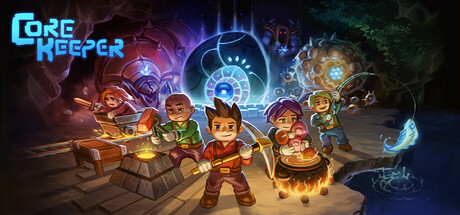
Core Keeper
Publisher: Fireshine Games, bilibili
Game Information
Roadmap

More Great Games!
About the Game
Awaken as an explorer in a long-forgotten cavern teeming with untold secrets. In this award-winning, 1-8 player mining sandbox adventure, your choices shape an epic journey. Harvest relics and resources, craft advanced tools, build your base, and explore a dynamically evolving world waiting to be unearthed.
Level up your skills, defeat legendary Titans, and unveil the power of the Core. Grow your garden, fish in mysterious waters, master a vast array of recipes, raise and care for animals, encounter the Cavelings, and carve out your own unique world in an enchanting underground adventure.
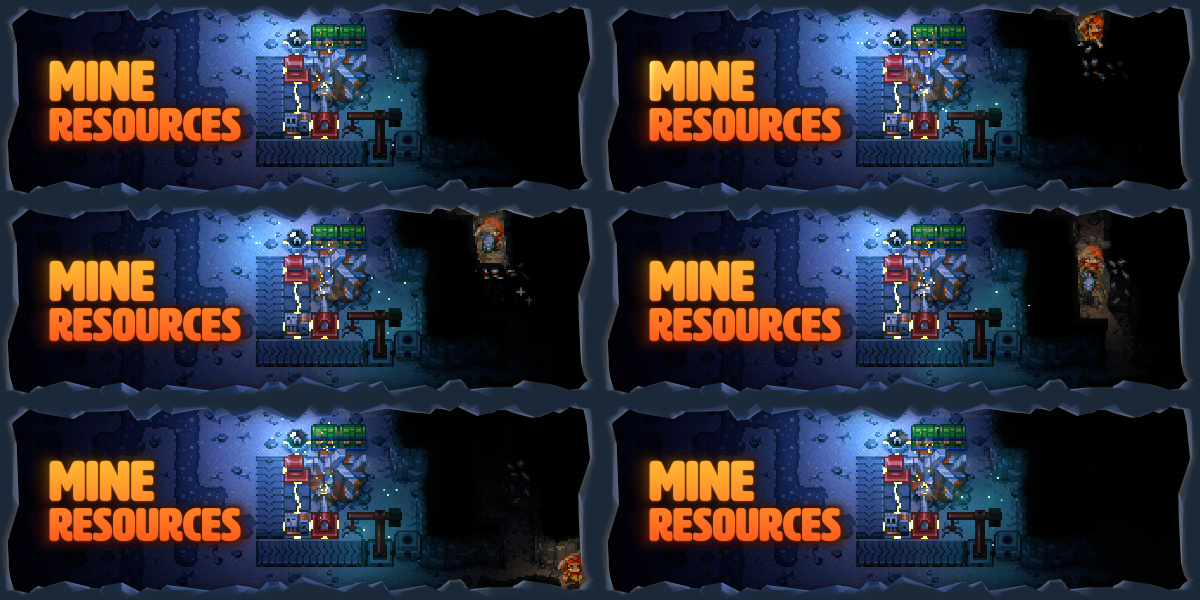
- MINE RESOURCES
Delve deep to harvest precious resources and unearth hidden gems. Craft tools to help you survive, from pickaxes, fishing rods, and shovels to traps, bombs, and mortars. Upgrade your arsenal and equipment with advanced tools like the mighty Obliteration Ray, and automated machinery to streamline mining, smelting, storage, and more. Level up your skills and unlock powerful weapons to conquer the depths.
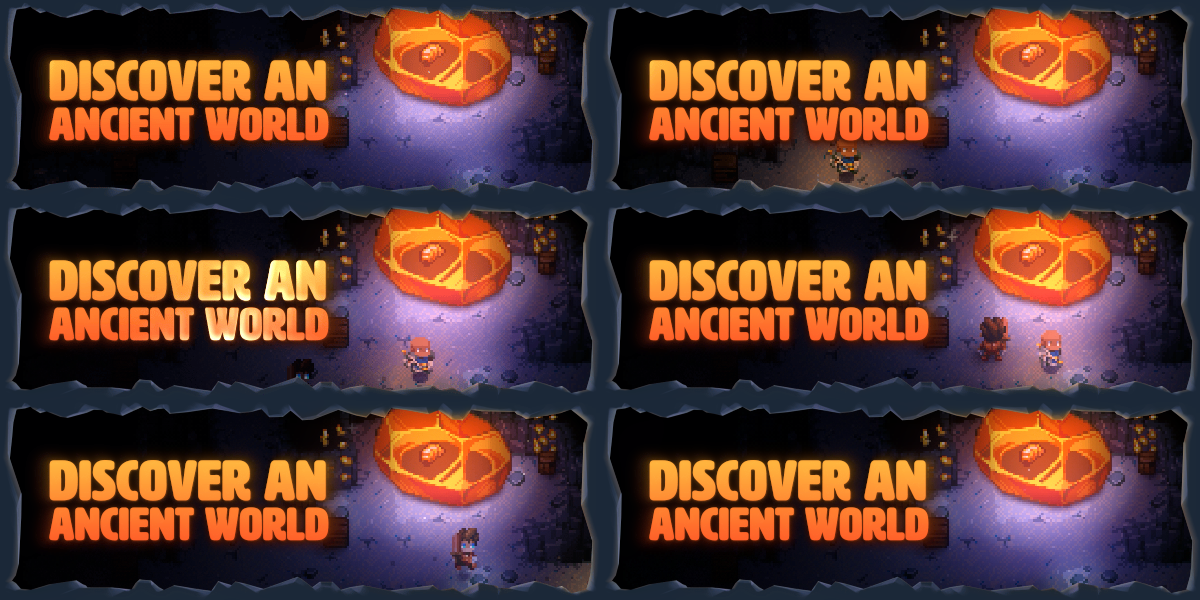
- DISCOVER AN ANCIENT WORLD
Explore diverse biomes with unique ecosystems and long-forgotten lore. From the living walls of the Clay Caves to the crystal caverns of the Shimmering Frontier, discover more about this mysterious world as you uncover the secrets of the Cavelings. Build a boat to set sail across the Sunken Sea, race across the Desert of Beginnings, and encounter the remnants of ancient civilizations.
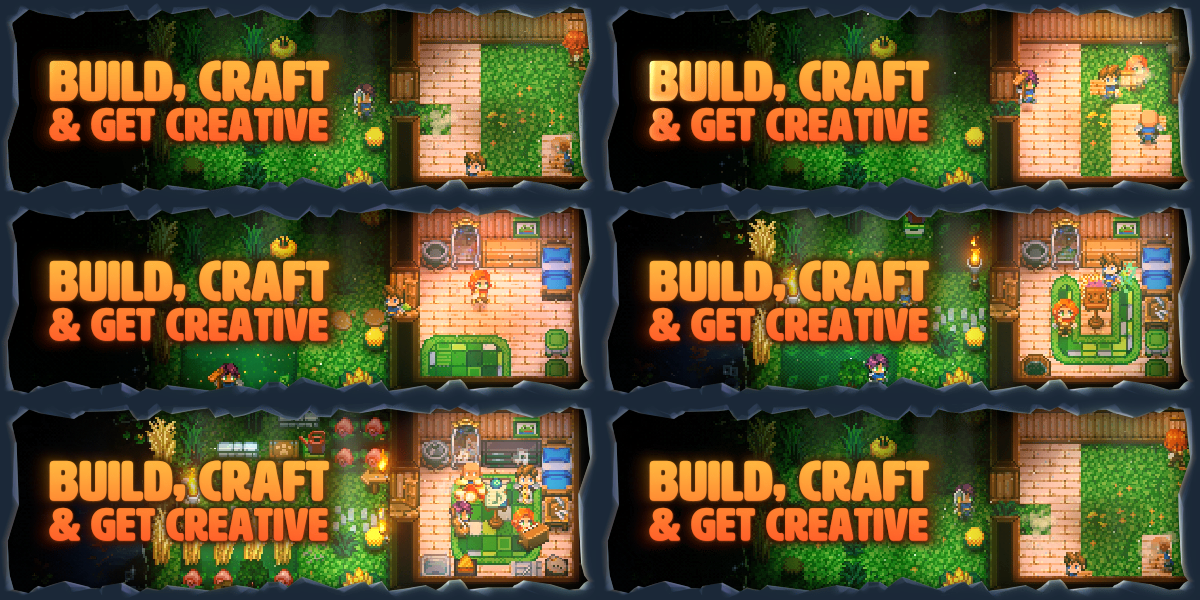
- BUILD, CRAFT & GET CREATIVE
Create a totally unique base using a variety of different materials and customisations. From the ultimate adventurer’s lair to a cozy underground cottage, shape the underground your way. Customize your character’s appearance and choose from an array of powerful armor and unique outfits to suit the moment.

- BATTLE TITANS
Face legendary Titans that hold the secret to this long-forgotten world. Sharpen your combat skills against a variety of monsters and mini-bosses, spend talent points to level up your abilities, and plan your strategy to conquer these colossal creatures of the underground. Discover rare and powerful loot to help you on your journey and power up the Core.
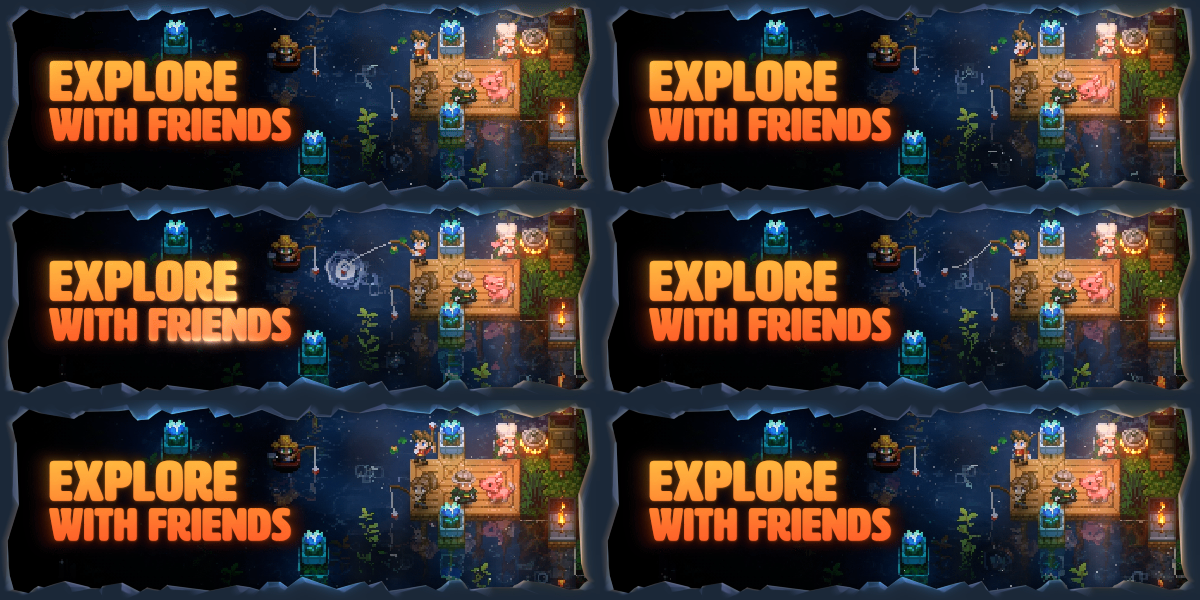
- EXPLORE WITH FRIENDS
Enjoy the adventure solo or team up in 2-8 player drop-in/drop-out online co-op. Play your way and explore at your own pace — celebrate the seasons, trade with merchants, hatch your new best friends, design the ultimate base, automate resource gathering, host your own dedicated server, create music on playable instruments and discover an unforgettable sandbox adventure.
Mac Performance Stats
Experience Reports
2
Play Methods
Average Rating
Experience Reports

PLAYWINDOWSGAMES
ONMAC
*Affiliate link. Supports this site & Mac gaming through CodeWeavers' contributions to Wine.

CrossOver
v26.1.0 (build 39808)
- Graphics:
- HIGH
- Machine:
- MacBook Pro
- Chip:
- M2 MAX
- Cores:
- 12 CPU, 38 GPU
- RAM:
- 96 GB
Review Note:
Hardware: MacBook Pro M2 Max, 96 GB RAM
macOS: Tahoe 26.4.1 (build 25E253)
Tool: CrossOver 26.1.0 (build 39808)
Game version: Core Keeper 1.2.1.2-d0b8
Bottle: win10_64
Performance: HIGH (smooth in single-player; no FPS bottleneck observed on M2 Max — game CPU/GPU load is minimal for a 2D Unity title)
Mode tested: Single-player only
Multi-player: Not viable in default config (see Bug 1)
Bug Reports + Workarounds
Bug 1: Multiplayer backend fails to initialize
Symptom: "Connection to multiplayer backend lost" when entering any world,
even in solo mode (each world spins up a local server in 1.0+).
Cause: Pug's crossplay backend uses Microsoft Game Stack modules
(XAuth/XLive lineage) that don't initialize under Wine.
Fix: In-game Options → Gameplay → Crossplay → "Steam Only".
Forces networking onto Steam Datagram Relay, which works under Wine.
Side-effect: no cross-play with consoles/mobile (irrelevant for solo).
Bug 2: First save of a brand-new world doesn't persist
Symptom: Create new world, play, Save & Exit, restart game → world is gone
from the world list. Layer-2 atomic-rename in Pug's
StandaloneFilesystem.Write fails under Wine with 0x80070006
(ERROR_INVALID_HANDLE).
Detail: Pug's atomic-write writes <file>.pugbackup, then <file>.pugtmp,
then renames .pugtmp → final. Step 1 fails (likely LockFileEx +
CreateFile race in Wine's POSIX flock emulation). Step 2 succeeds
(real ~38 KB world data is in .pugtmp). Step 3 never runs.
Fix: Manual rename via shell script after the first Save & Exit:
- mv worlds/<W>.world.gzip.pugtmp → worlds/<W>.world.gzip
- mv worldinfos/<W>.worldinfo.pugtmp → worldinfos/<W>.worldinfo
- mv worldgenparams/<W>.json.pugtmp → worldgenparams/<W>.json
- mv maps/<C>/<M>.mapparts.gzip.pugtmp → maps/<C>/<M>.mapparts.gzip
- cp each → .pugbackup twin
From the second save onwards (OPEN_EXISTING path), Pug's save
cycle works normally — script only needed once per new world.
Bug 3 (resolved): Steam Cloud Sync destroys saves with empty stub files
Was a side-effect of older Reddit guides recommending touch-based stub
files to bypass Bug 2. Empty 0-byte stubs were uploaded by Cloud
Conflict-Resolution, overwriting real cloud saves. With the script-based
workflow above (which only produces full files), this is no longer an
issue — Cloud Sync can stay enabled.
Bug 4 (cosmetic): "Write failed: Erfolg" misleading log line
Pug's GetLastError + FormatMessage path under Wine localizes 0x80070006
to "Erfolg" (Success) on German systems — Wine FormatMessage HRESULT
off-by-one. The actual error is ERROR_INVALID_HANDLE. Cosmetic only,
doesn't affect gameplay.
Setup Steps
1. Install CrossOver, install Steam in a fresh win10_64 bottle, install
Core Keeper from Steam.
2. Set Crossplay to "Steam Only" in-game (fixes Bug 1).
3. For each new world:
a. Create world in-game, enter it.
b. Immediately Save & Exit (do not build anything yet — would be lost).
c. Quit Core Keeper completely.
d. Run a shell script that renames all .pugtmp files in:
~/Library/Application Support/CrossOver/Bottles/Core Keeper/
drive_c/users/crossover/AppData/LocalLow/Pugstorm/Core Keeper/
Steam/<STEAM_ID>/
to their original names (and copies them to .pugbackup twins).
e. Restart Core Keeper, load world, now play normally — subsequent
Save & Exit cycles work without intervention.
4. Optional: cloud-restore old worlds from
https://store.steampowered.com/account/remotestorageapp/?appid=1621690
Steam prepends directory names with underscore, e.g.
"worlds/0.world.gzip" downloads as "worlds_0.world.gzip".
Map files (maps/<C>/<M>.mapparts.gzip) are NOT cloud-synced — only
world data, worldgenparams, worldinfos, and char saves are.
5. Cloud Sync can stay enabled — the script-based workflow doesn't
create empty stub files, so Steam's conflict-resolution has no
trigger to upload junk over real cloud saves.
CrossOver
v25.0.1
- Graphics:
- HIGH
- Machine:
- MacBook Pro
- Chip:
- M3 MAX
- Cores:
- 16 CPU, 40 GPU
- RAM:
- 48 GB
Review Note:
multi- player won't connect but you can play in single player, Im looking for a solution